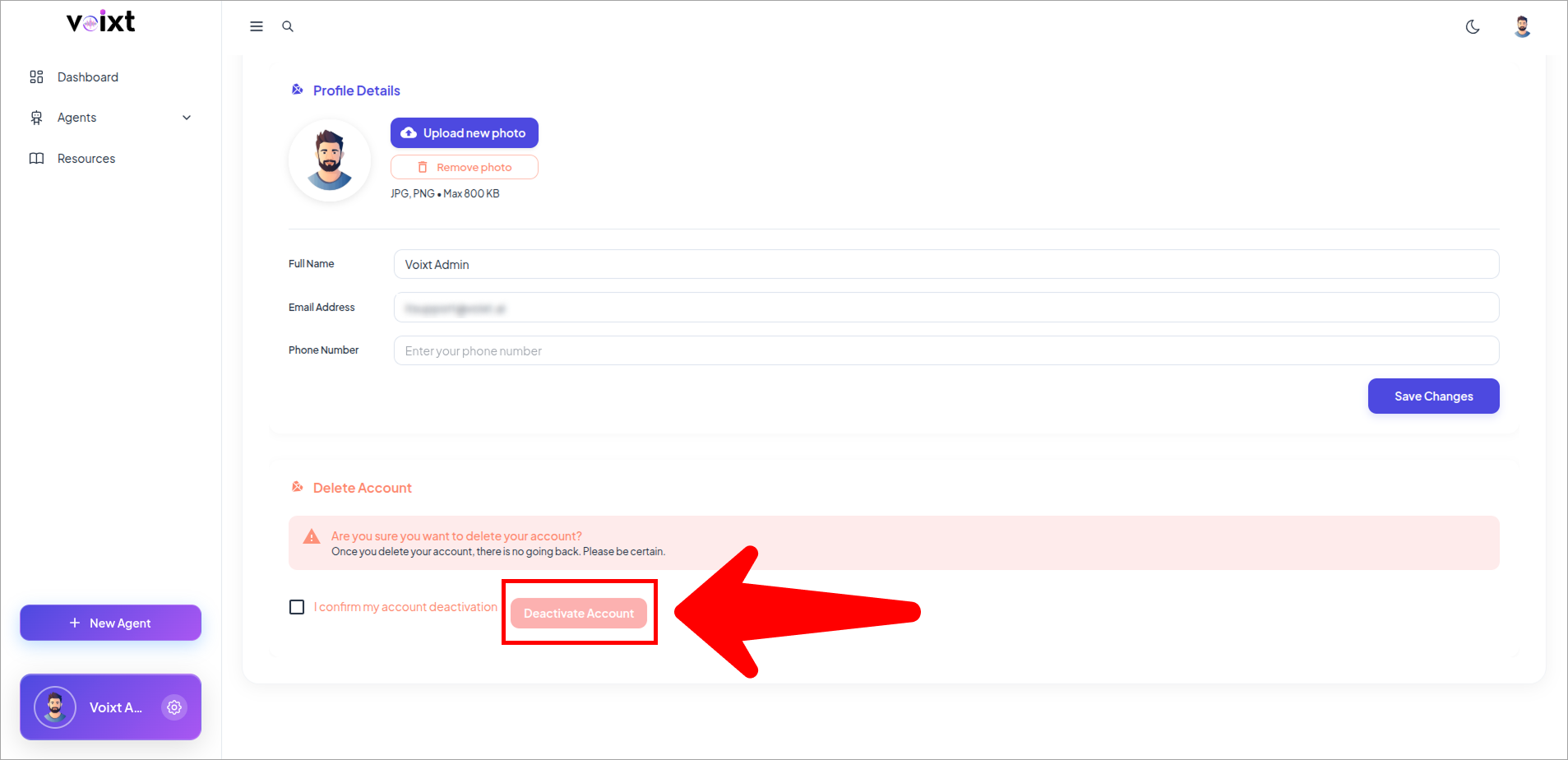
Delete your Voixt Account
This guide will show you how to permanently delete your Voixt account.
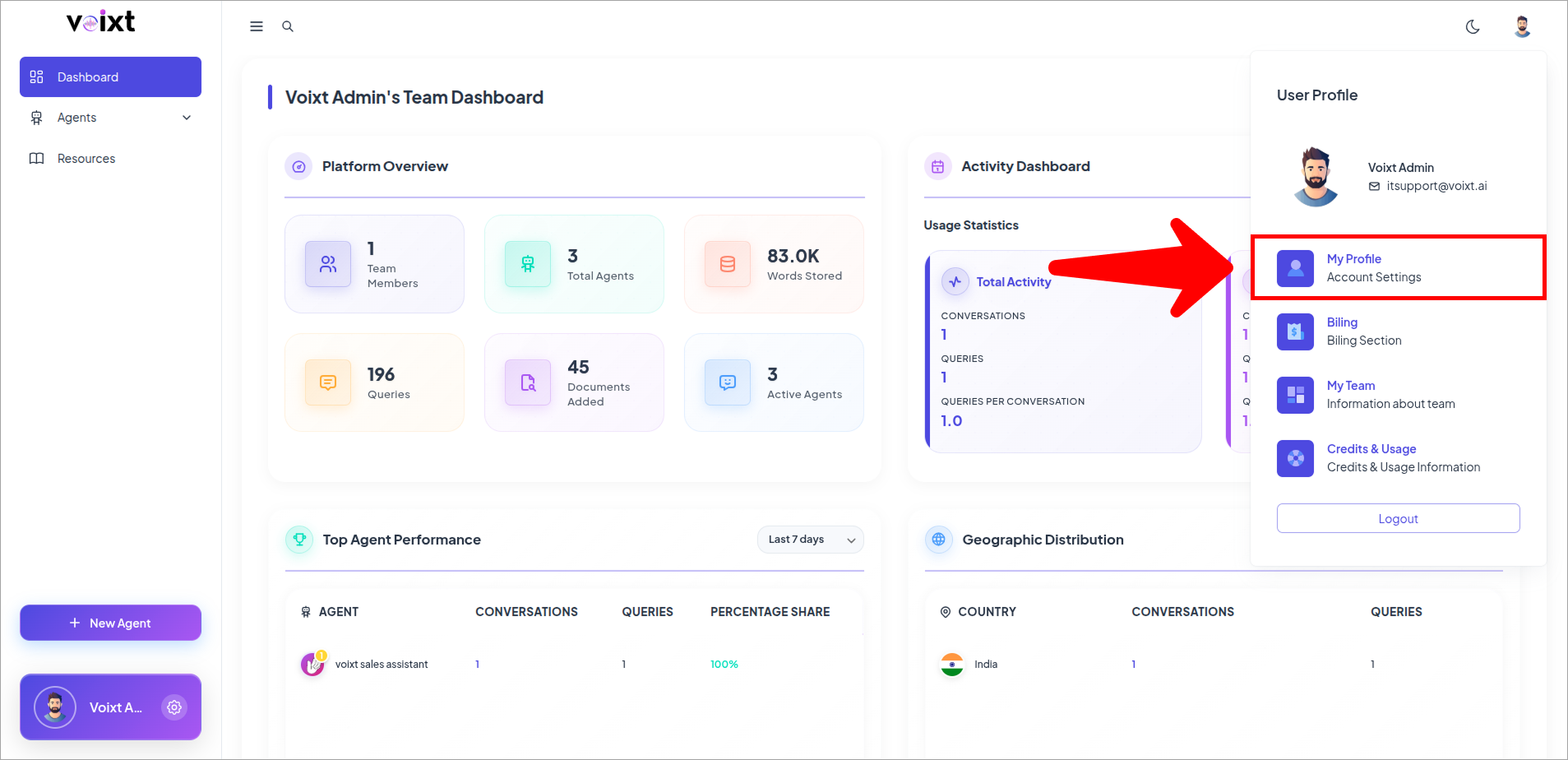
- From Dashboard Click on Profile Icon and My profile.
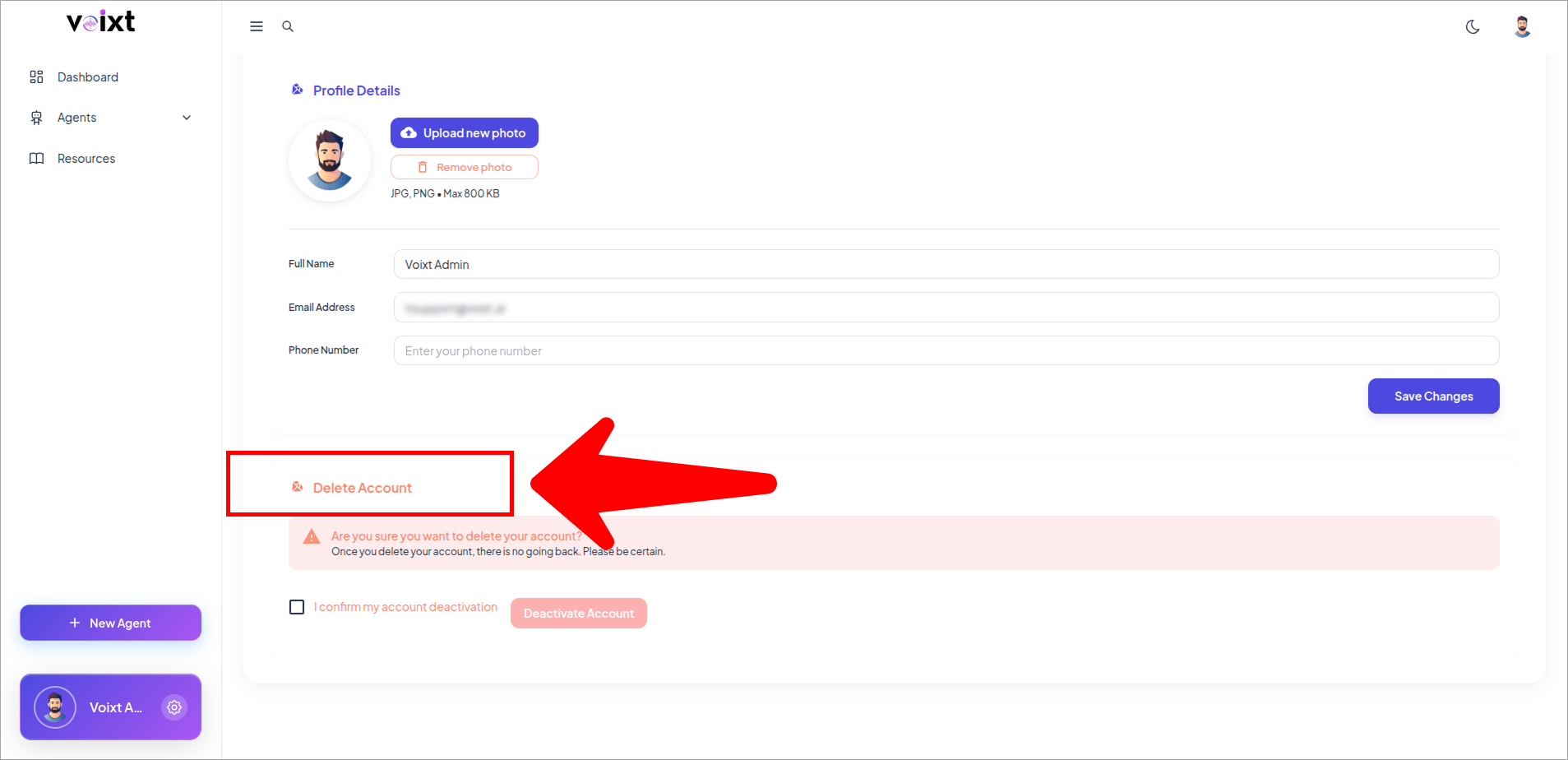
- From the profile page, Scroll Down to Delete Account.
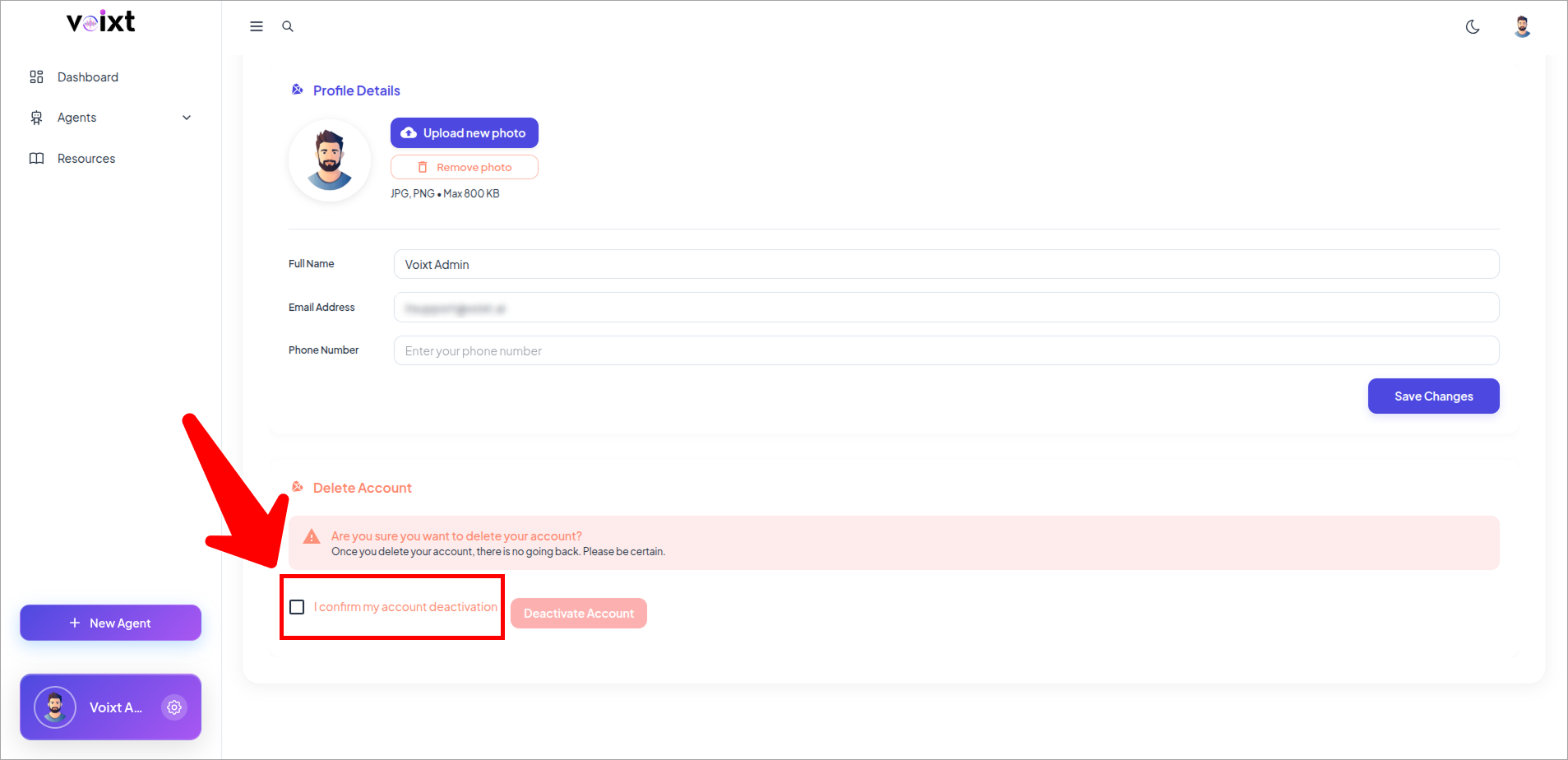
- Click on confirm checkbox I confirm to deactive my account to deactive your Voixt Account.
- Click on Deactive Account.