Forget Password
This guide shows how you can setup again, if you have account in voixt but you forget your password. follow step by step instructions to reset your password.
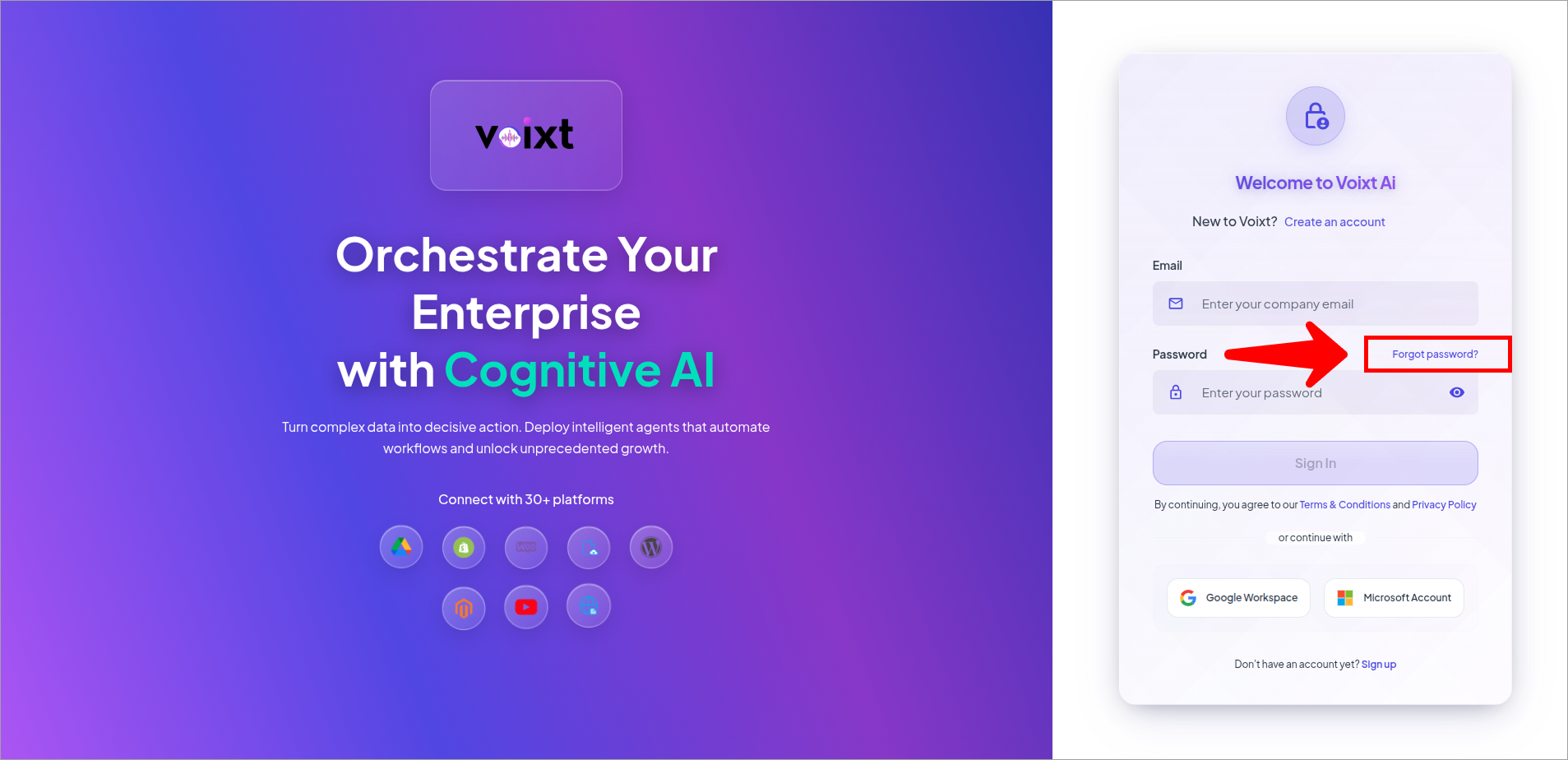
- Open the Voixt Login and click on forget password.
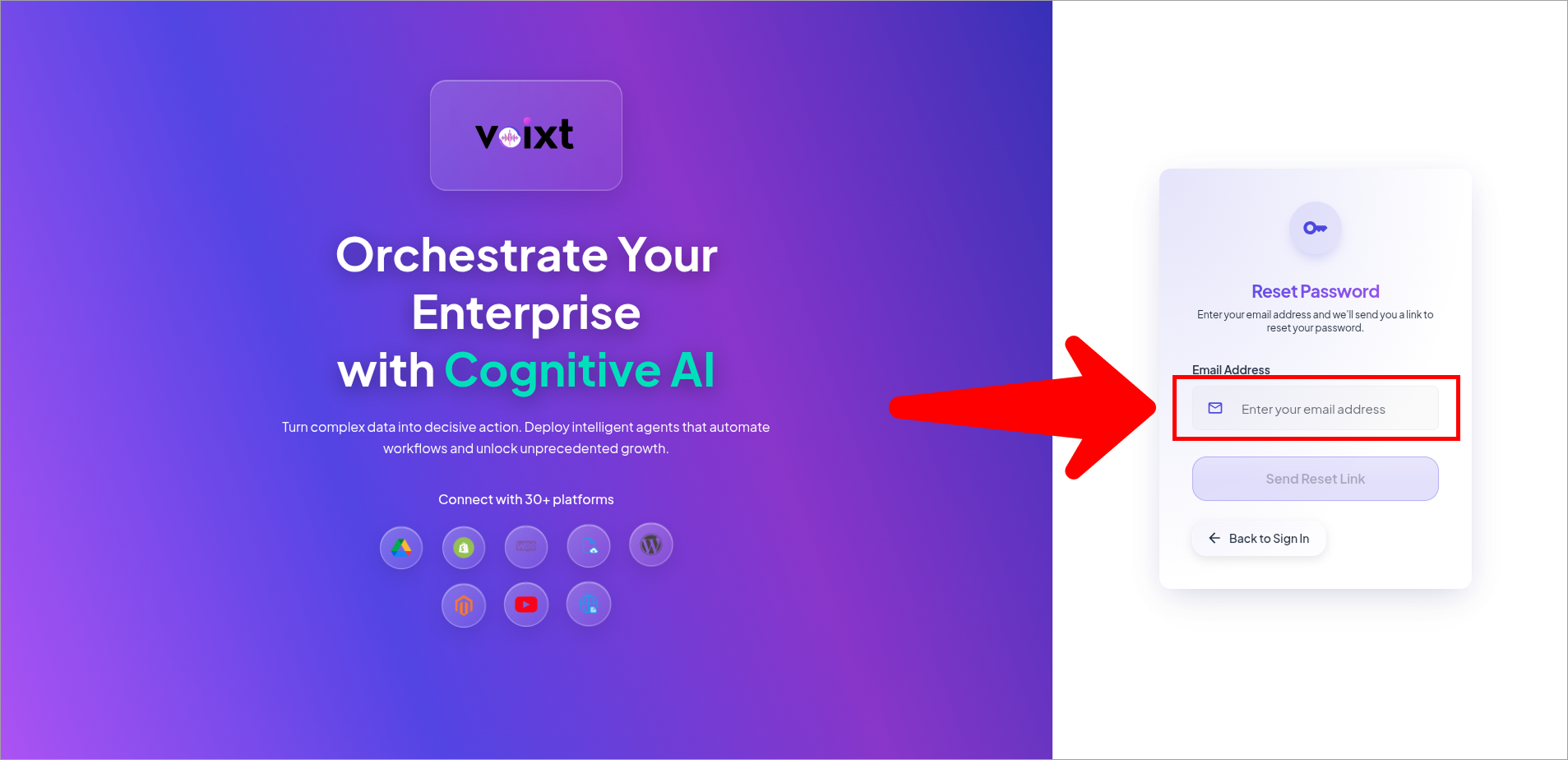
- Enter your email address whos password you forget.
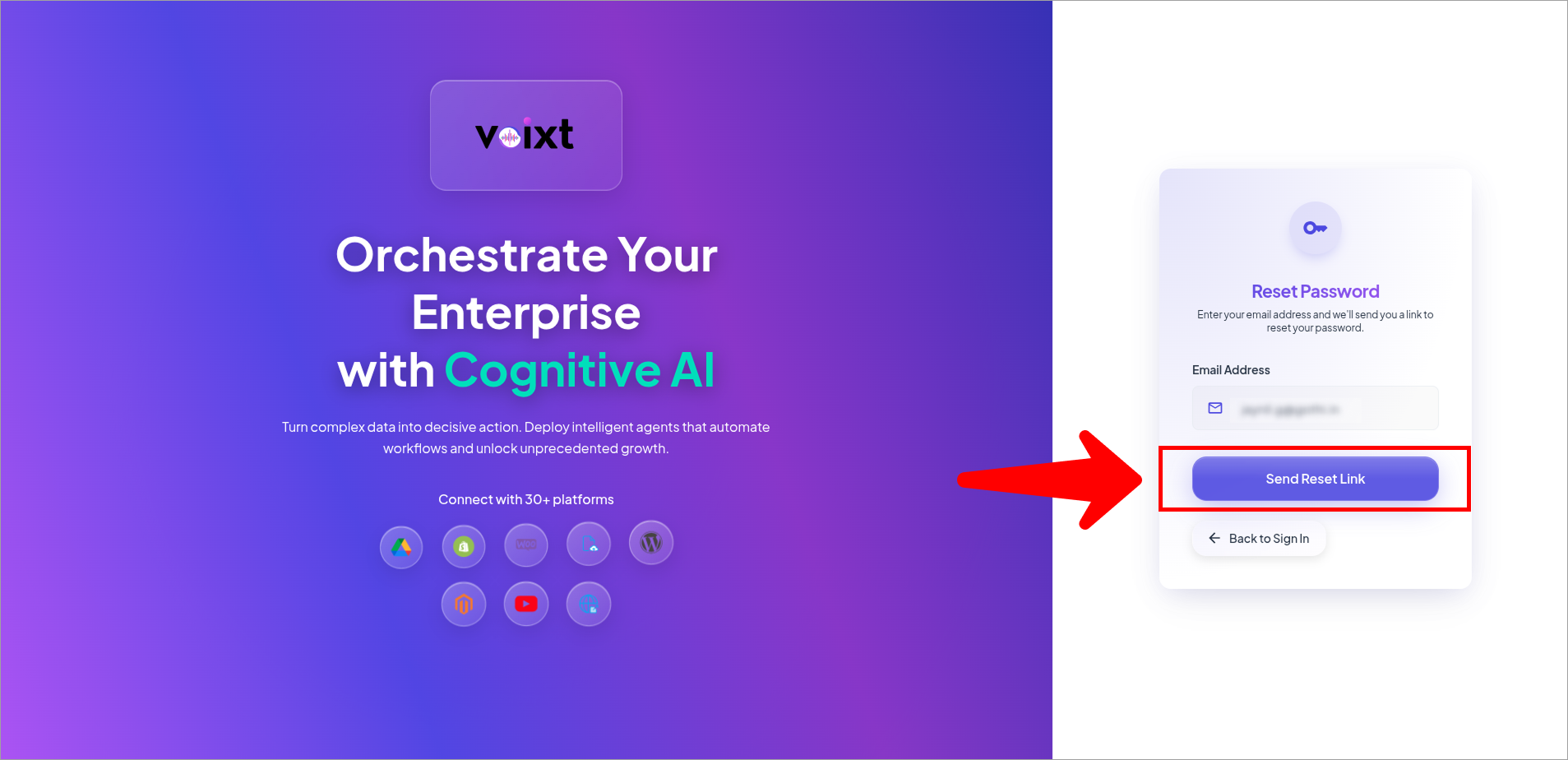
- Click on Send Reset link button.
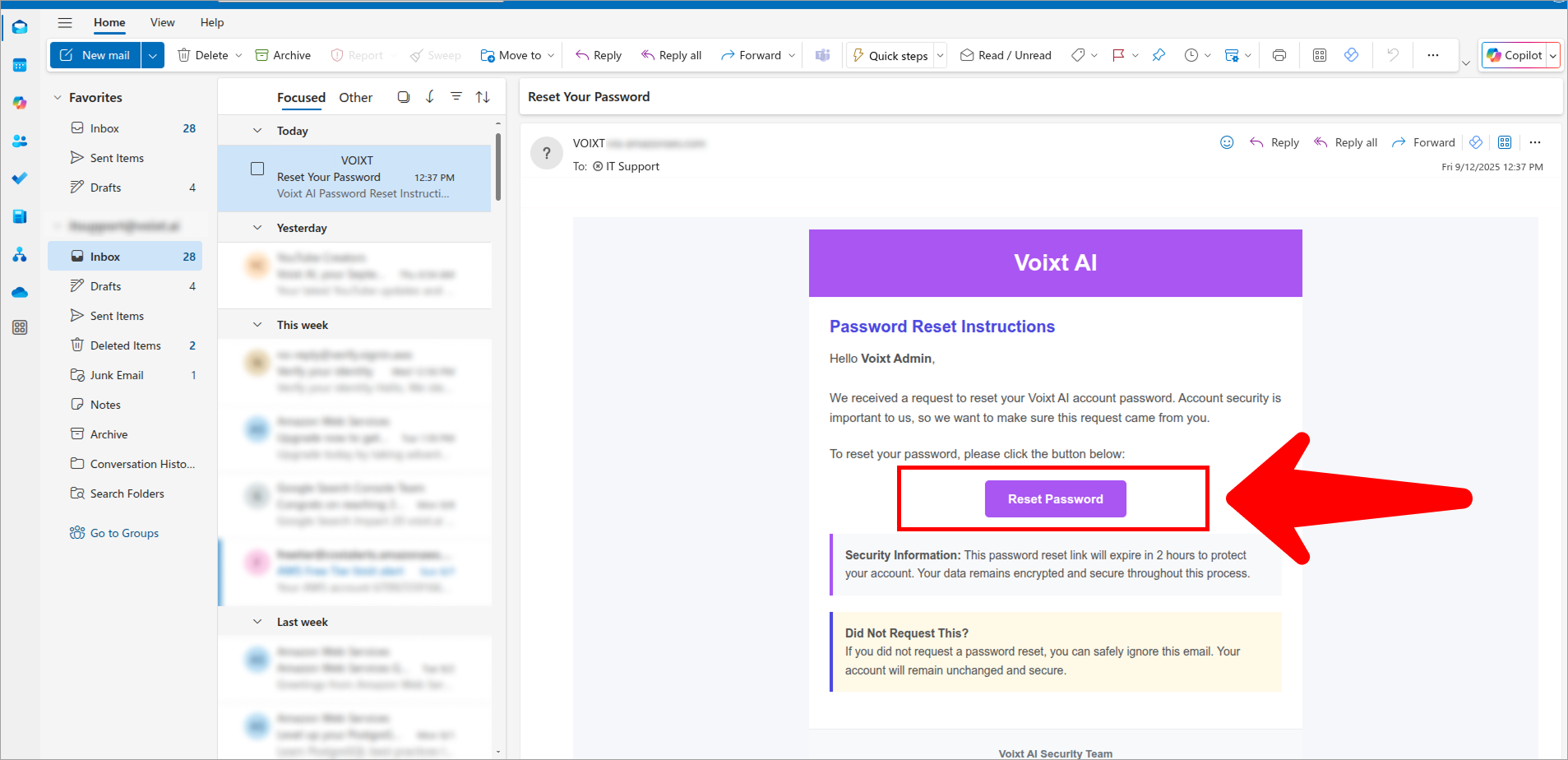
- Check your email inbox for password reset link and click reset to continue.
note
Check your inbox, if not there check Spam or Junk folder if in case it reported.
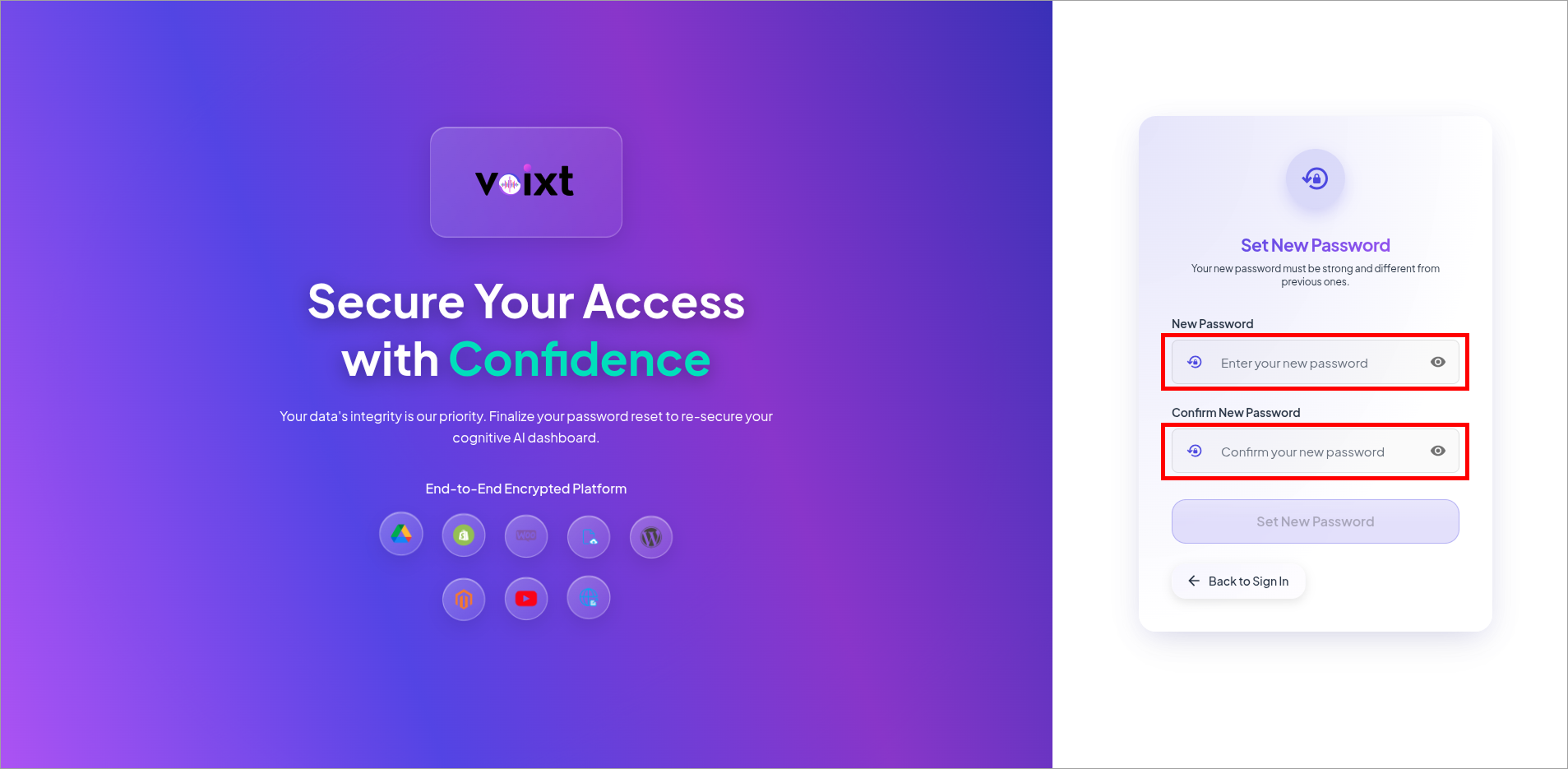
- you'll be redirected to reset password page, enter here new password you want to set and write again to confirm the password you entered.
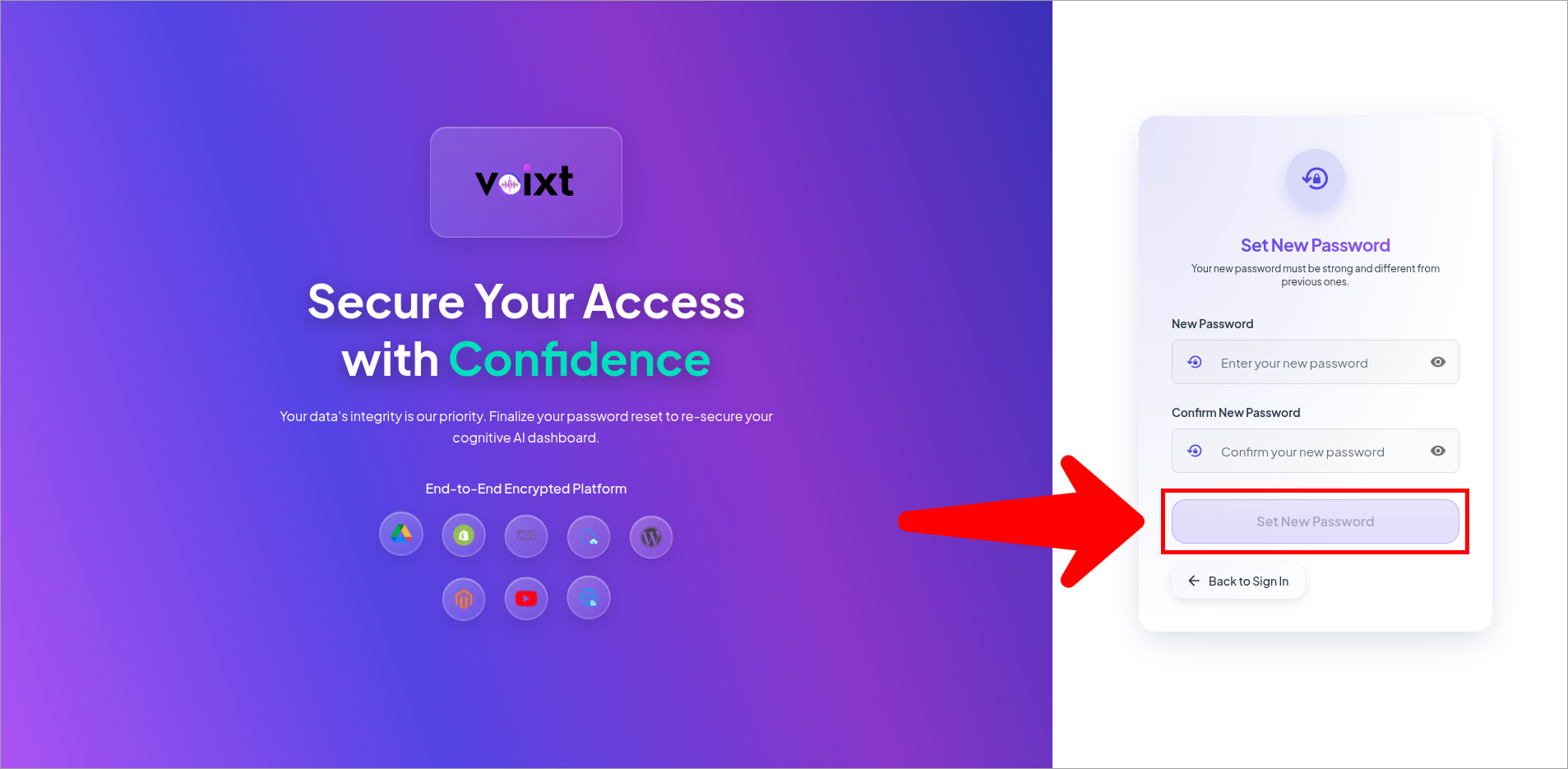
- click on set new password to set your new password.
warning
Don't Share your credentials with anyone.
here's how you can set new password if you forget your account password. and now you can login with your updated password and email address.