Agent Status
Everything you need to know about Agent Status
This guide is made to explain about agent status feature, types of status and what is the use of different agent statuses, how to find or filter using the status, and why status made for.
Agent Status
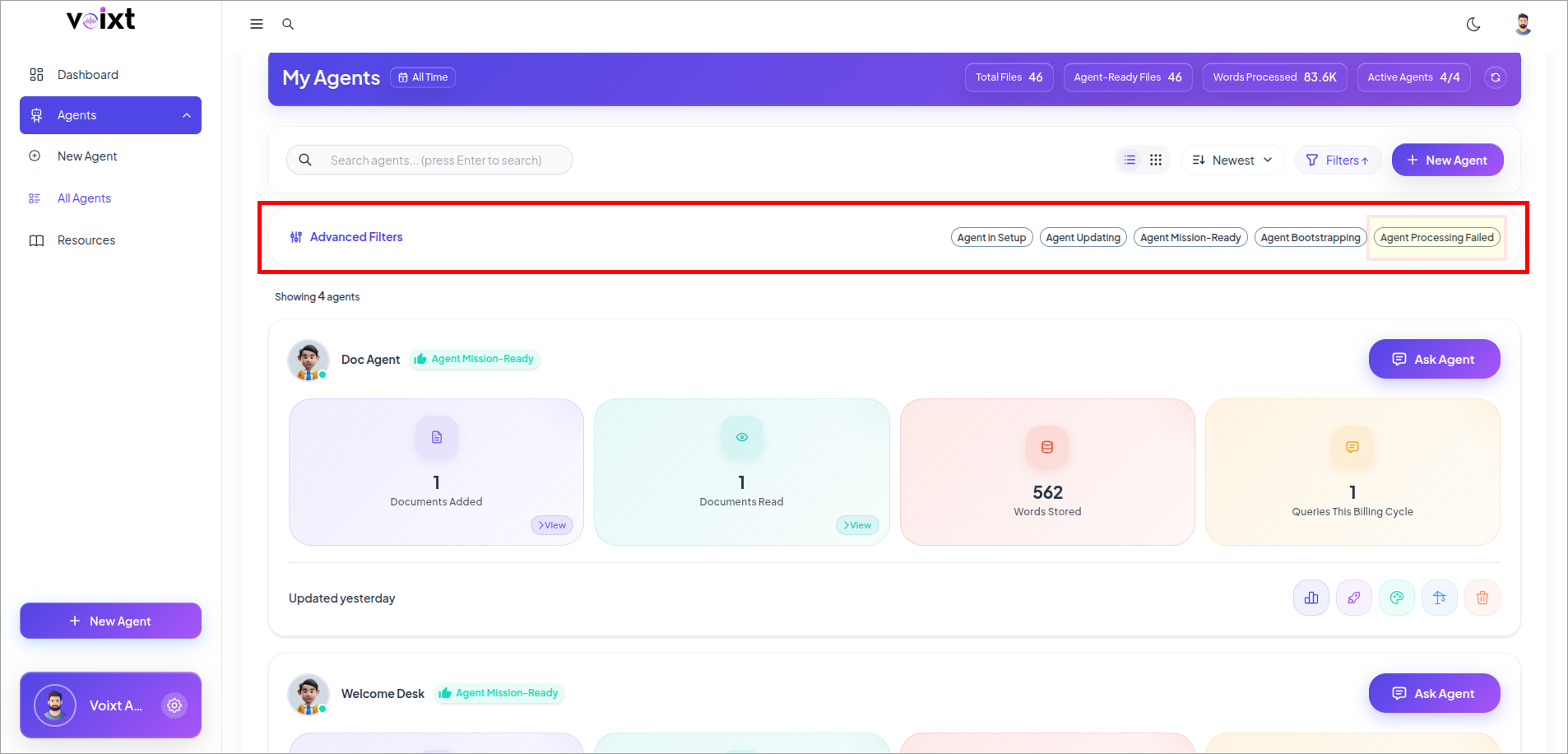
Agent status shows the status of your Agent and how much its knowledge has been processed. It lets you quickly see whether the agent is fully trained, processing, failed or missing.
With the Status, You'll always know whether your agent is ready to give best response or undersdtanding the knowledge base.
Benefits of Agent Status
Knowing Agent status helps you to:
- know your agent is ready to response.
- Indentify if large uploads are still in process.
- Error or Troubleshoot situations when your agent is not able to give response as expected.
- Make sure to relies on gent with updated knowledge base and ready to respond.
Types of Agent Status
These are types of Agent Status which makes you understand the Agent in real time that agent is ready or not.
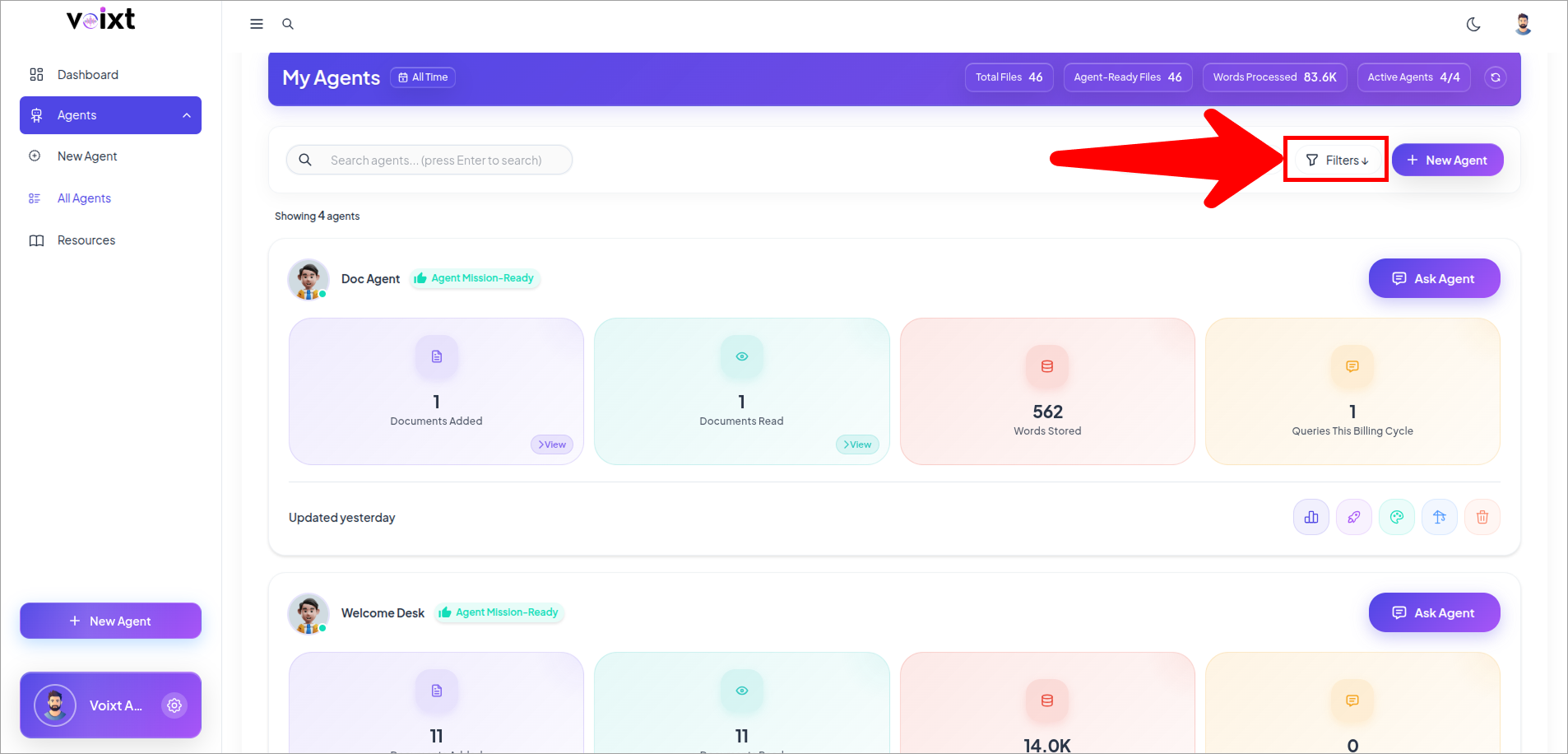
Go to All Agents, Find filters button
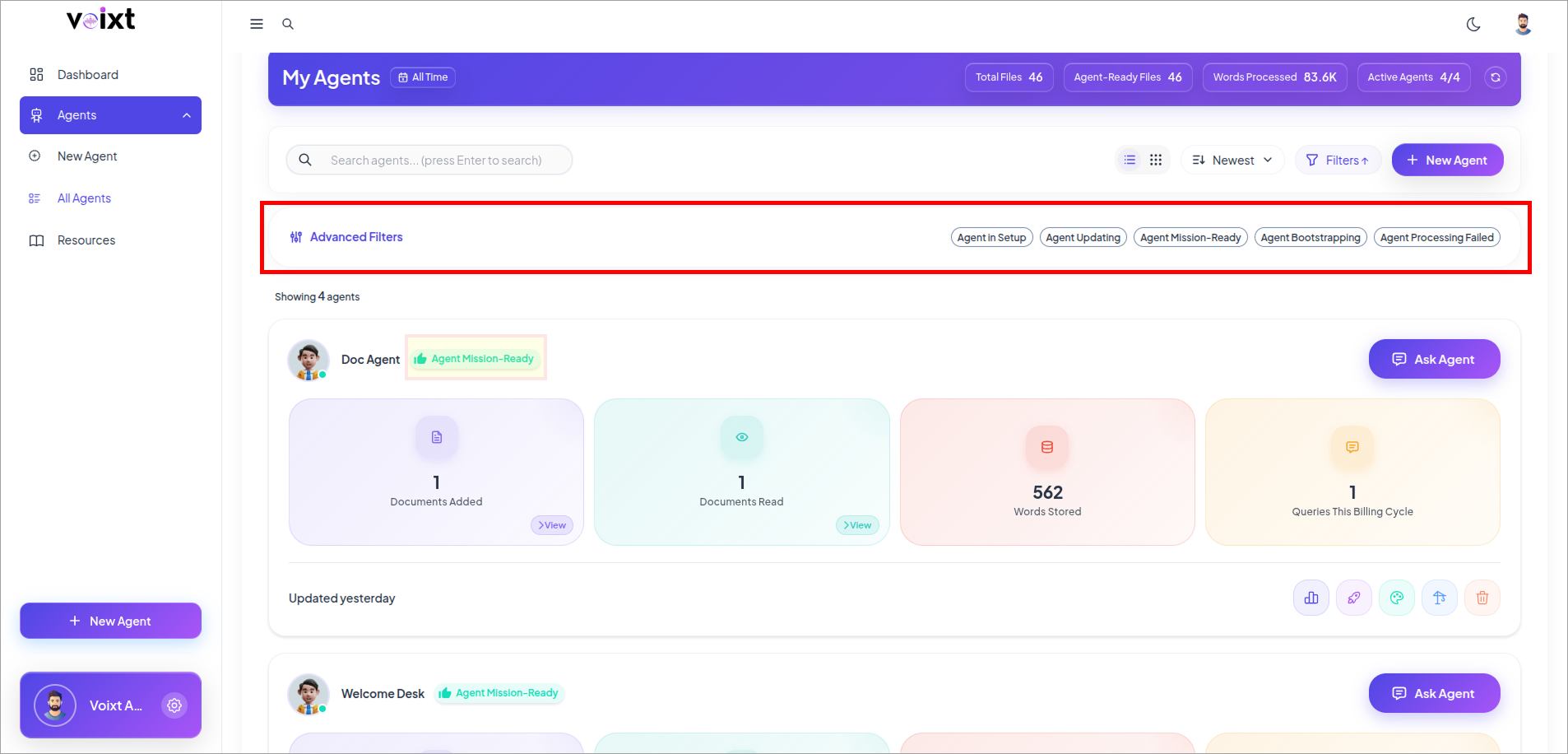
Agent Mission-Ready
UpdatedAll systems good to go. Data processed, embeddings complete.
Check the highlighted portion of the Agent which indicate the Agent Status.
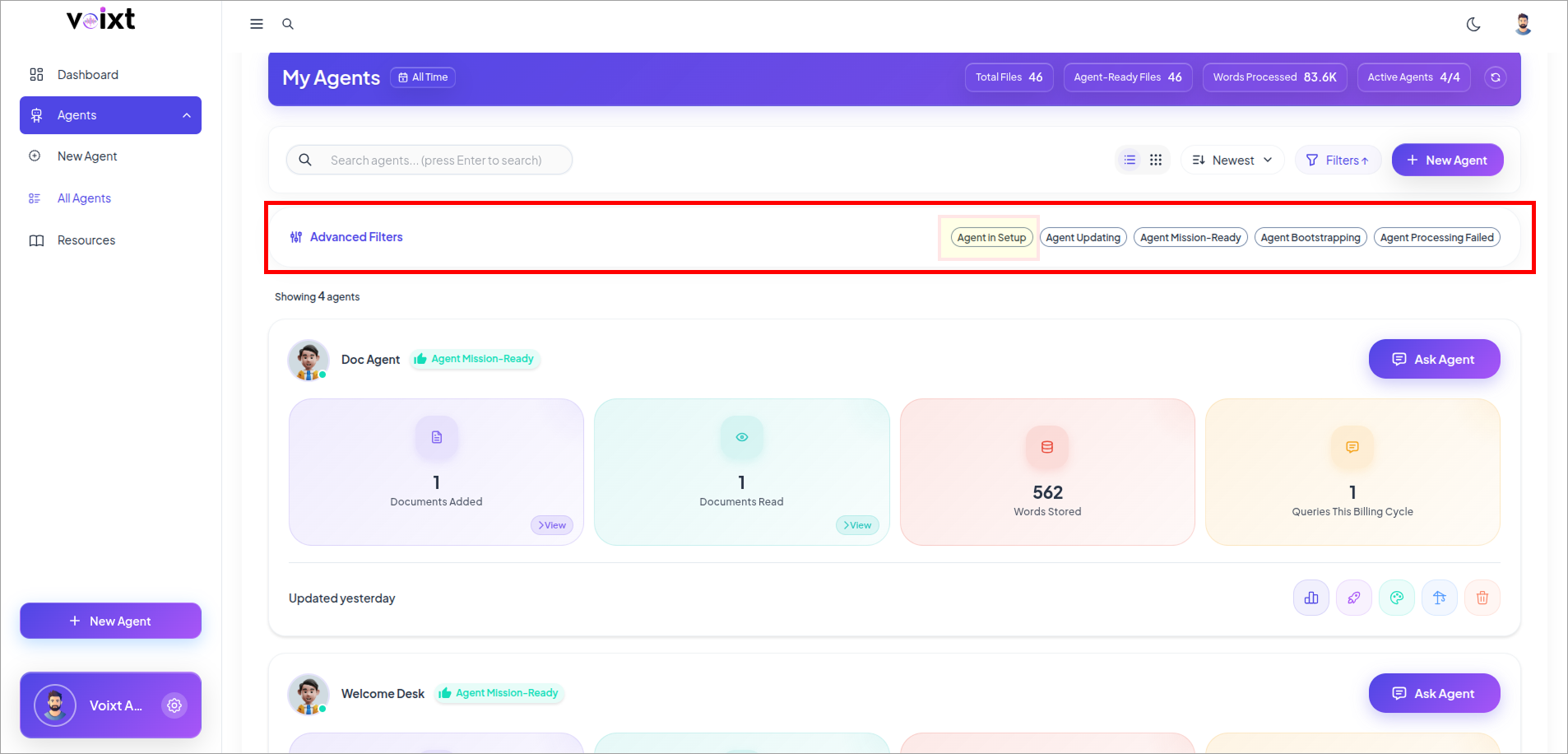
Agent in Setup
No DataAgent created but no data loaded yet. Start uploading files or URLs to activate it.
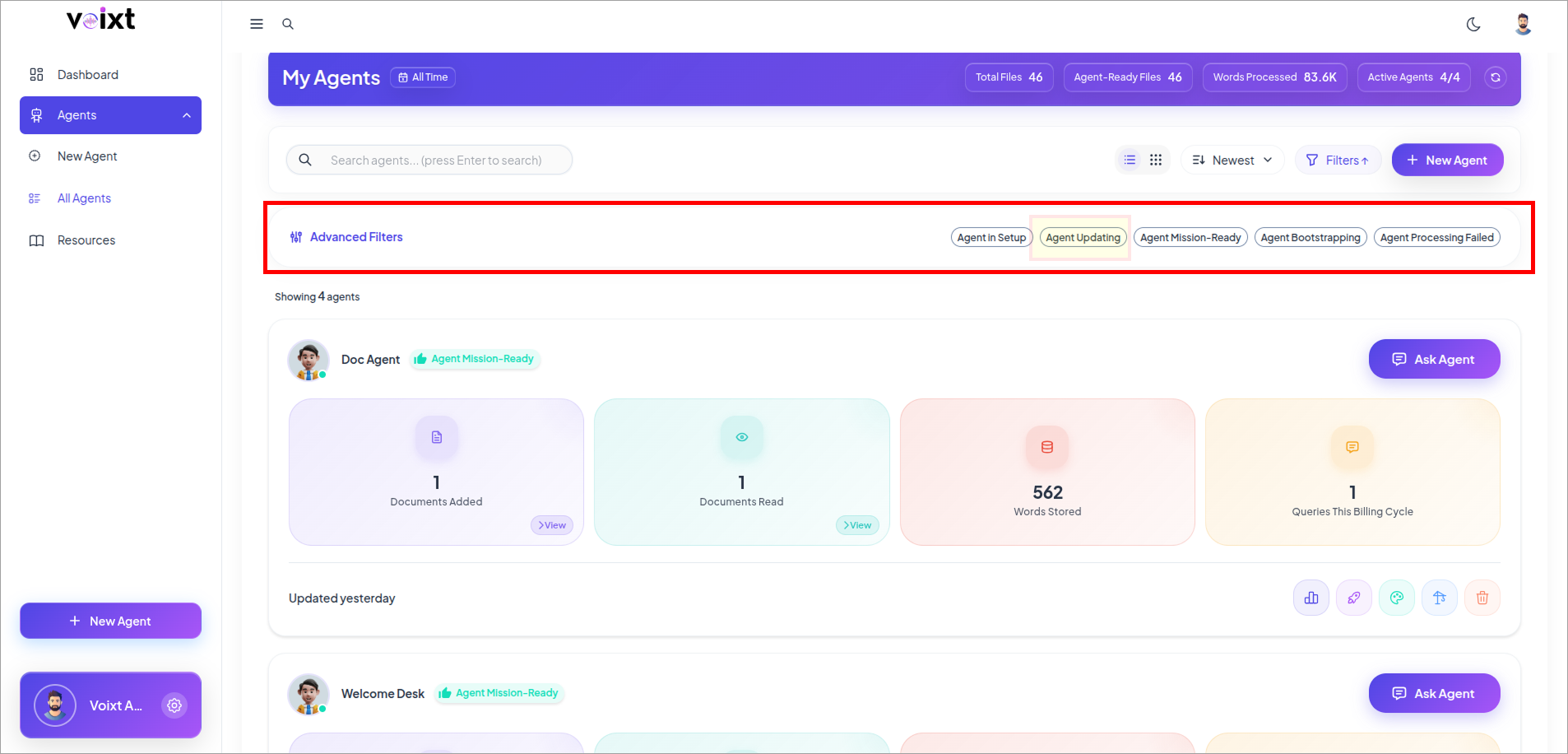
Agent Updating
ProcessingFiles received, processing underway (OCR/Embeddings pending). Sit tight.
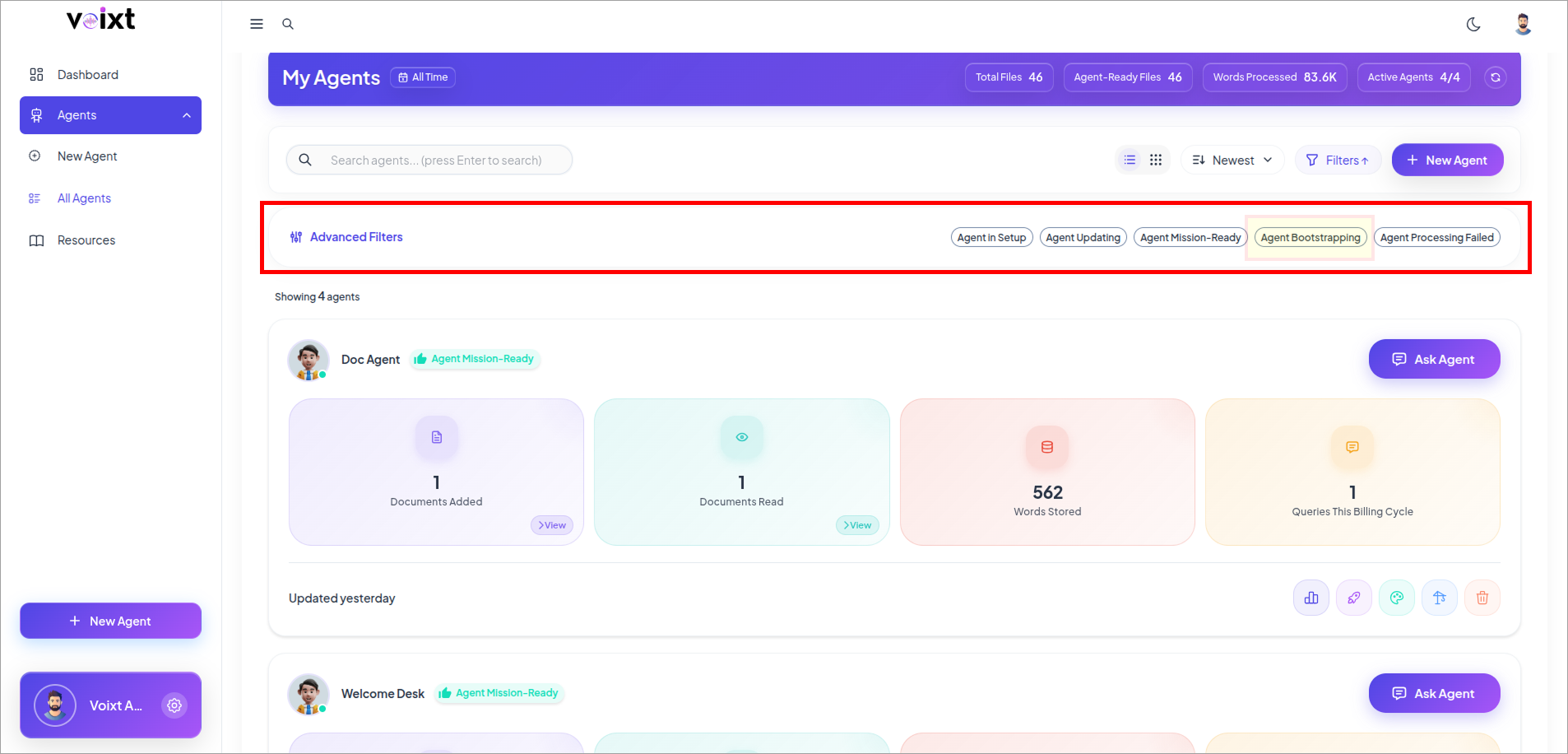
Agent Bootstrapping
Ready with ErrorsSome files failed processing, but the agent is give respond with the fully processed data not able to respond back with the knowledge which have errors.
Agent Processing Failed
FailedProcessing issues detected in over 30% of files. Please review errors.