Ask Your Agent
Here, are steps guide you to how you can communicate with your Voixt Agents you created.
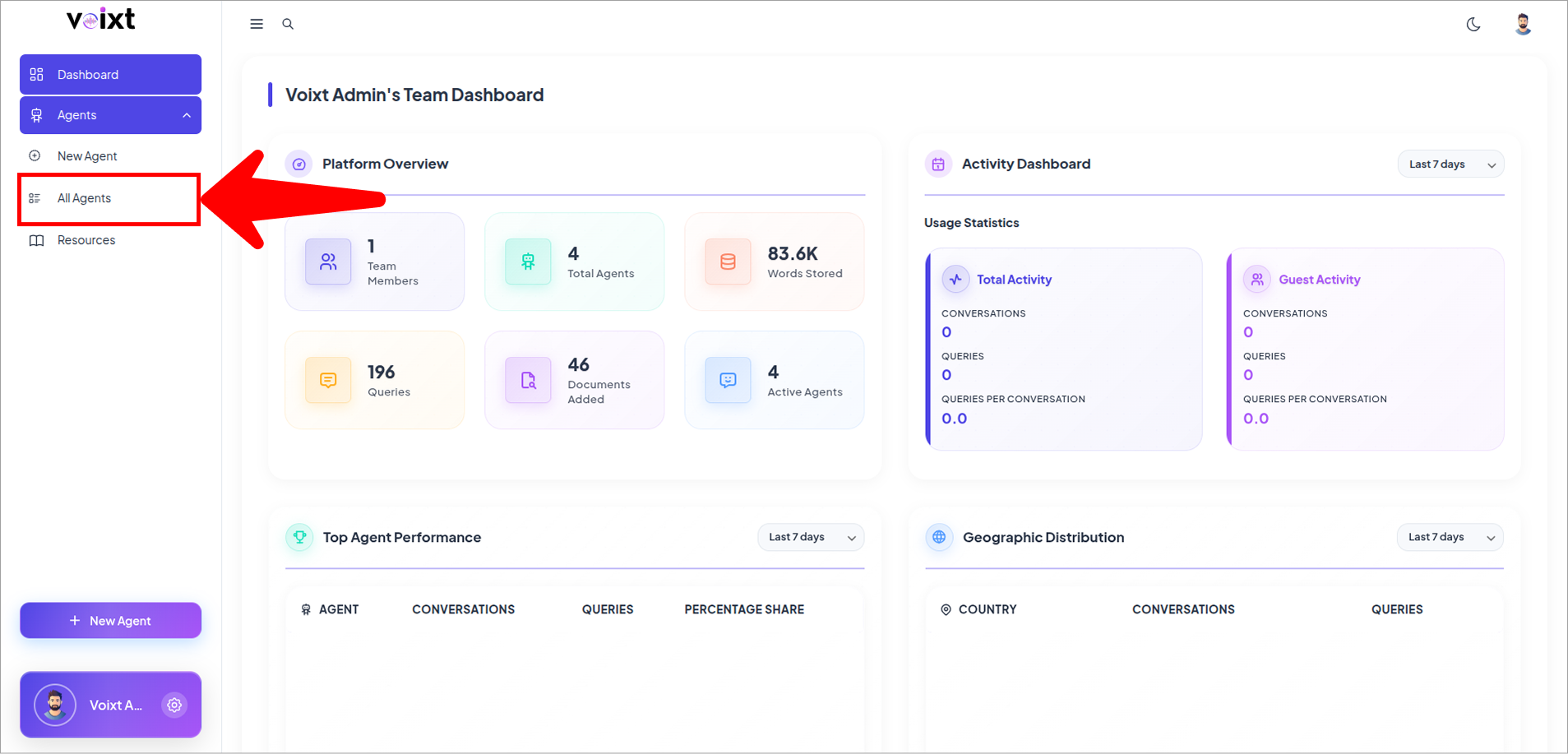
- From Voixt Dashboard Go to All Agents From Sidebar.
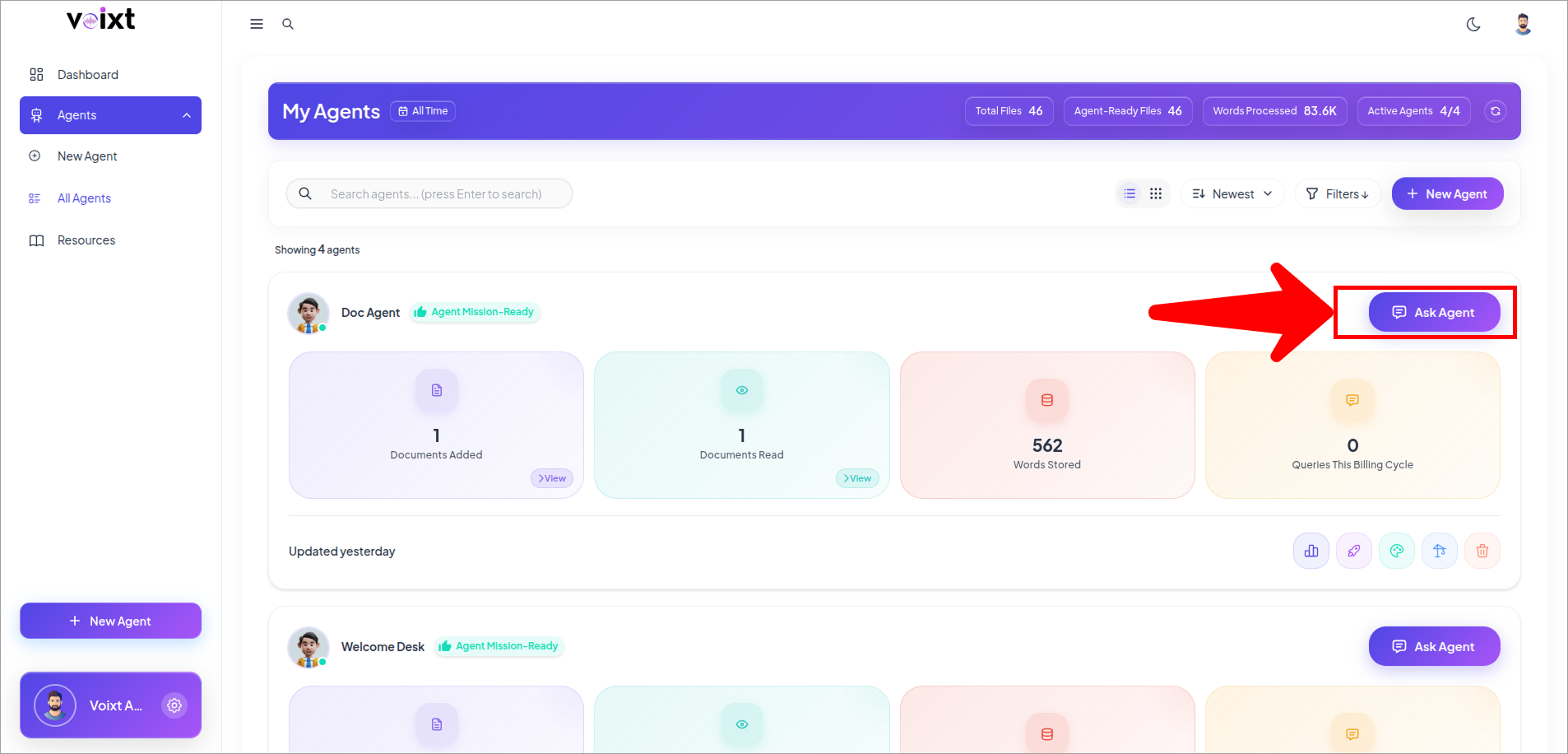
- This list down all agents you created, here Click on Ask Agent to ask that agent specifically.
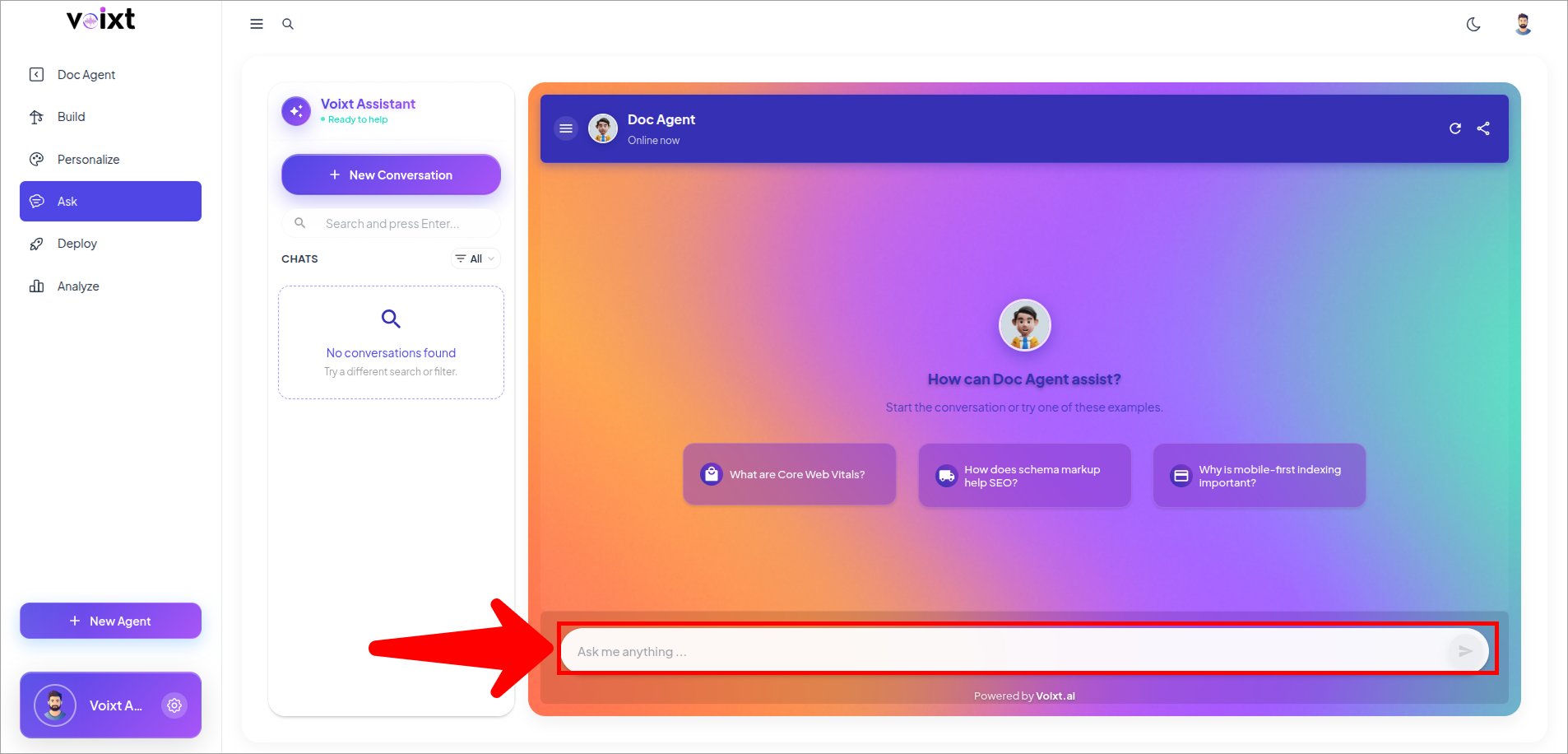
- enter the question or topic in the text box and press enter to start chatting with AI agent.
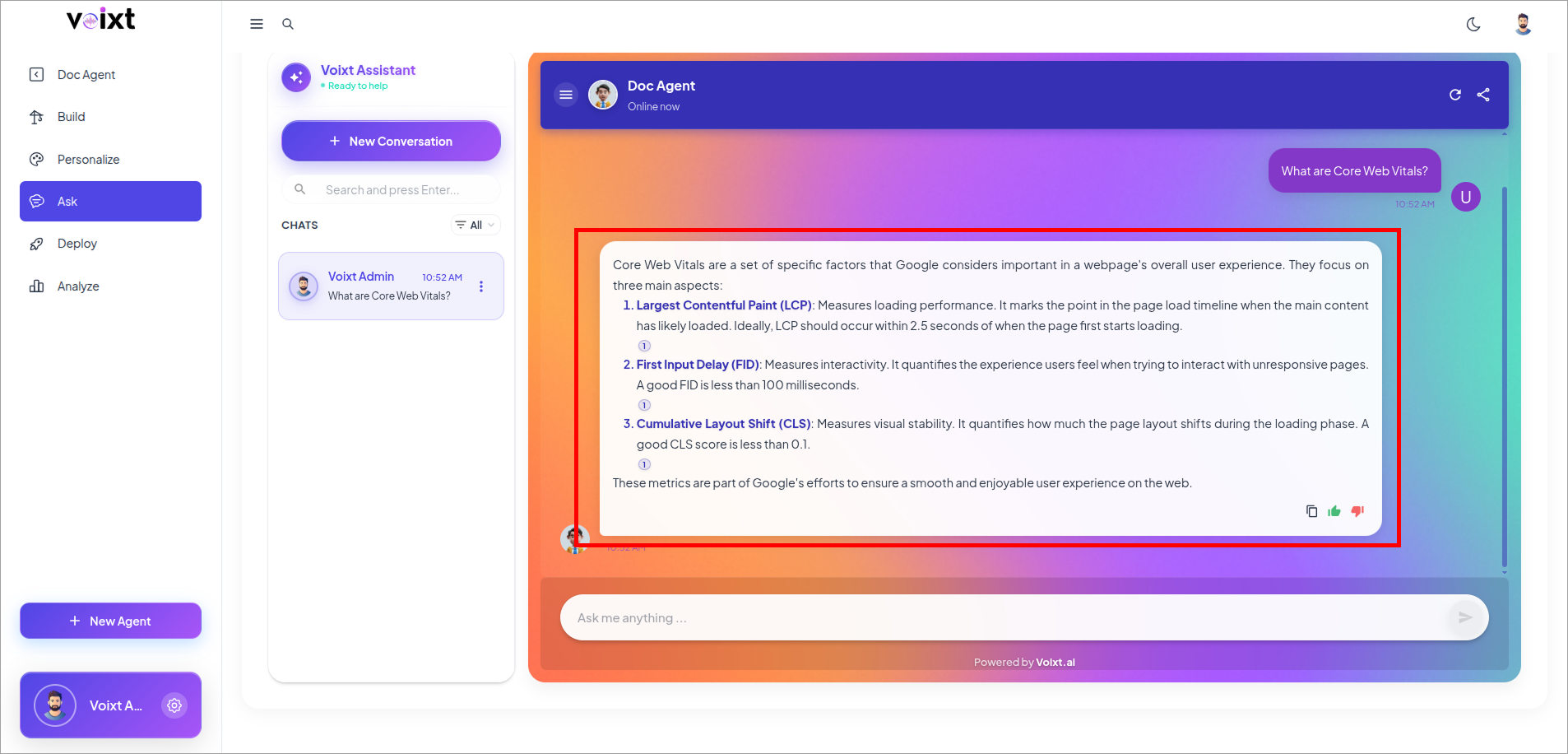
- Voixt will give response to you based on your question or topic and the data the agent have.