Agent Settings
Explore this and guide of the Agent Customization to personalize and customize Agents.
What is Agent Setting?
Agent Settings allow you to customize how your AI agent behaves, communicates, and presents itself to users. With these options, you can adjust the agent’s language, conversation flow, branding elements, feedback features, and security preferences. This ensures the AI experience feels aligned with your organization while remaining user-friendly and secure.
Personalization
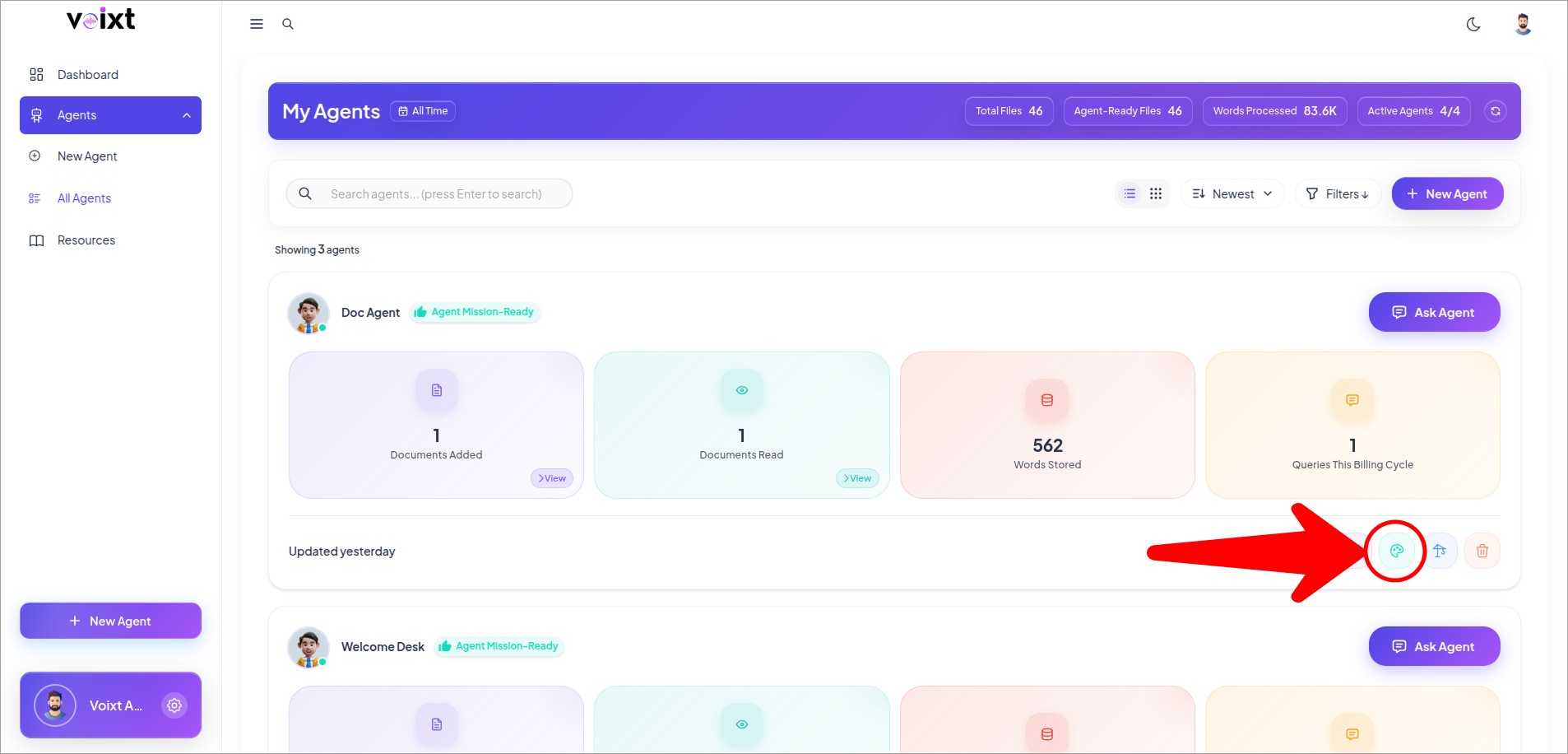
Select an agent you want to customize , and click the personalization icon button.
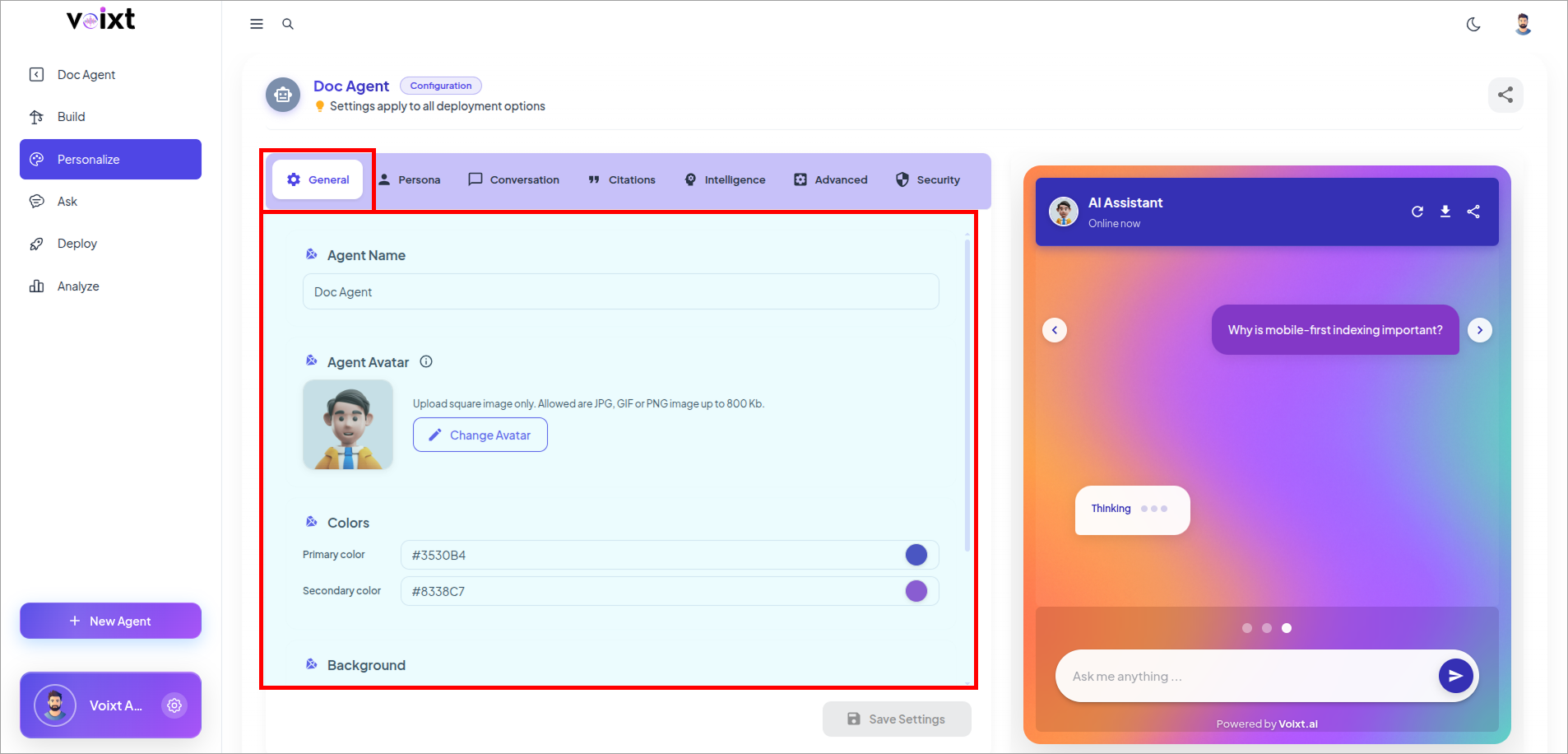
General Tab
Manage the agent's appearance and basic settigs like Agent Name, Avatar, Colors, Background.
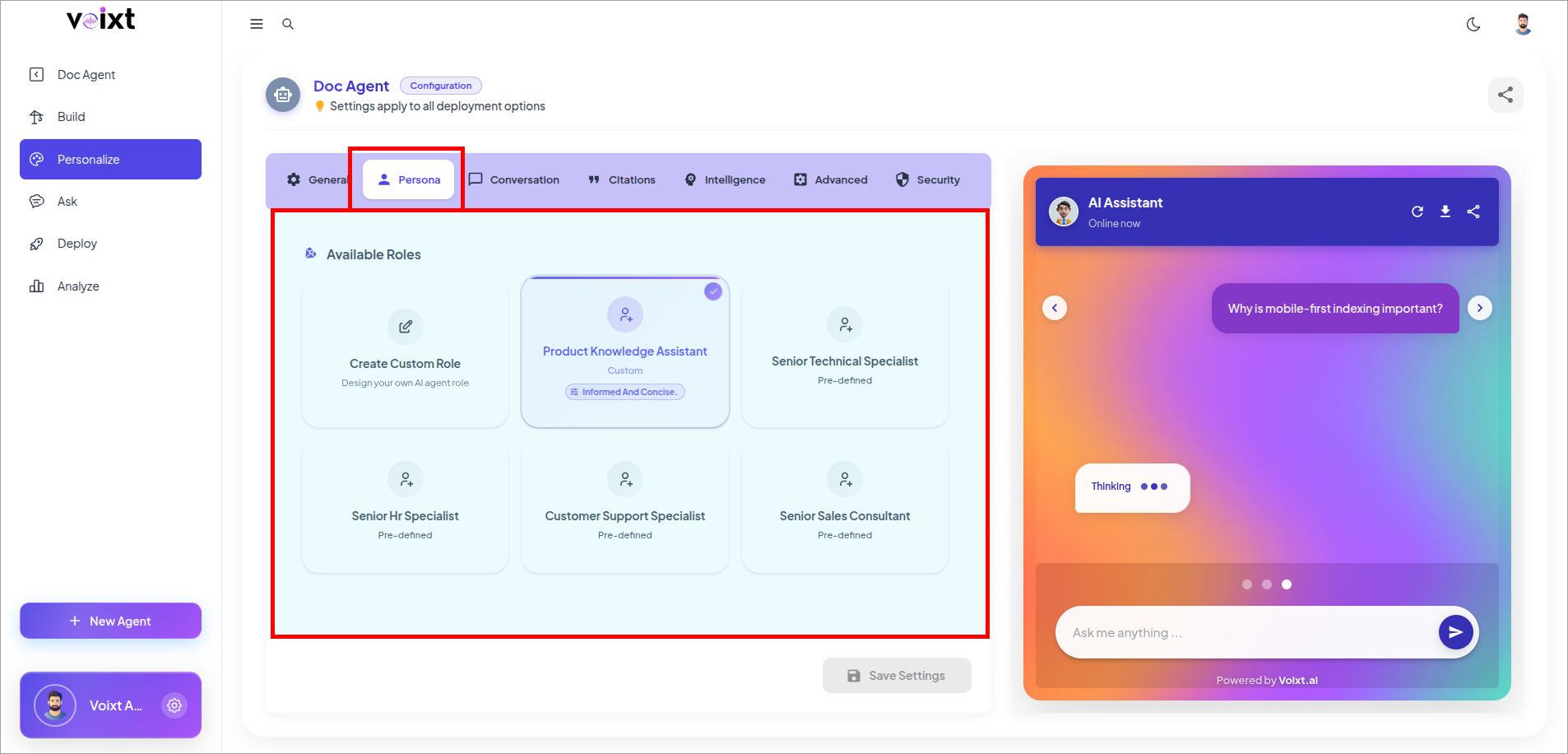
Persona Tab
Update the roles or tone from available or customize role.
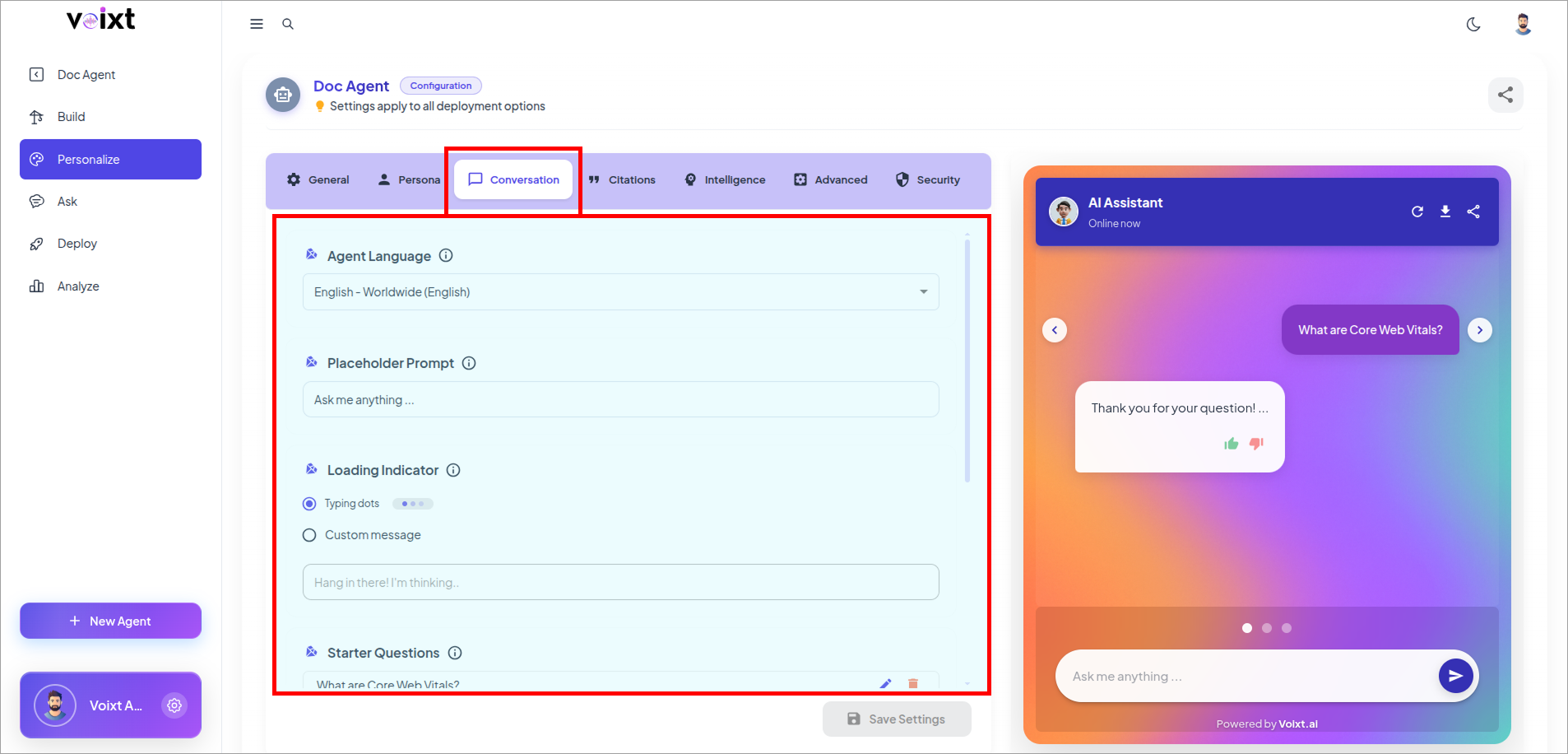
Conversation Tab
Select Agent Language, Placeholder prompt, Loading Indicator, Starter Questions, Custom Message Ending, Error Message.
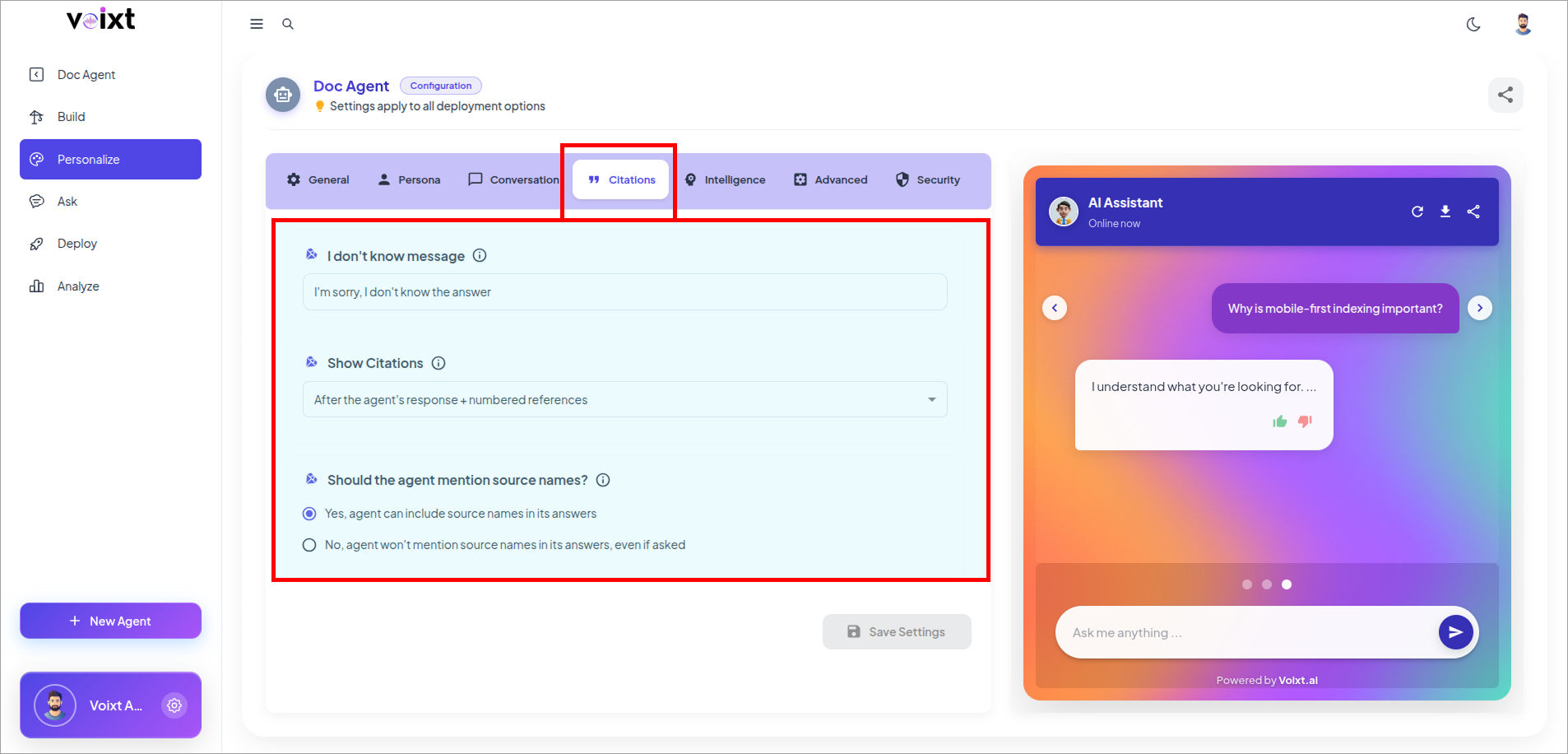
Citations Tab
Customize "I don't know message", Show Citations, customize the agent to mention sources.
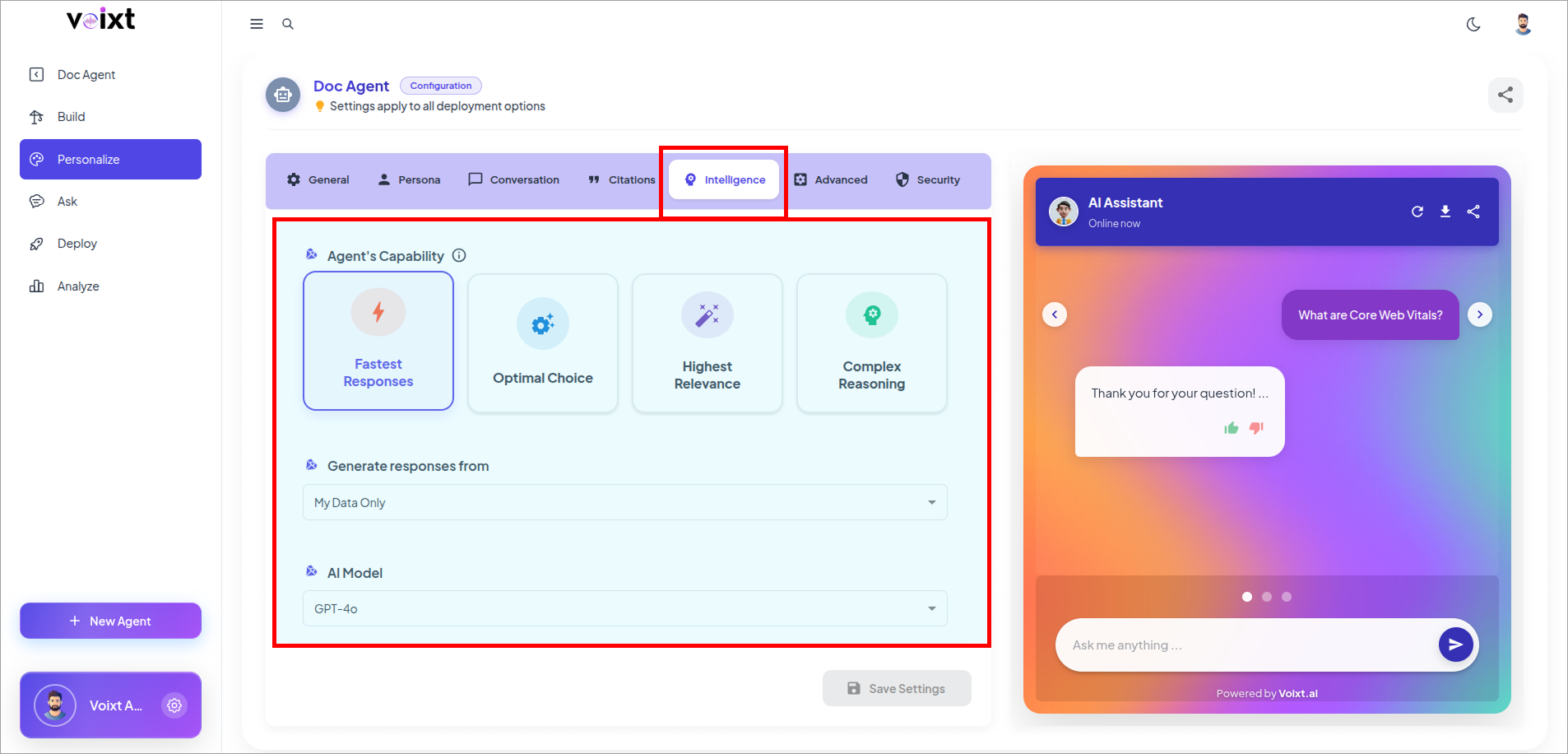
Intelligence Tab
Update Agent's Capability, choose Generate Response from the data, Also Change the best suitable AI Model.
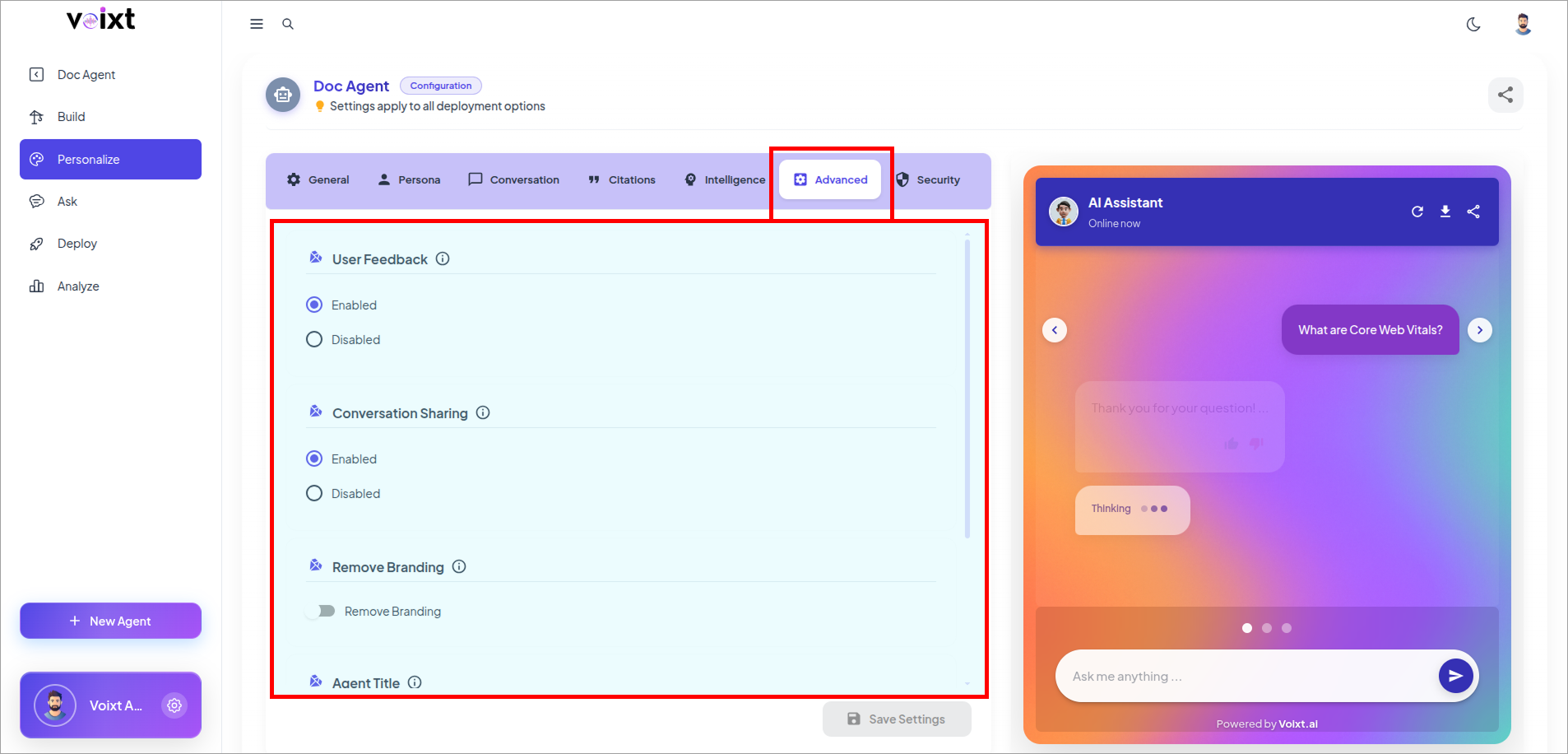
Advanced Tab
Enable or disable advanced features explre and update as per your need.
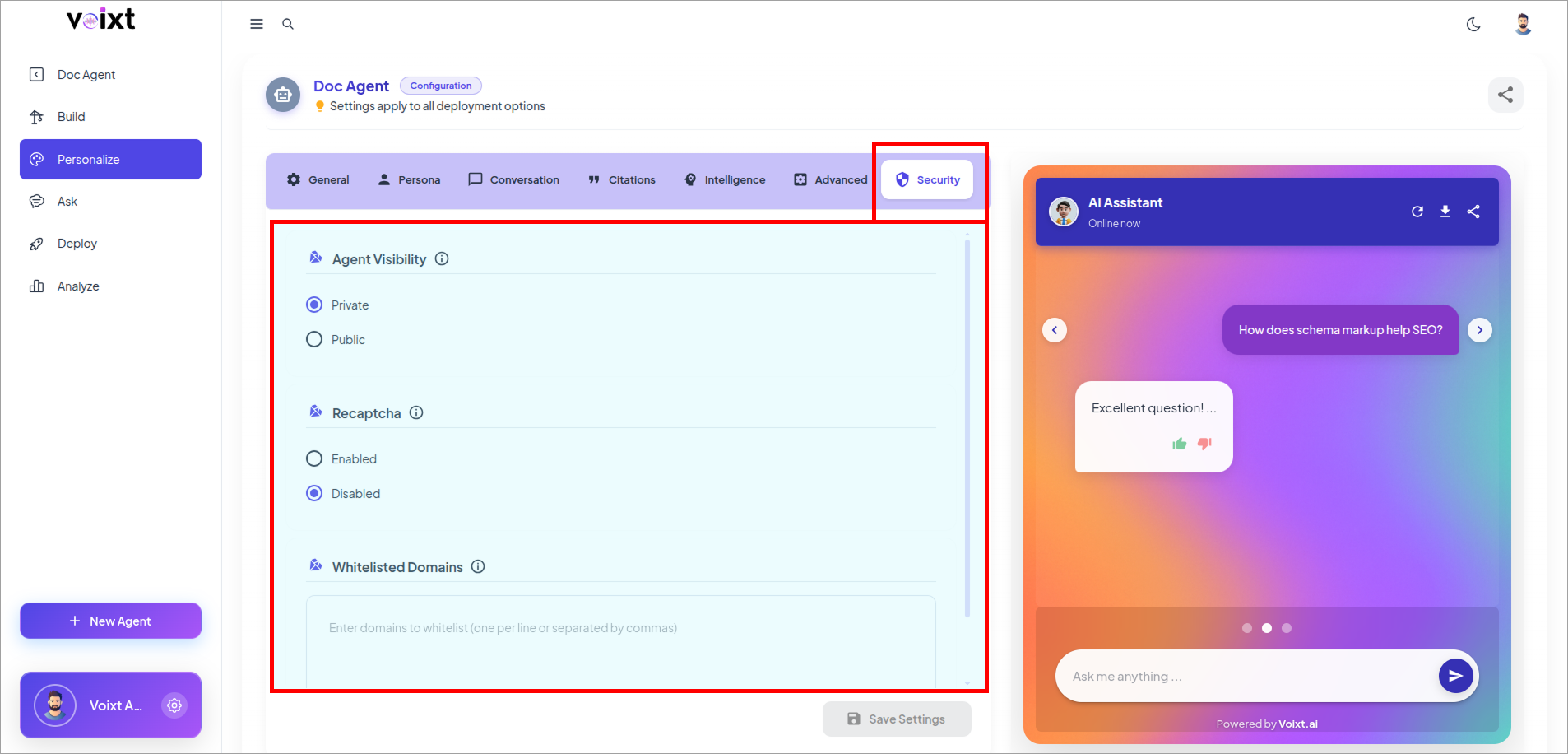
Security Tab
Control and configure protection, visibility and security of an agent.