Error Message
This step-by-step guide explains how to change the "I don't know the answer" message.
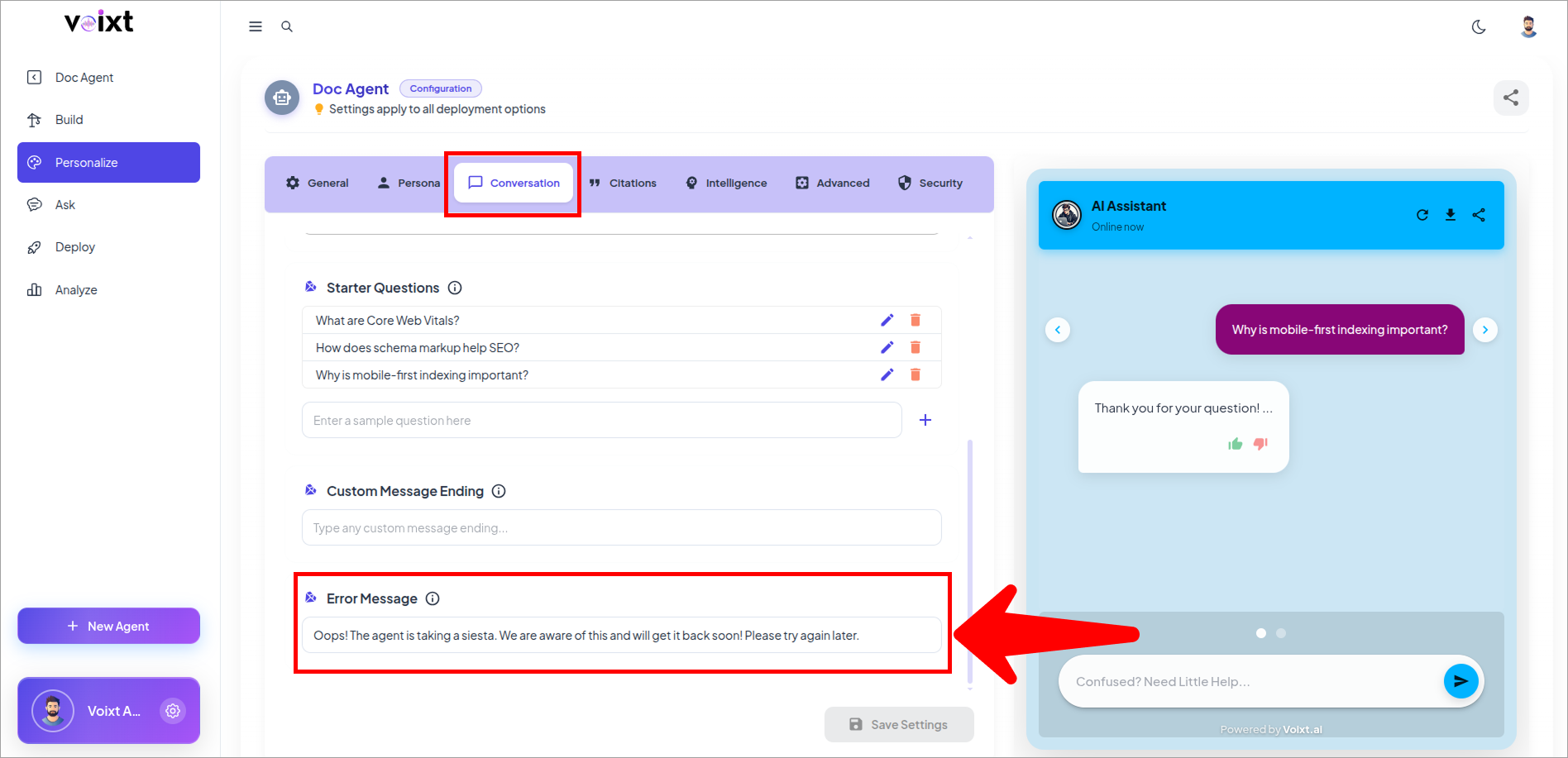
- In the Agent's Personalization, conversations tab, Check the Error Message
note
By default the error message is set as "oops! the agent is taking siesta. We are aware of this and will get it back soon! Please try again later."
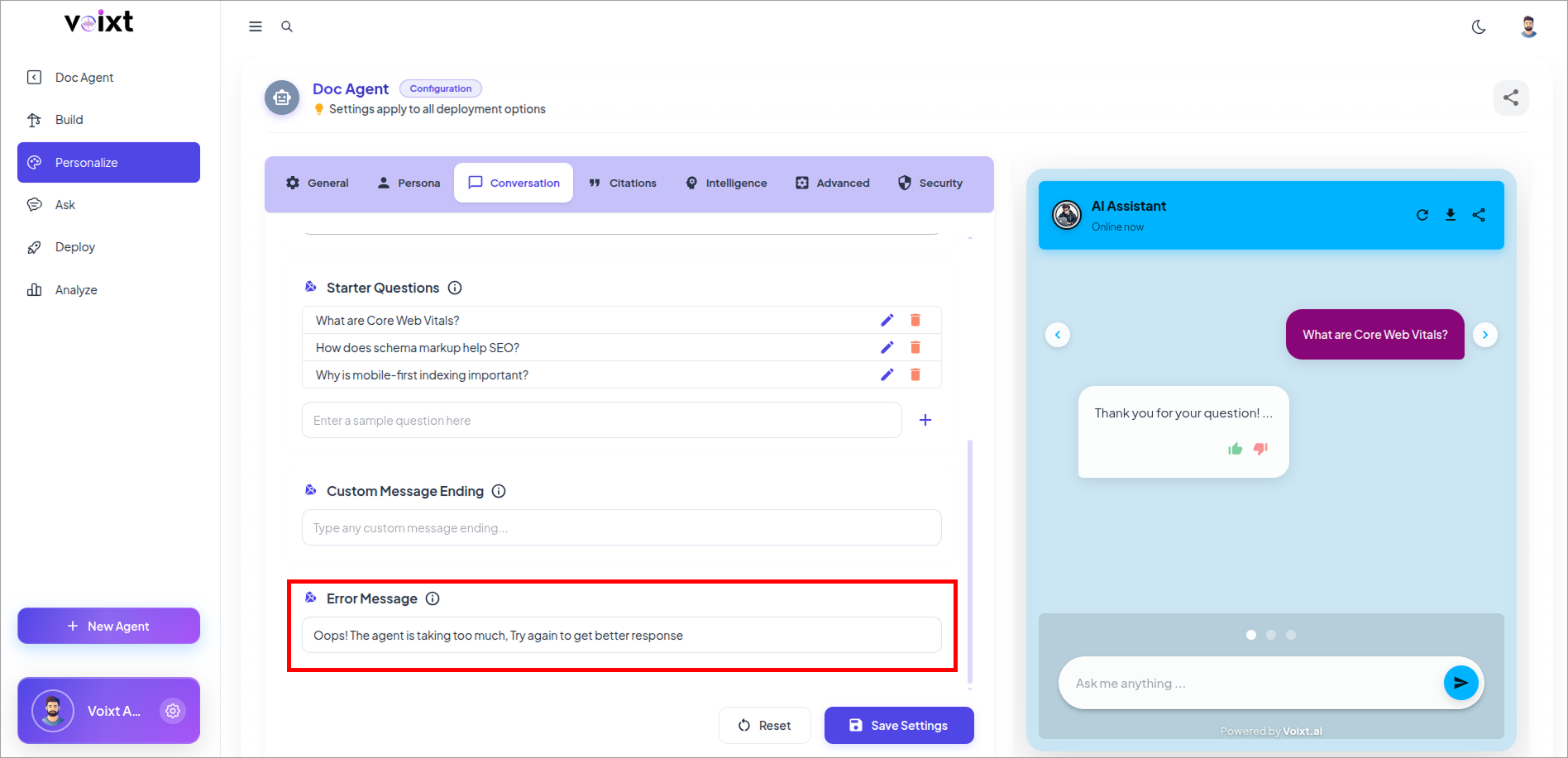
- Write a Custom error Message you want
- For example,
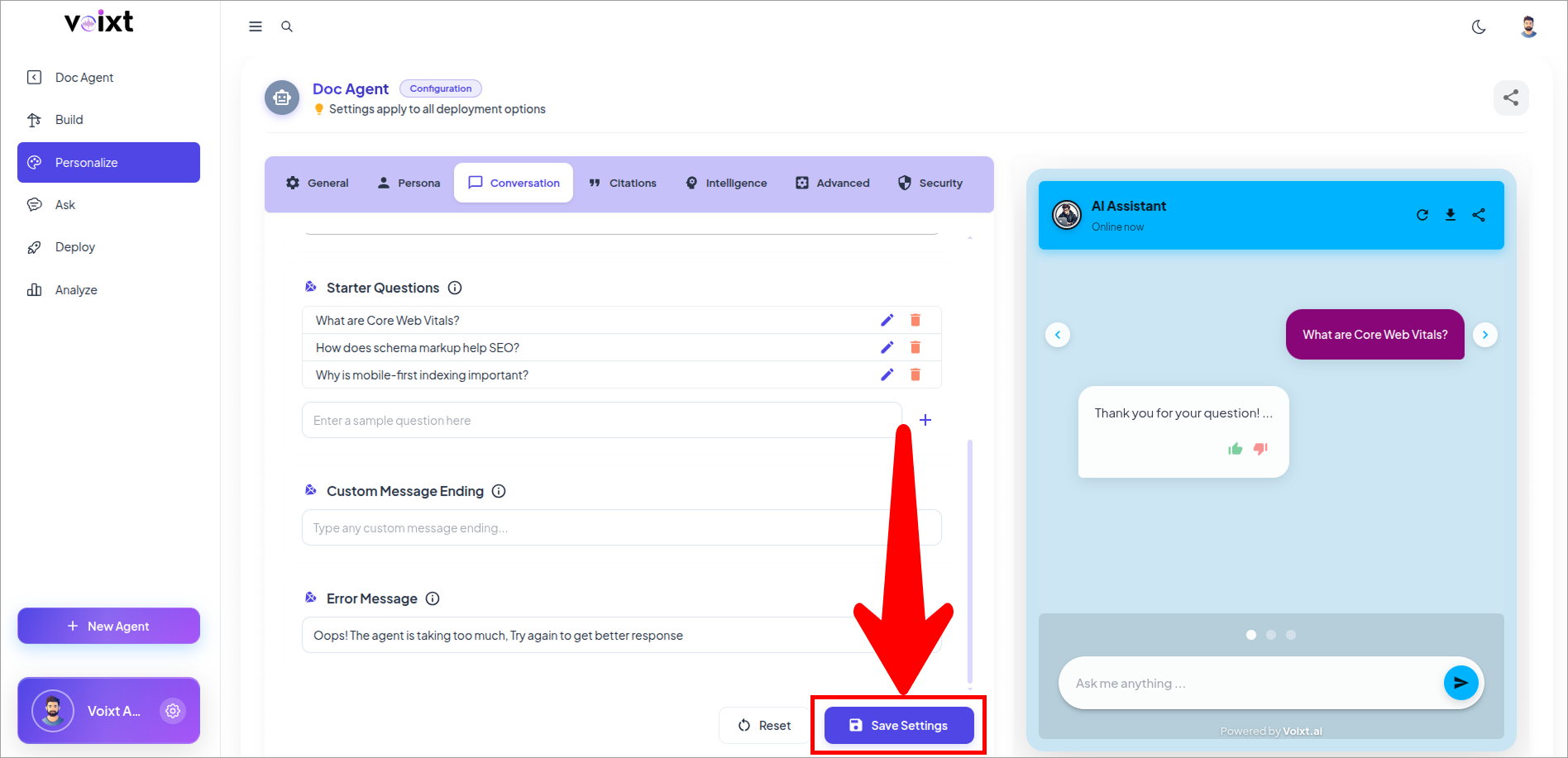
Oops! The agent is taking too much. Try again to get better response.
- Click on save changes button to save the changes.