Agent Roles
Ths guide Explains what Agent Roles are, how they work, and how to apply them when creating or editing your Voixt agent.
Agent Roles feature
Agent Roles are predefined templates of settings that help you configure your agent based on its purpose. Instead of setting everything manually, selecting a role applies an optimized setup automatically with just one click.
Why use Roles?
Roles save you time and ensure your agent’s settings align with best practices for each use case, so you get the right behavior out of the box.
Currently available roles:
- Senior Sales Consultant : Who Combines Market knowledge with consolutative selling techniques.
- Customer Support Specialist : Helps users resolve issues and provide support. Learn more about Customer support
- Senior HR Specialist : Assists and guides users your policy and regulations.
- Senior Technical Specialist : Drives user actions toward specific goals.
Roles do not change the AI behavior or quality by themselves. They only apply settings that may influence how the agent behaves.
How it Works
- If you select a role during agent creation, Voixt will apply settings that best fit the selected role.
- If no role is selected, the agent will use default settings.
- If you change some setting after applying the role, the rest of the settings will remain unaffected.
- If you change the agent’s role later, only the settings affected by the new role are updated; all other customizations remain unchanged.
- Some roles may update text fields on the Personalize page (for example, system instructions). Those fields are only changed if the fields still contain the default English text.
- The agent role itself does not directly affect AI model behavior or response quality. However, the settings applied by that role may influence how the agent interacts with users.
How to enable Agent Role
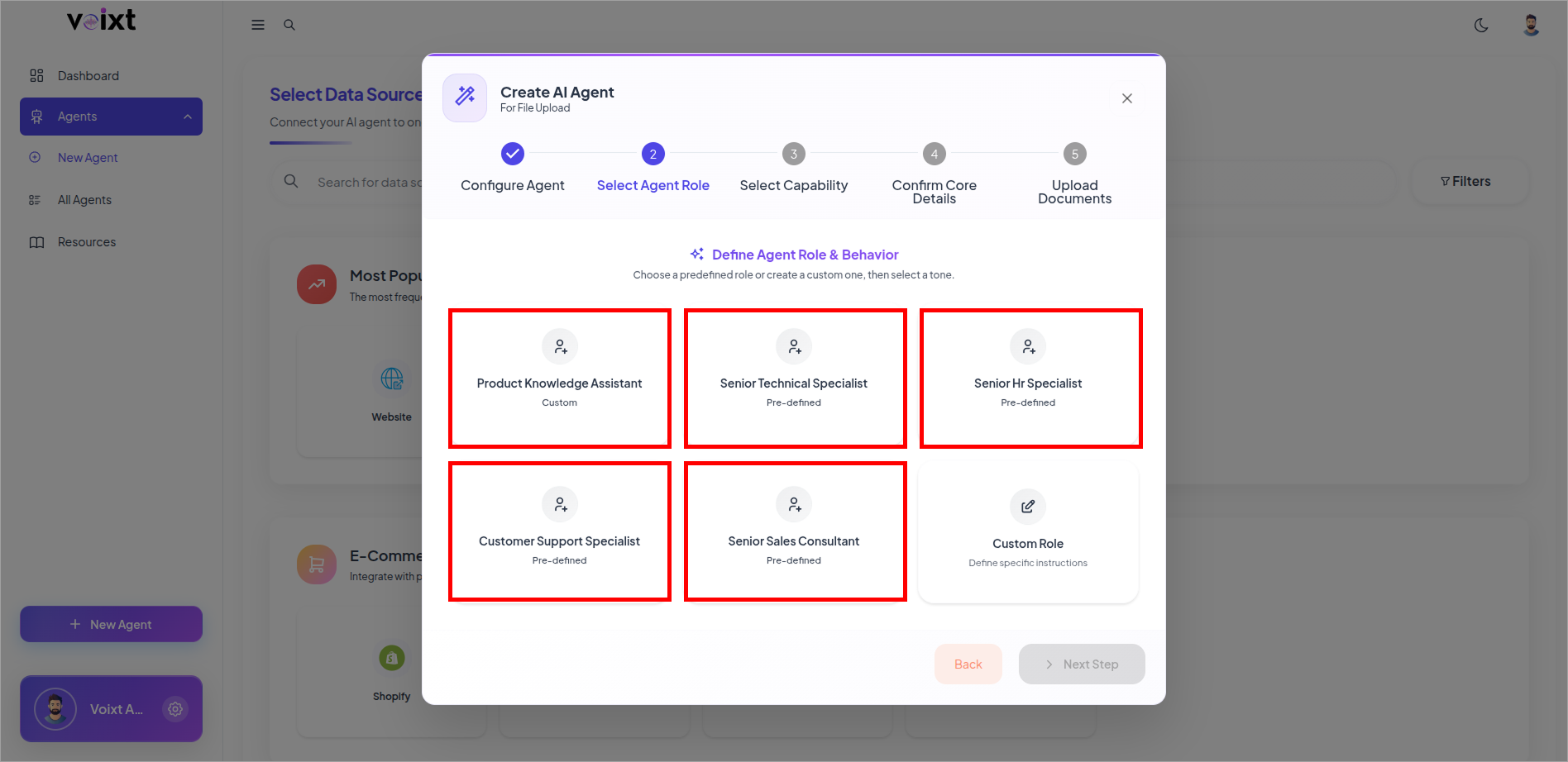
you can assign agent role in the time when creating an agent.
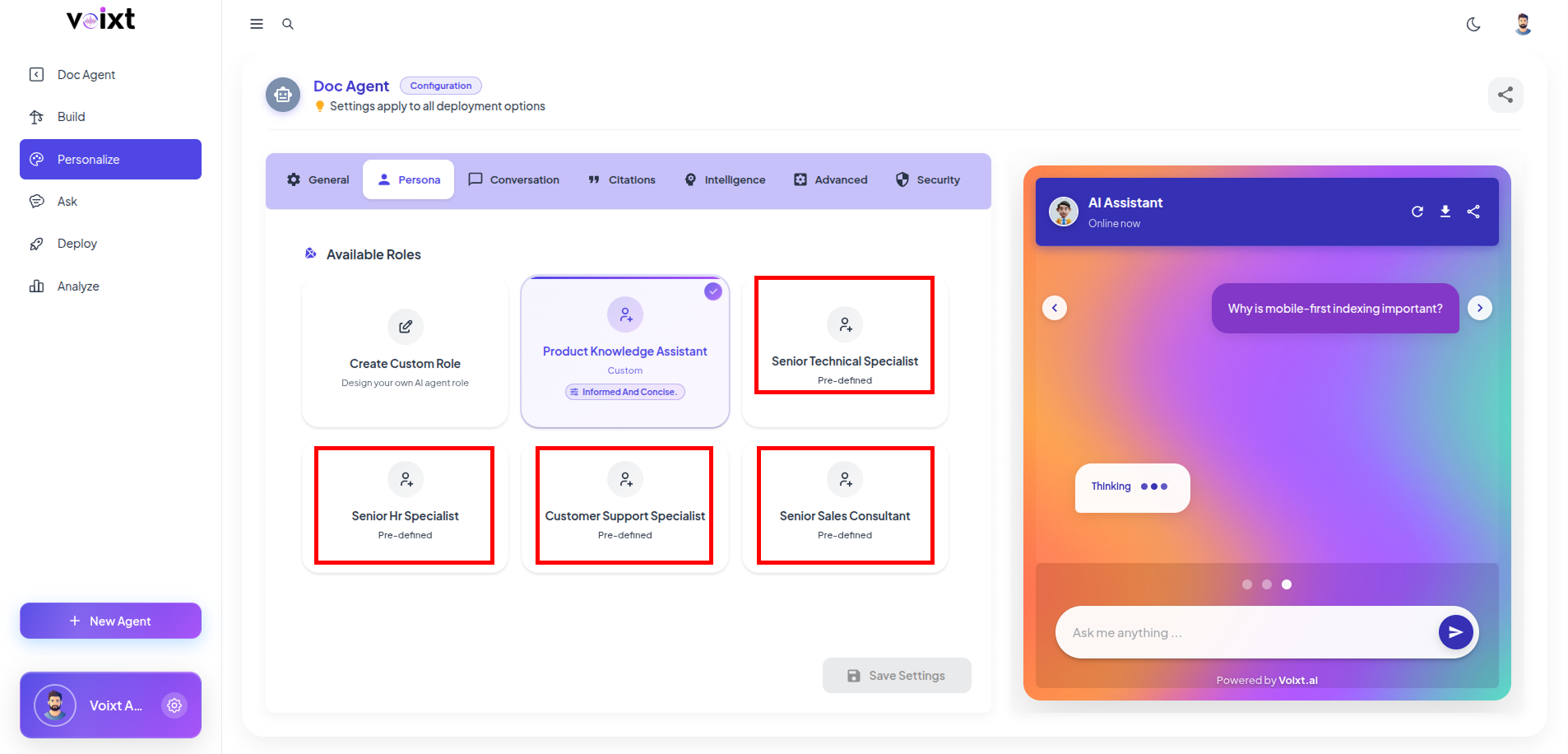
You can also generate custom level as per the example shown in image and predefined templates also you can use.
Also, if you want to change the Agent Role you can update from Customization Tab.