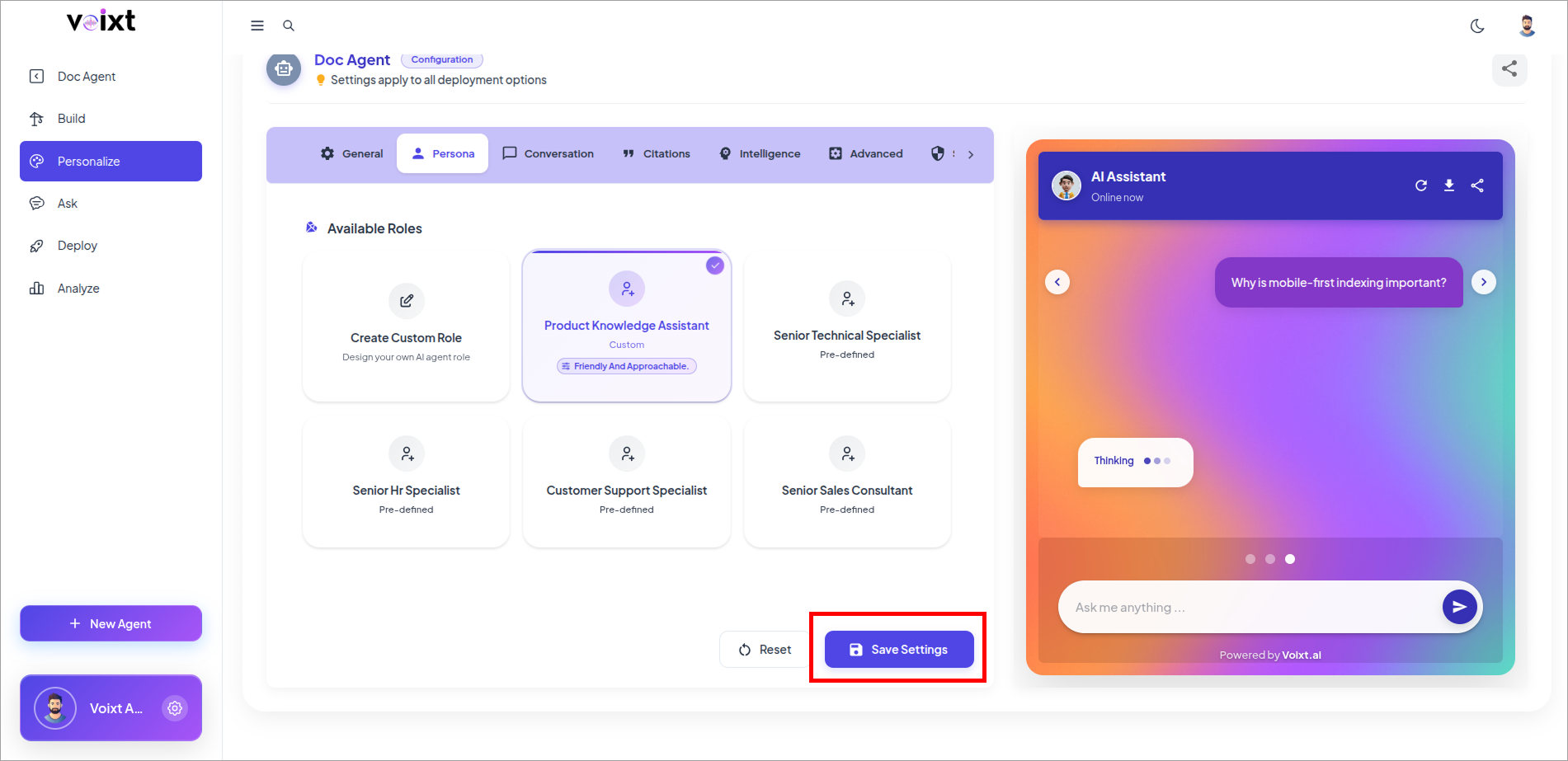
Custom Role
Ths guide Explains how you can create any cusotm role you want and personalization the response.
Custom Role Creation
You can give custom role and style you want to get response from the agent you want to.
How it works
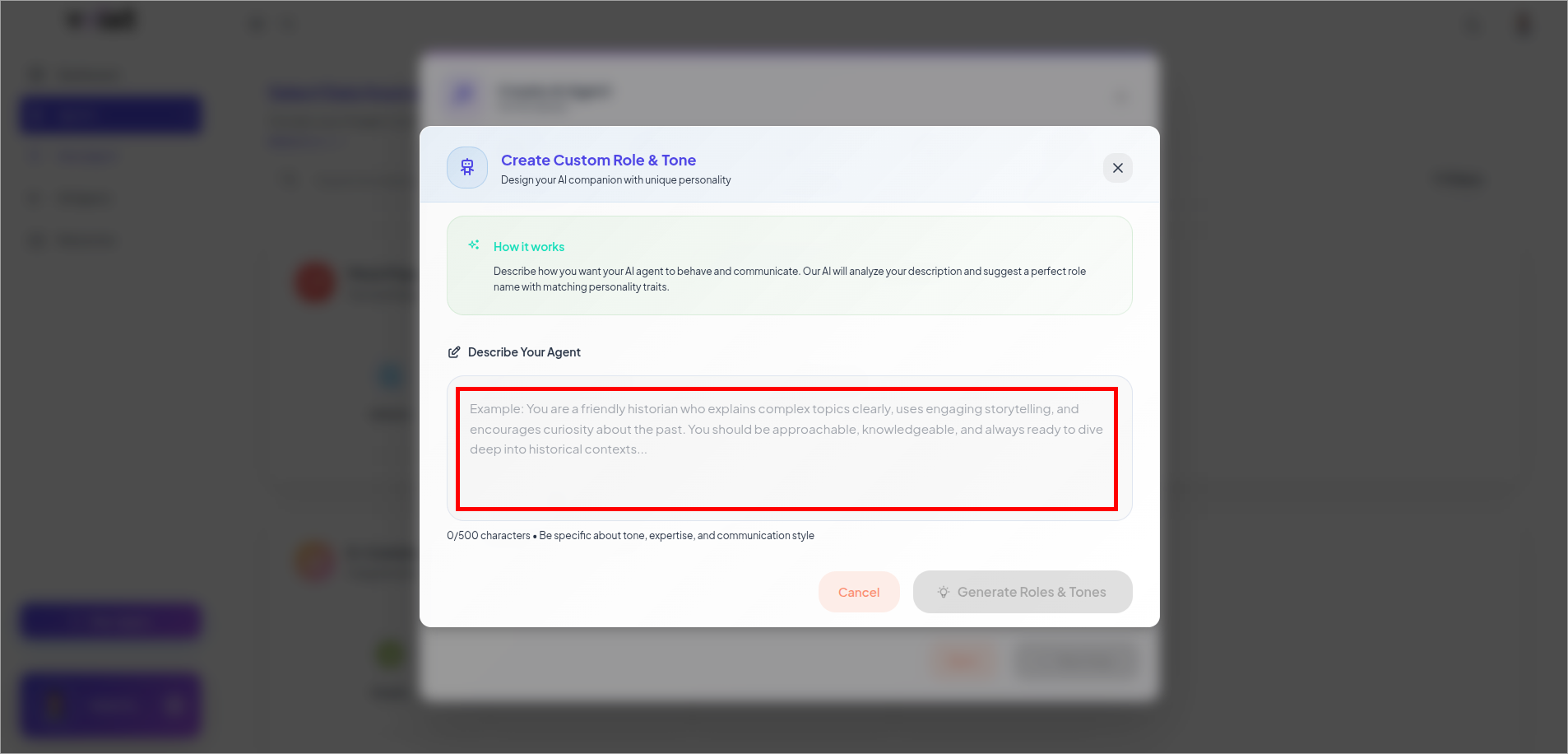
Describe how you want your AI agent to behave and communicate. Our AI will analyze your description and suggest a perfect role name with matching personality traits.
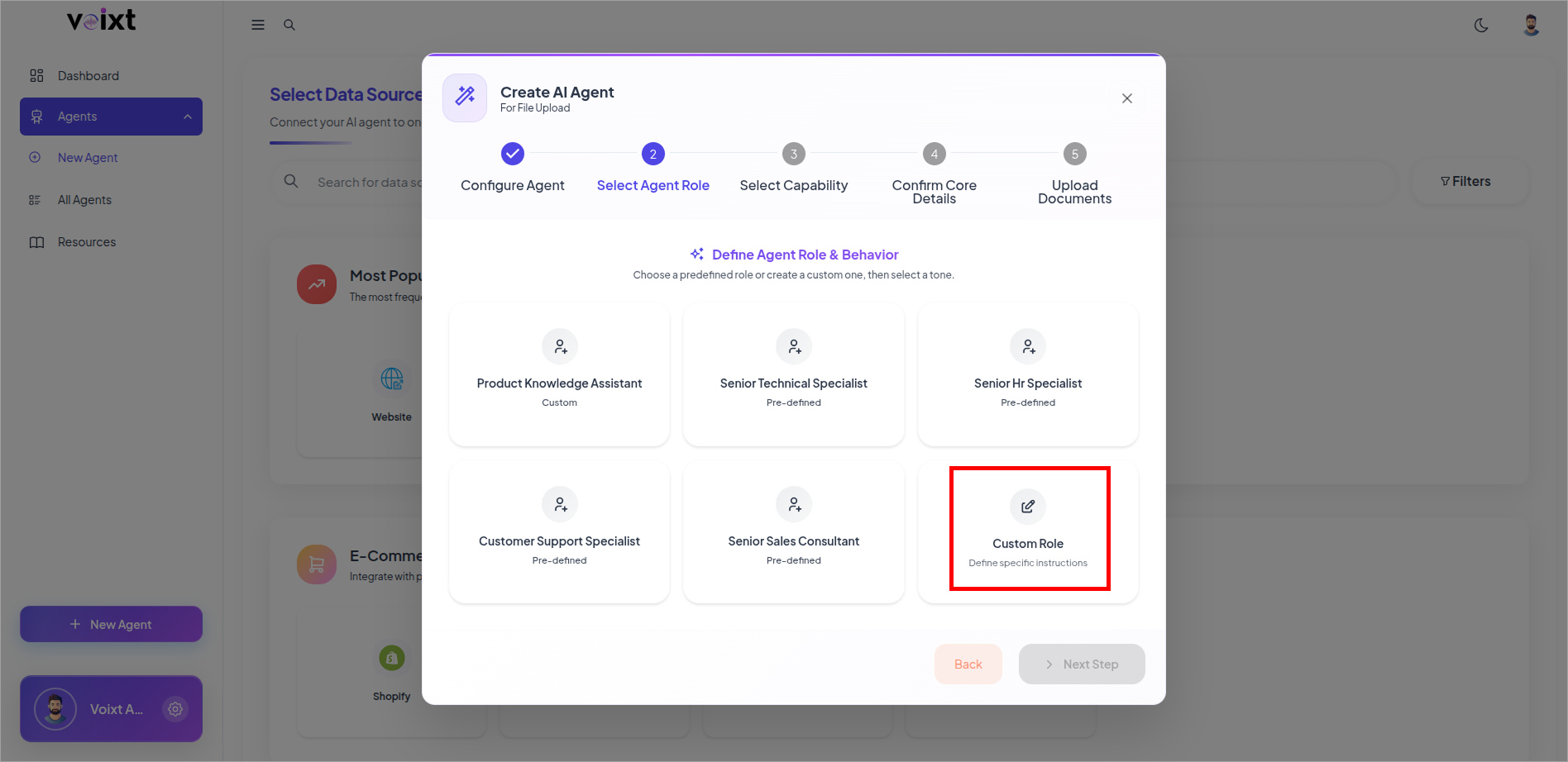
Select the Custom Role
Describe how your agent acts
Define Tone, Personality and how it acts specifically so, it respond based on exact user context.
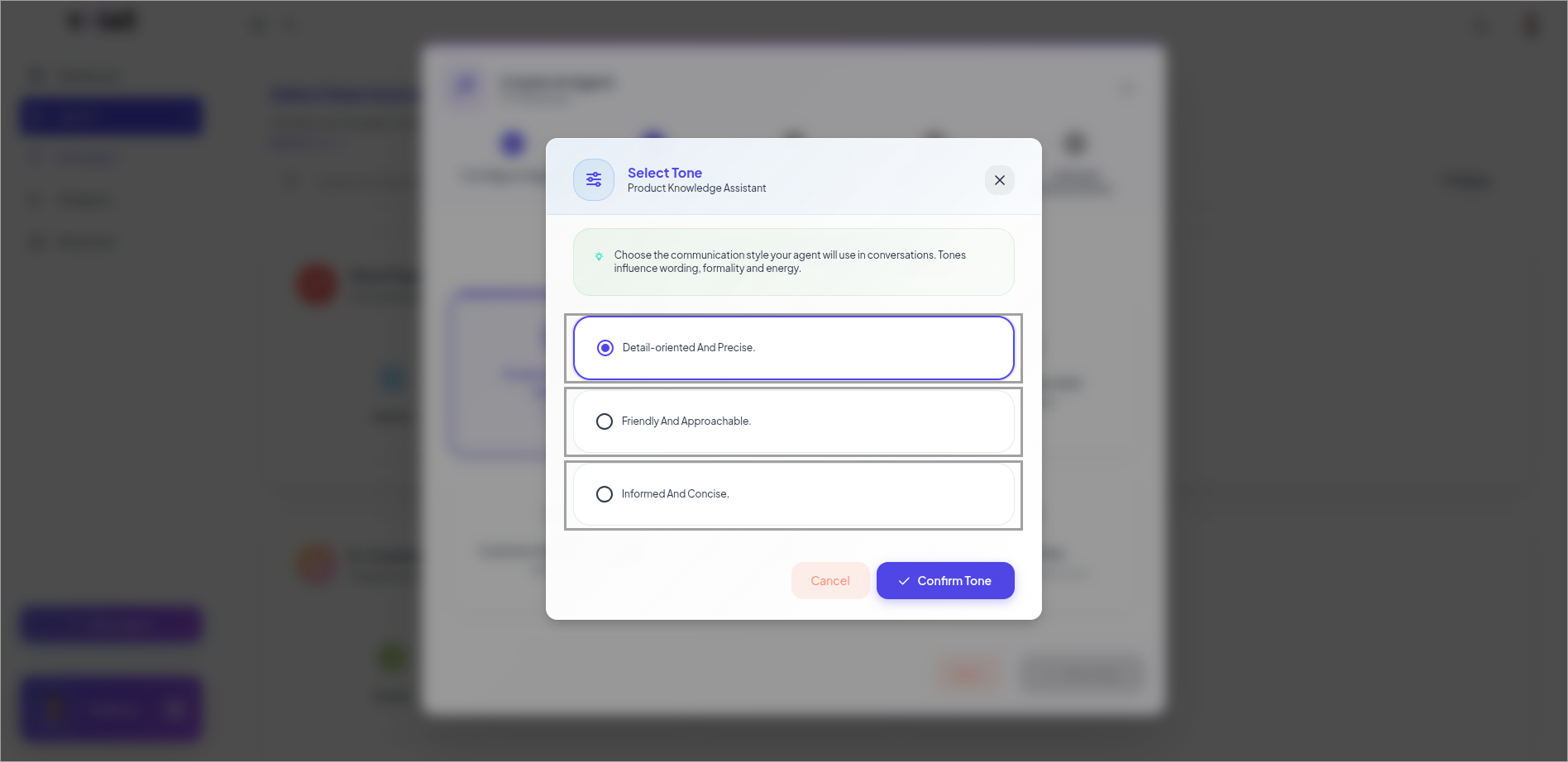
Select AI generated Tone
You can change your agent role anytime from the Persona tab of agent's personalization
- click to Custom Role
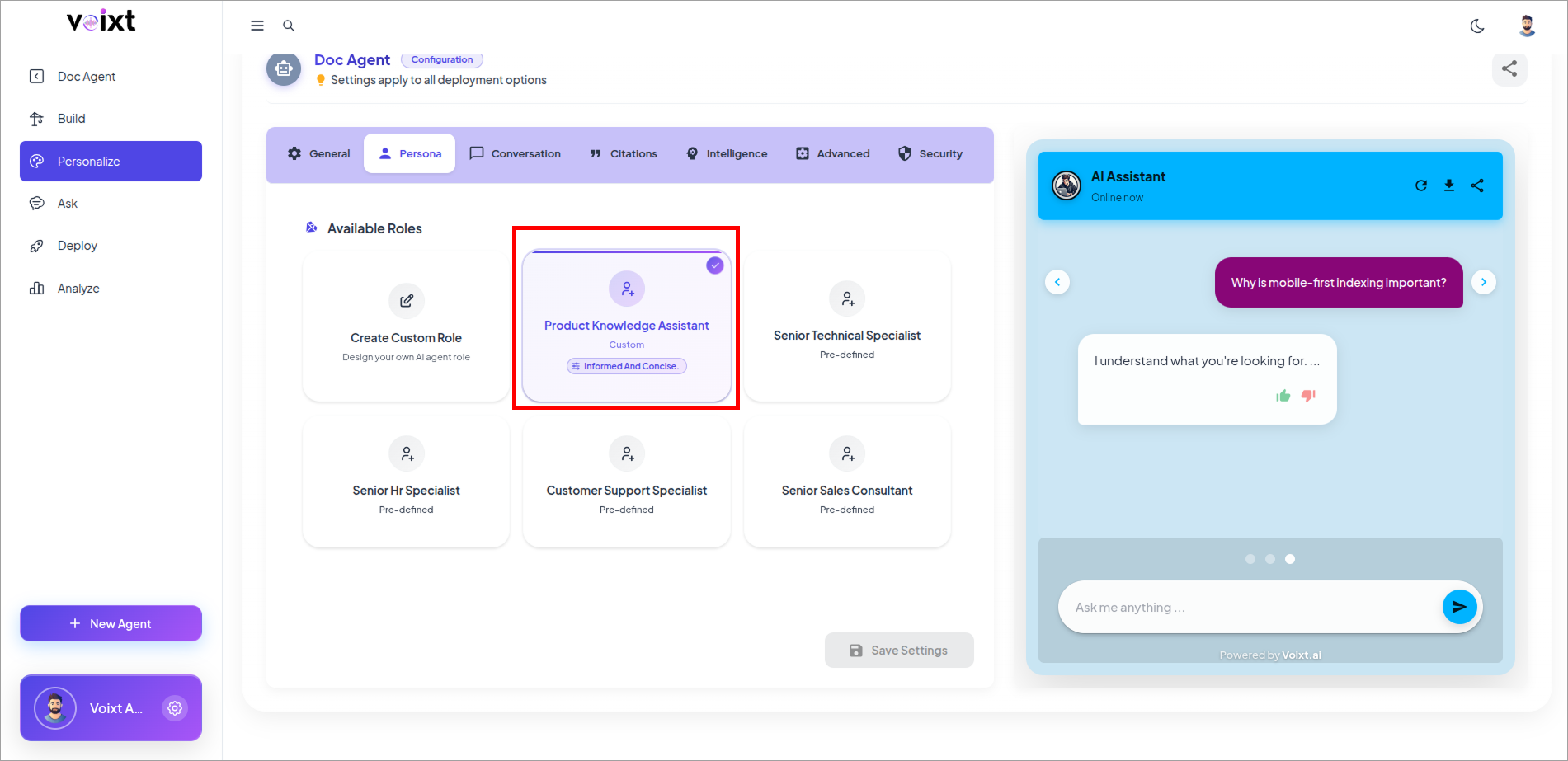
Follow the same process Describe the Agentic Description to update the role
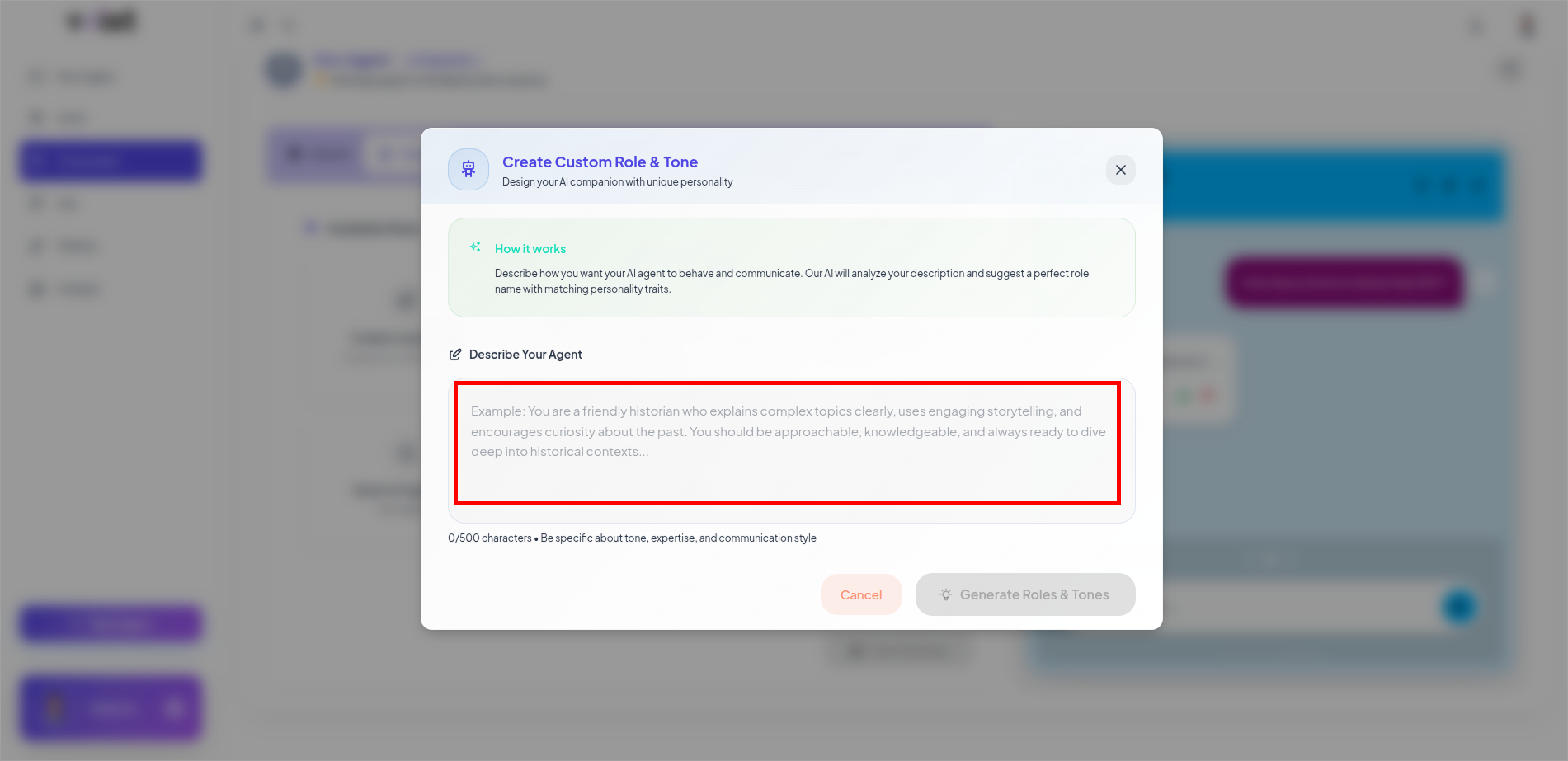
Click on the Generate Role & tones
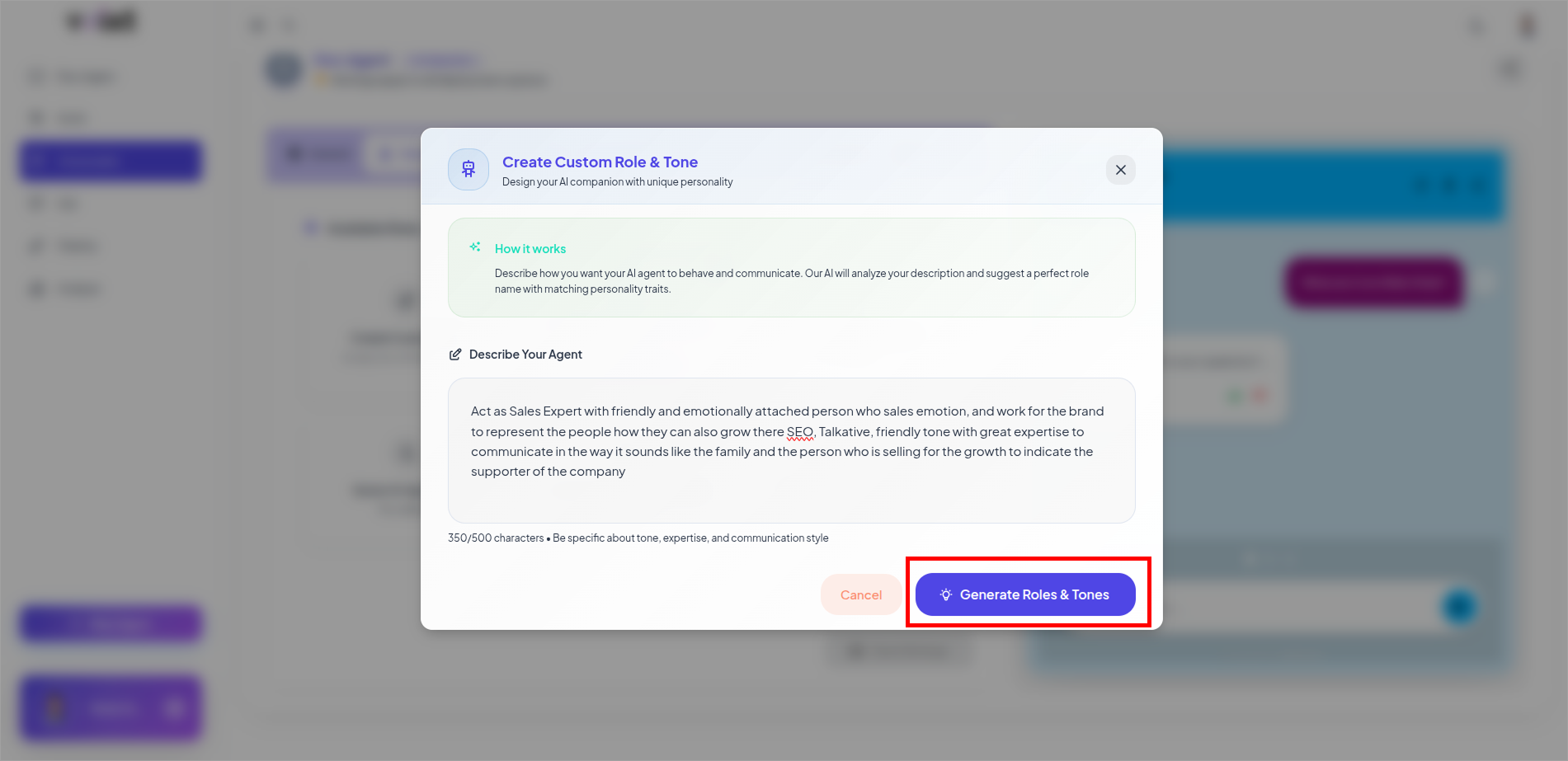
Select tone you want from your agent to respond back
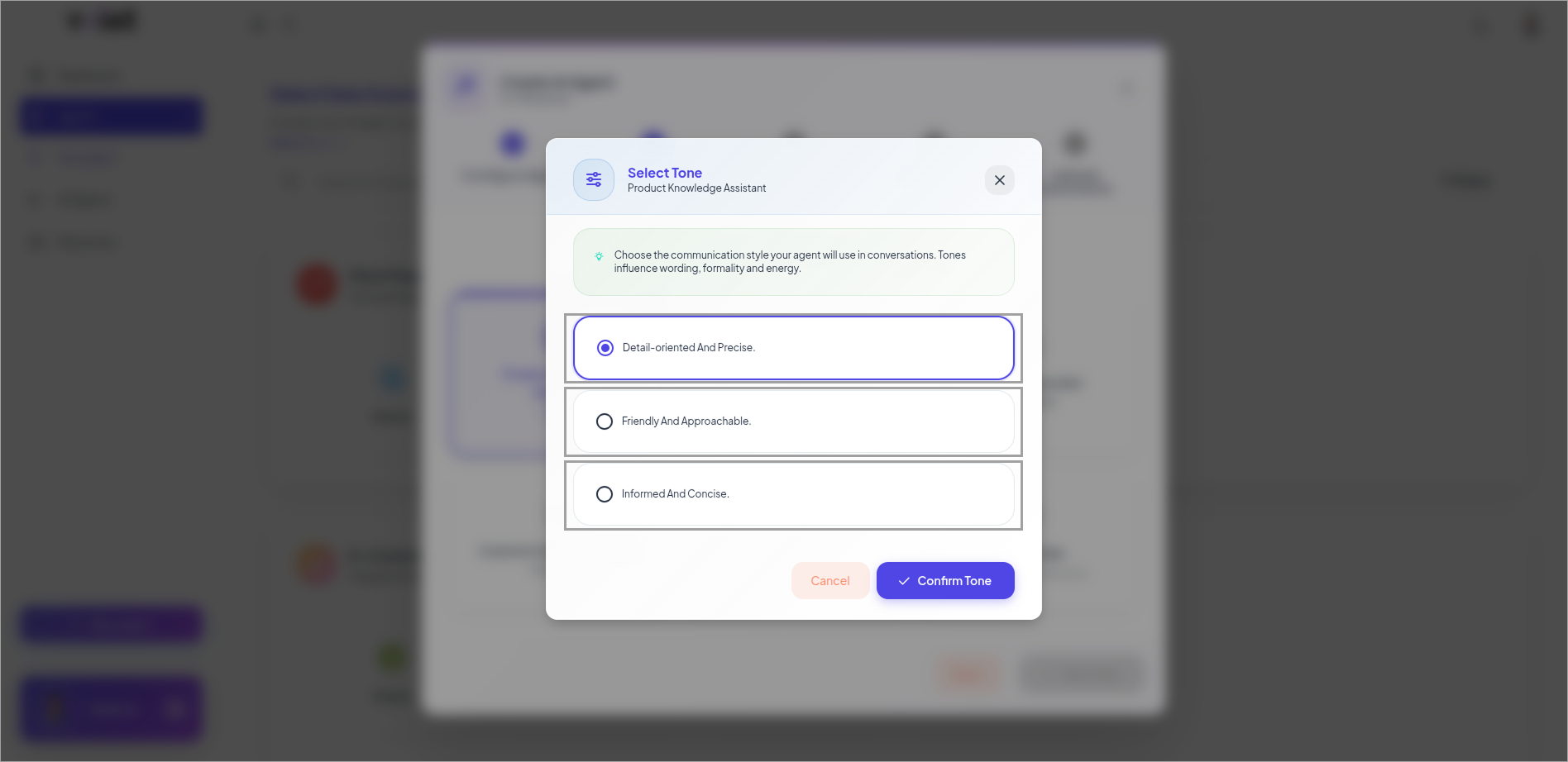
Click on Save Changes to apply you changes live.