Customer Support Specialist
This guide Explains about customer support role assign and update.
Helps users resolve issues and provide support.
Understand how you can Select or Update the Customer Support Specialist Role:
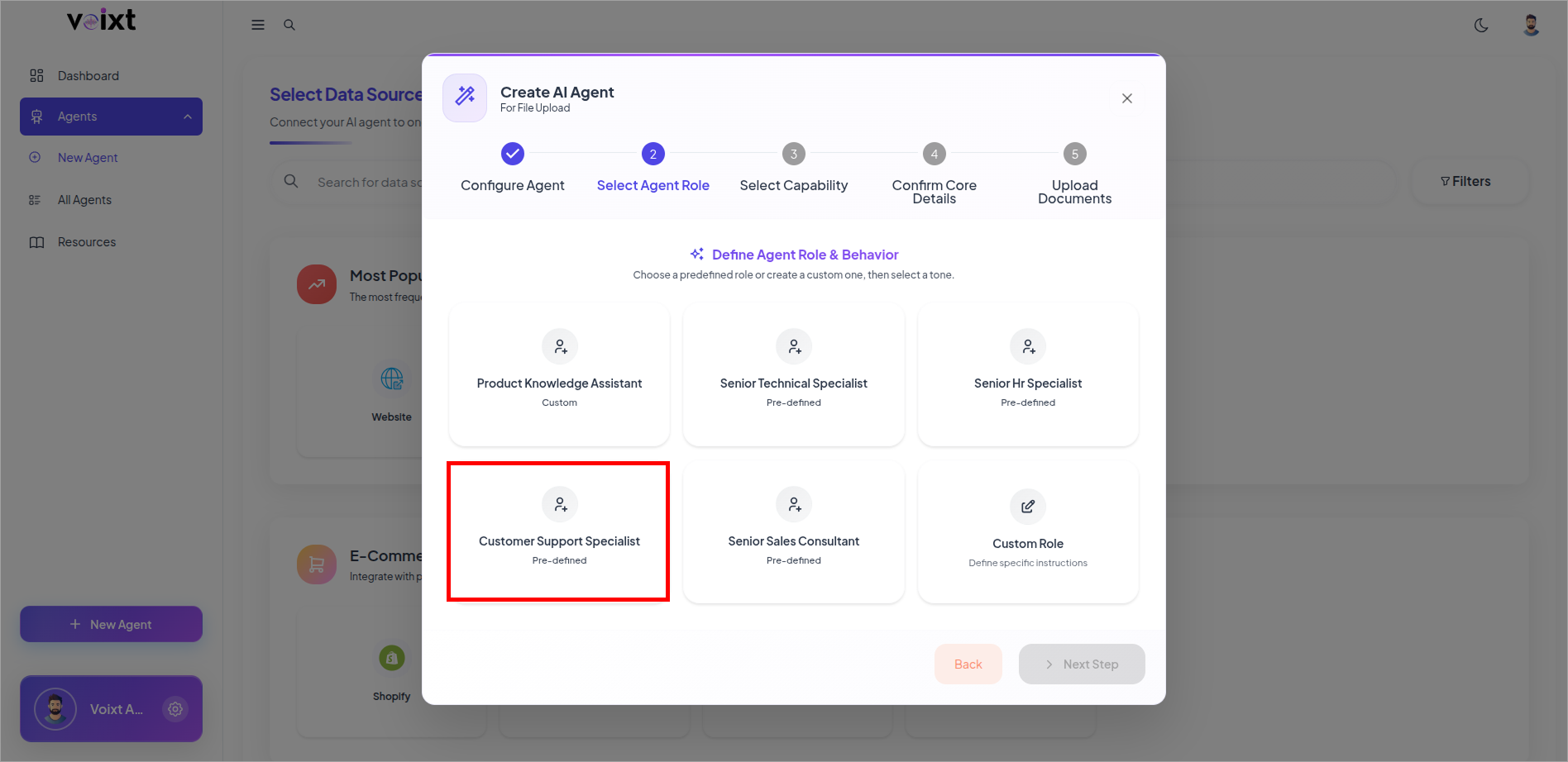
Select the Customer Support Specialist Role
you can select or change to this role when creating new agent, or updating the agent.
When creating the agent, Select Customer Support Specialist
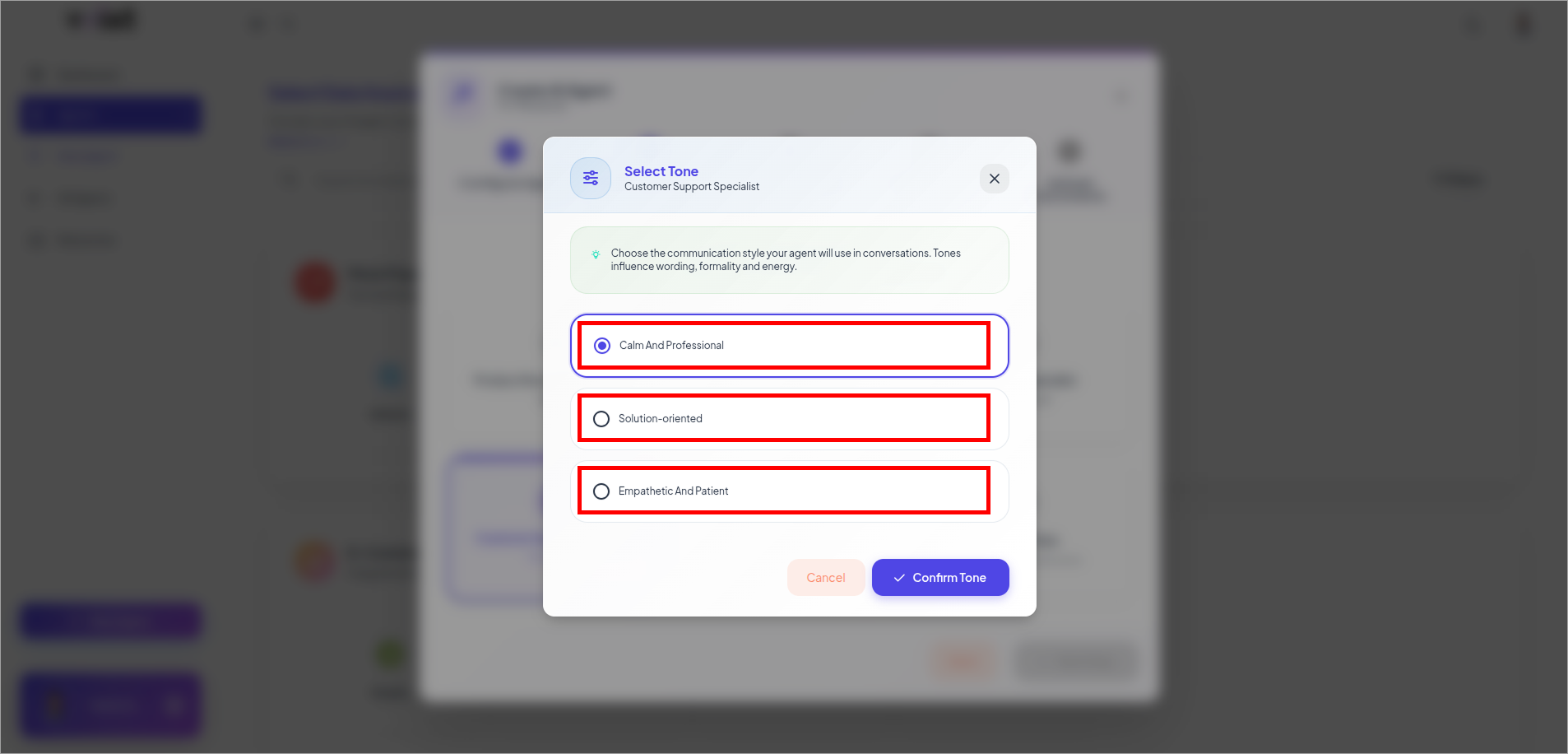
Select the tone of Customer Support Specialist
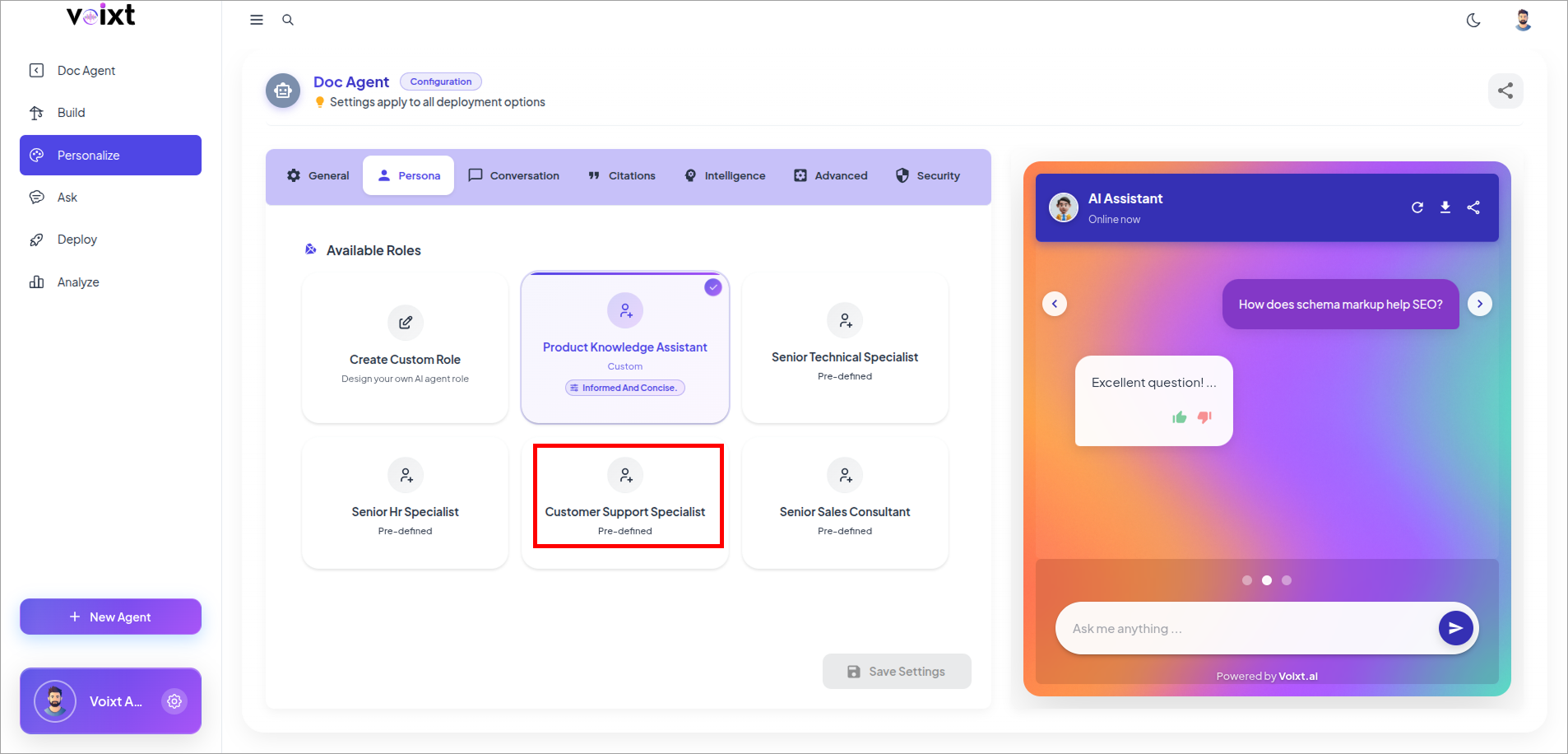
Update to Customer Support Role
Go into your agent's Personalization Setting and go to Persona tab.
Click on Customer Support Specialist Role to update
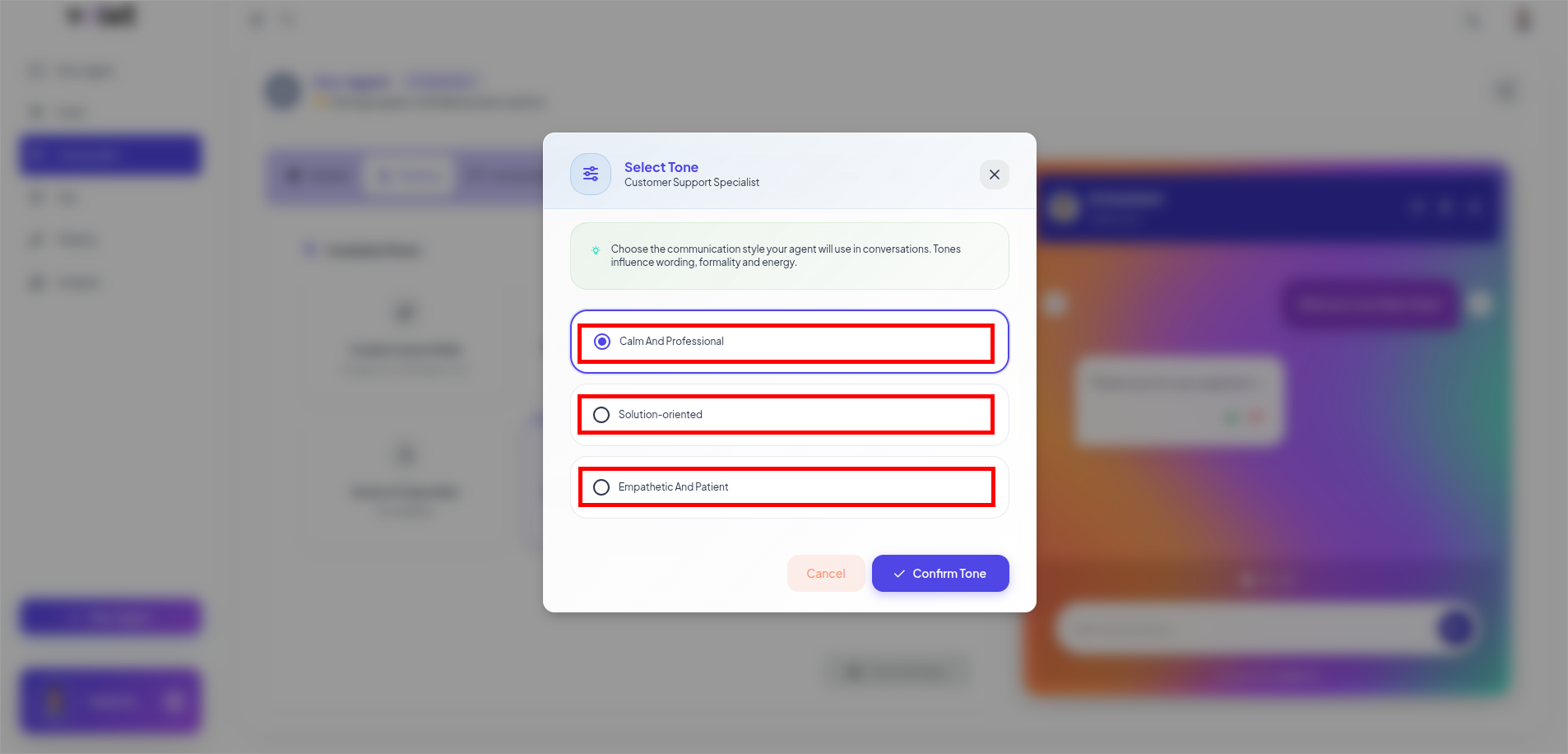
Choose the tone you want to give to your agent and save Changes to continue.
tip
This Role suits best to the provide multi-channel communication Support and feedback loop essential to give improved response.