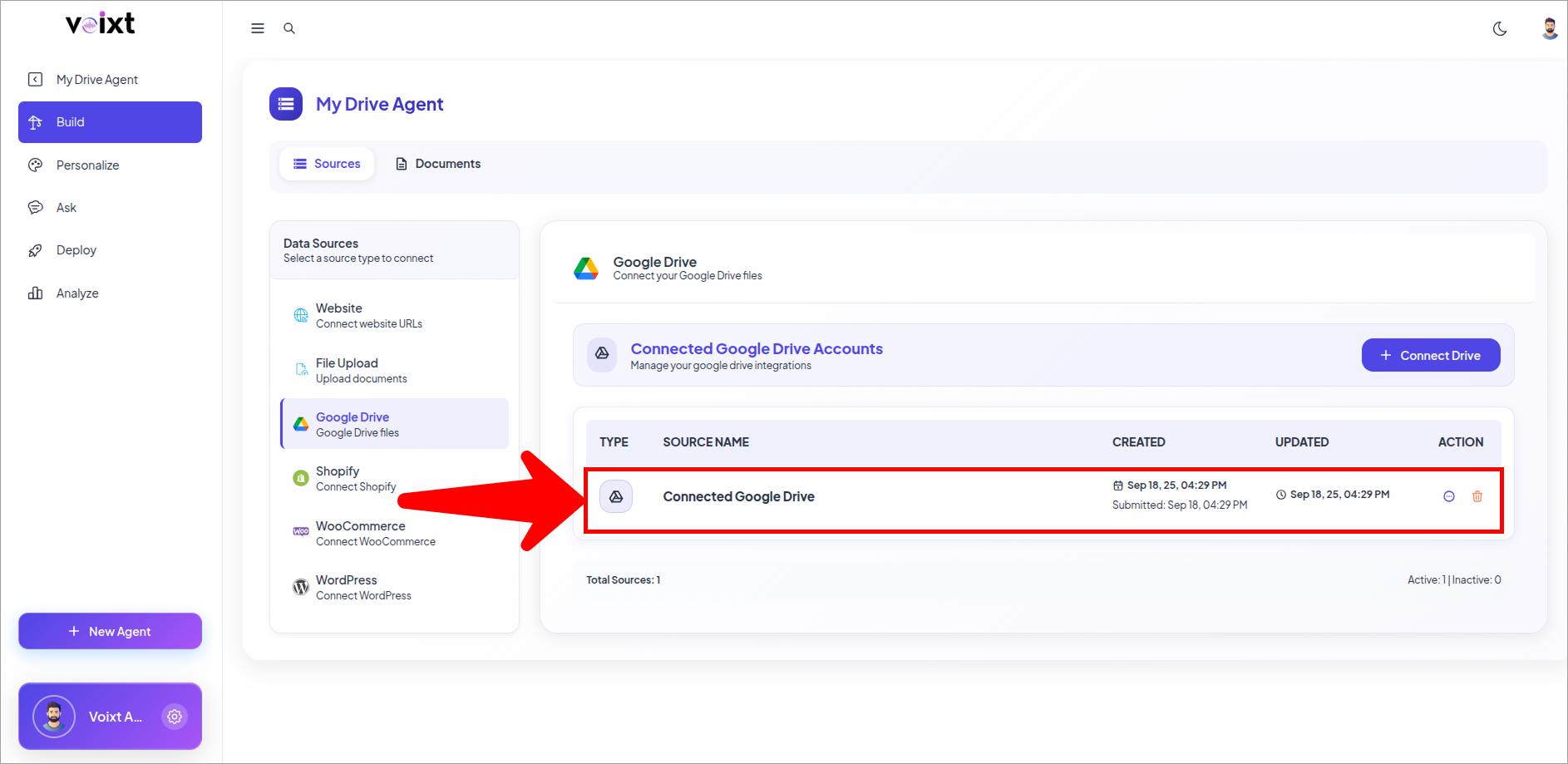
Create Agent from Google Drive files
Here is step by step guide help you to create agent form your google drive and upload files adn update the agent you created.
- On your dashboard, click New Agent.
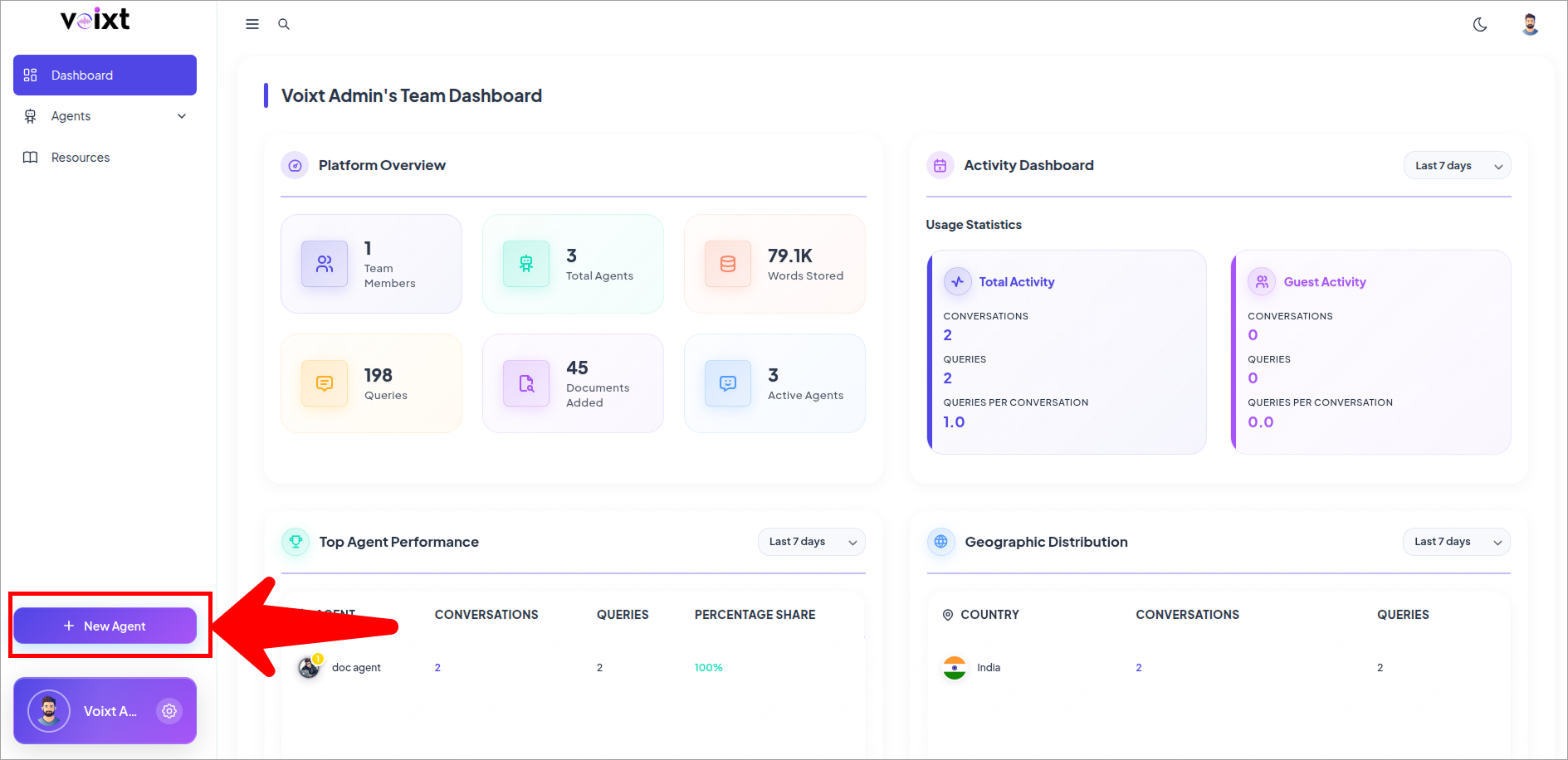
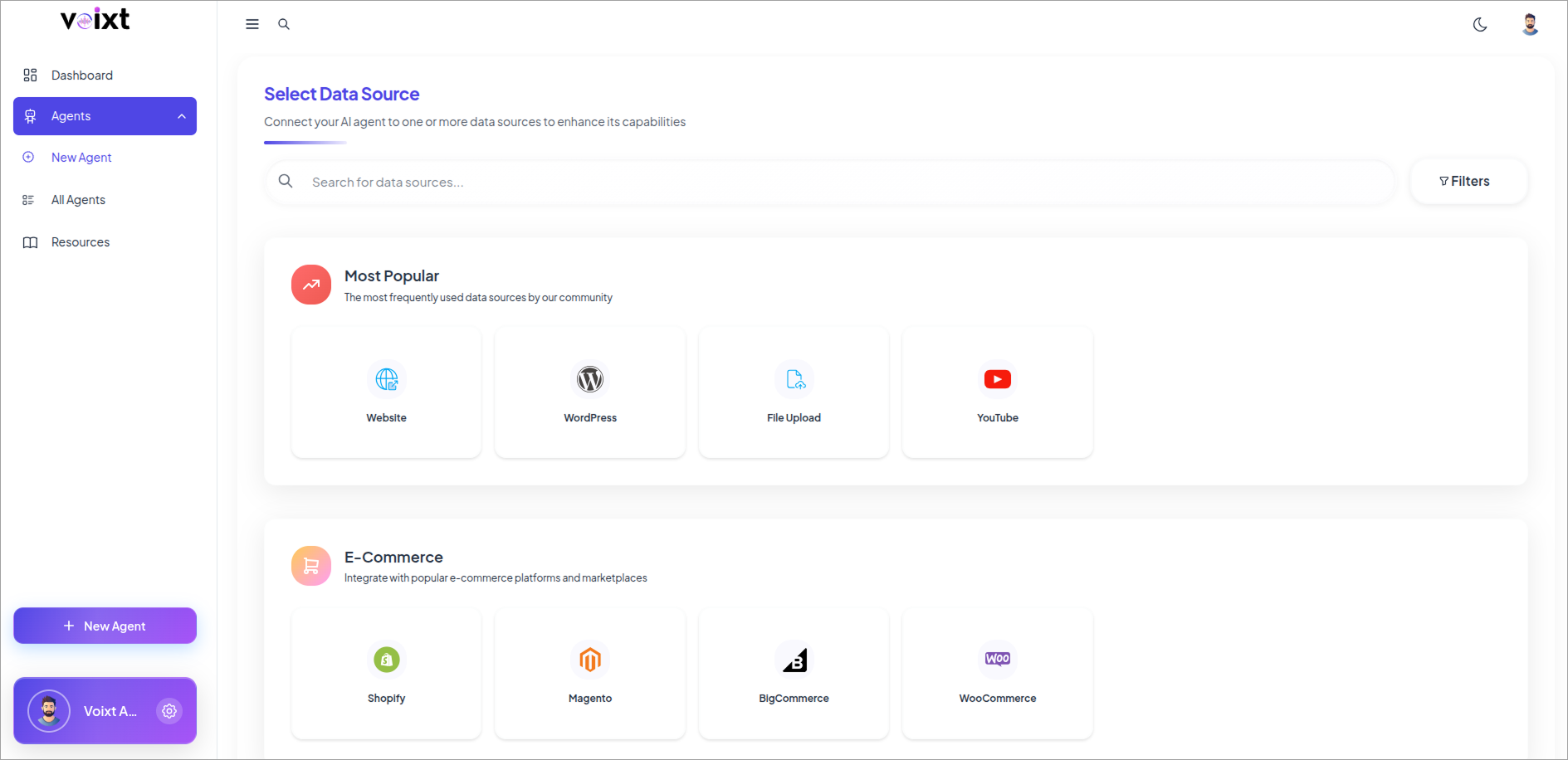
- You'll be redirected into the source connectivity page.
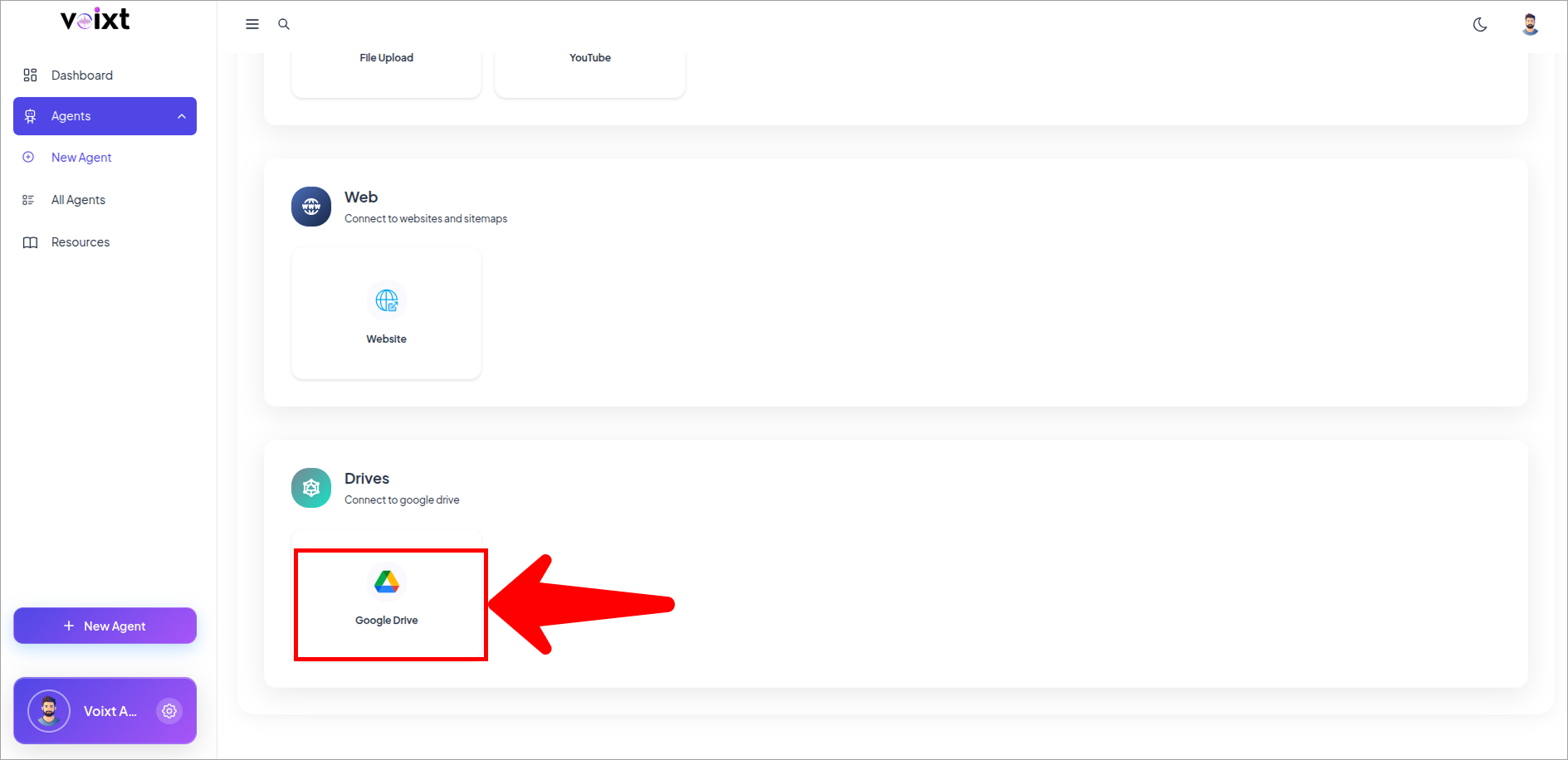
- Scroll Down to the Drive.
- Click on the Drive to Continue.
tip
You can change all the customization details later as well Check this Agent Customization Guide
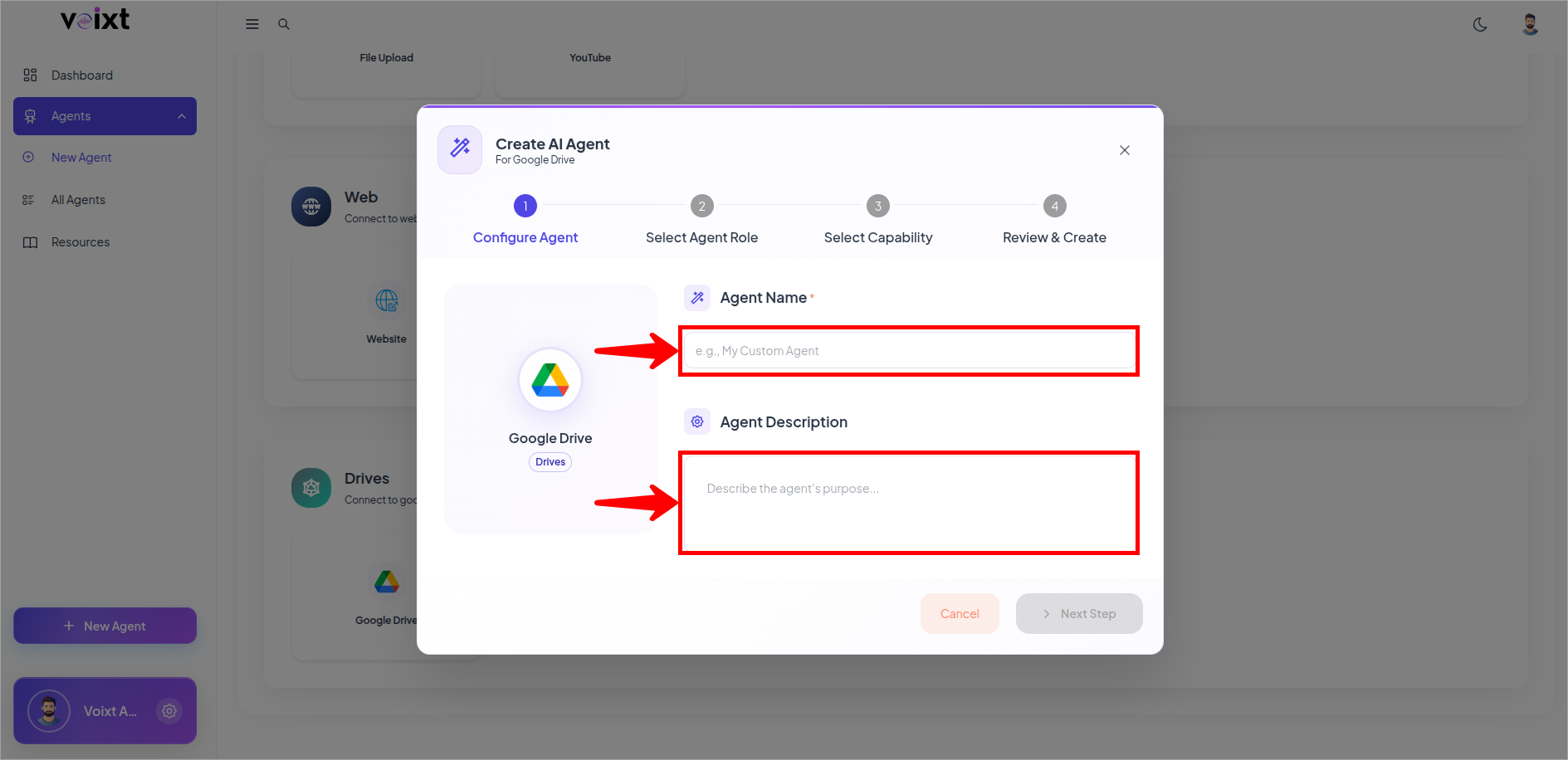
- Fill the details for your agent fields like name, description.
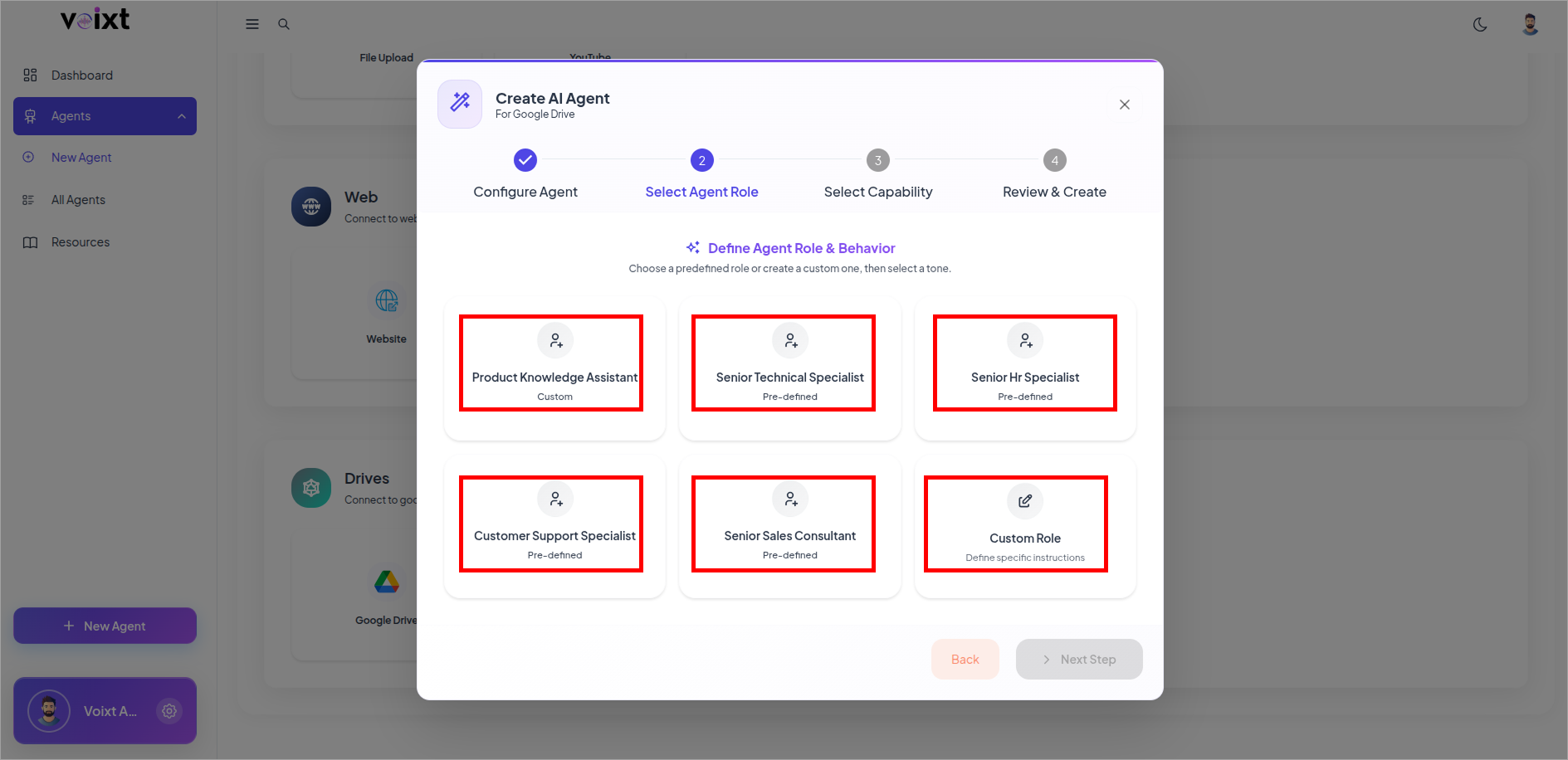
- Select the Agent Specific Role.
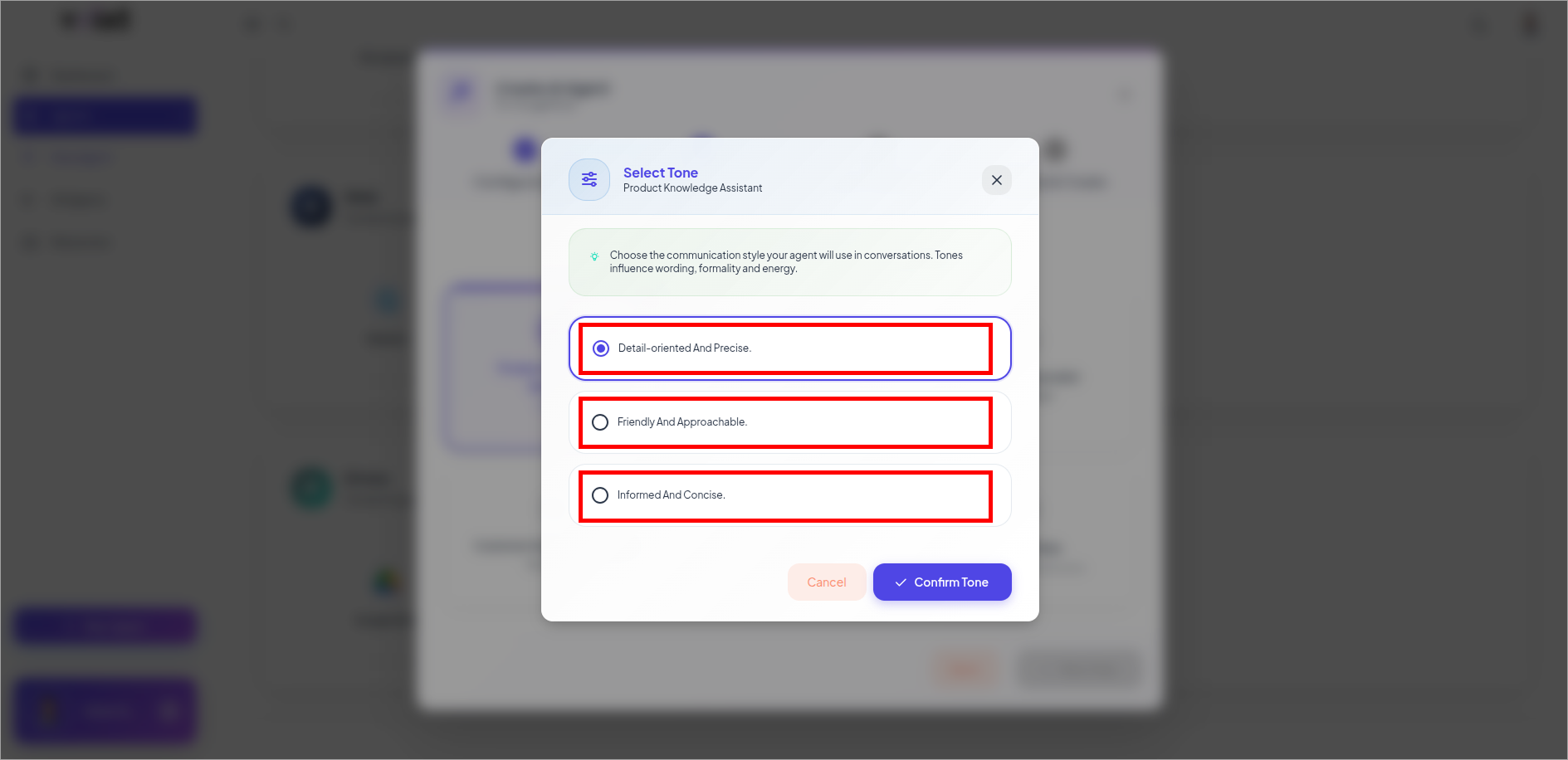
- Select the tone.
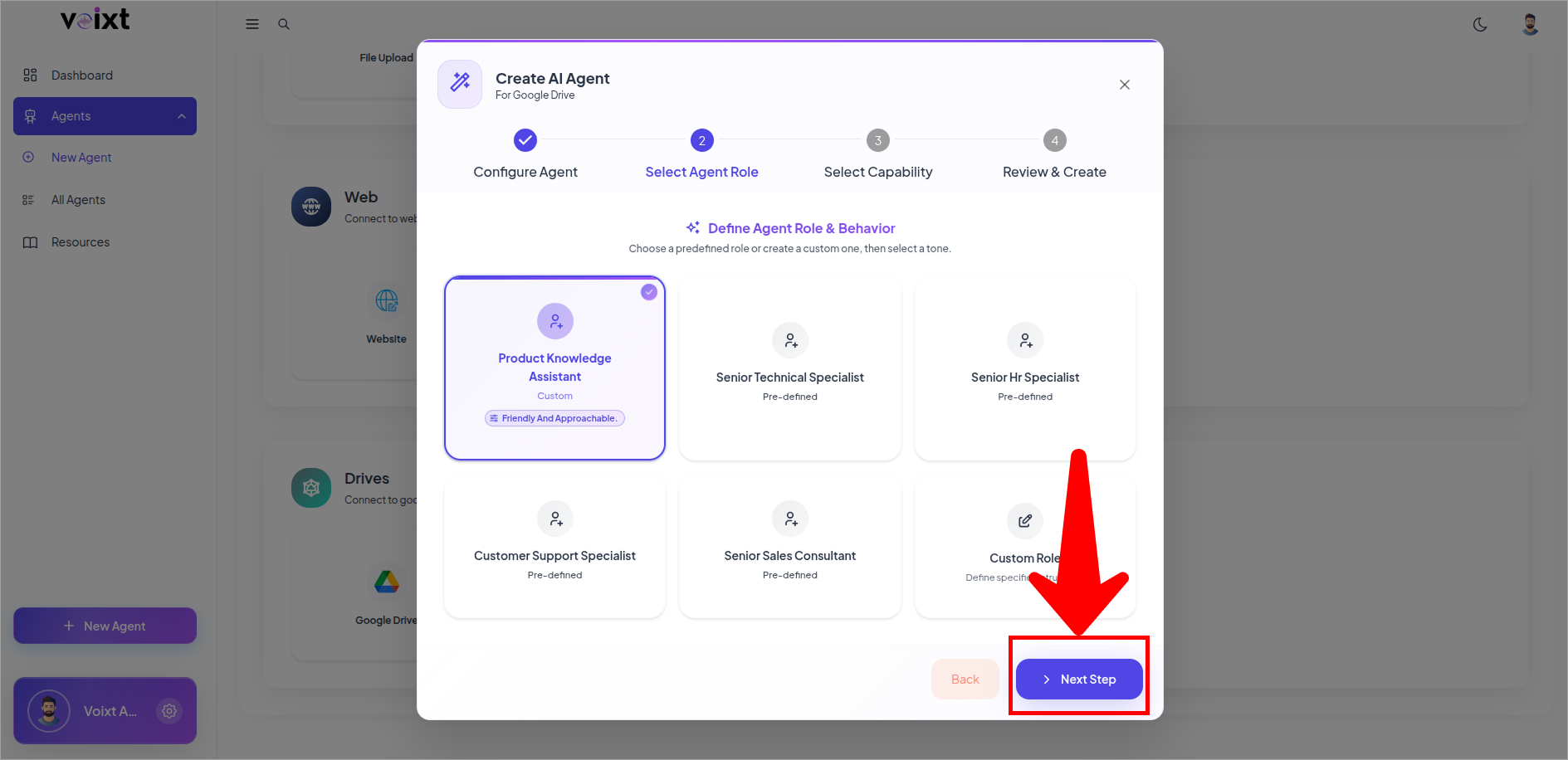
- Review Role and Tone then click on next step.
- Configure Response GeNErated from and the Primary capability of your agent and click on next to continue.
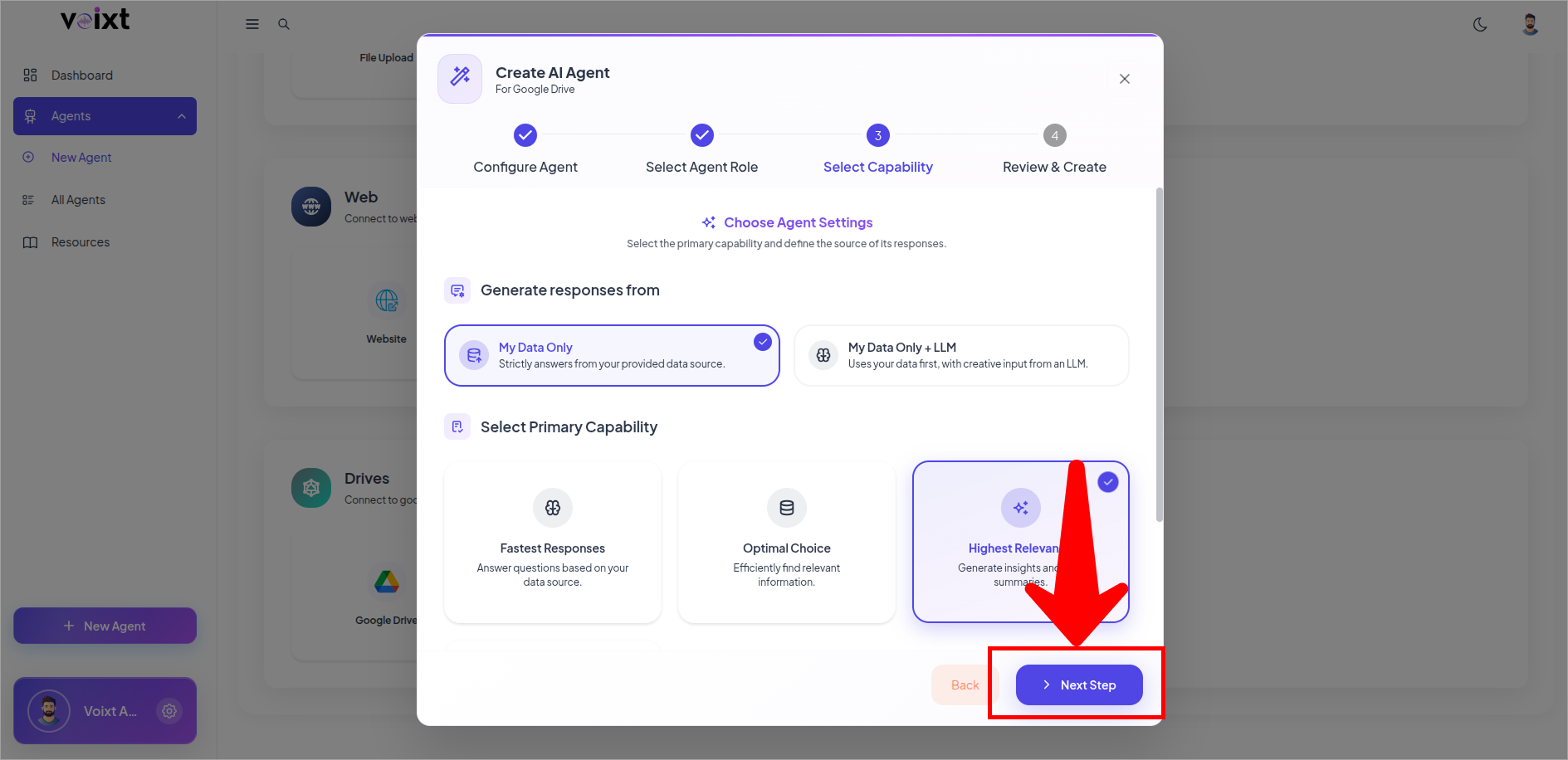
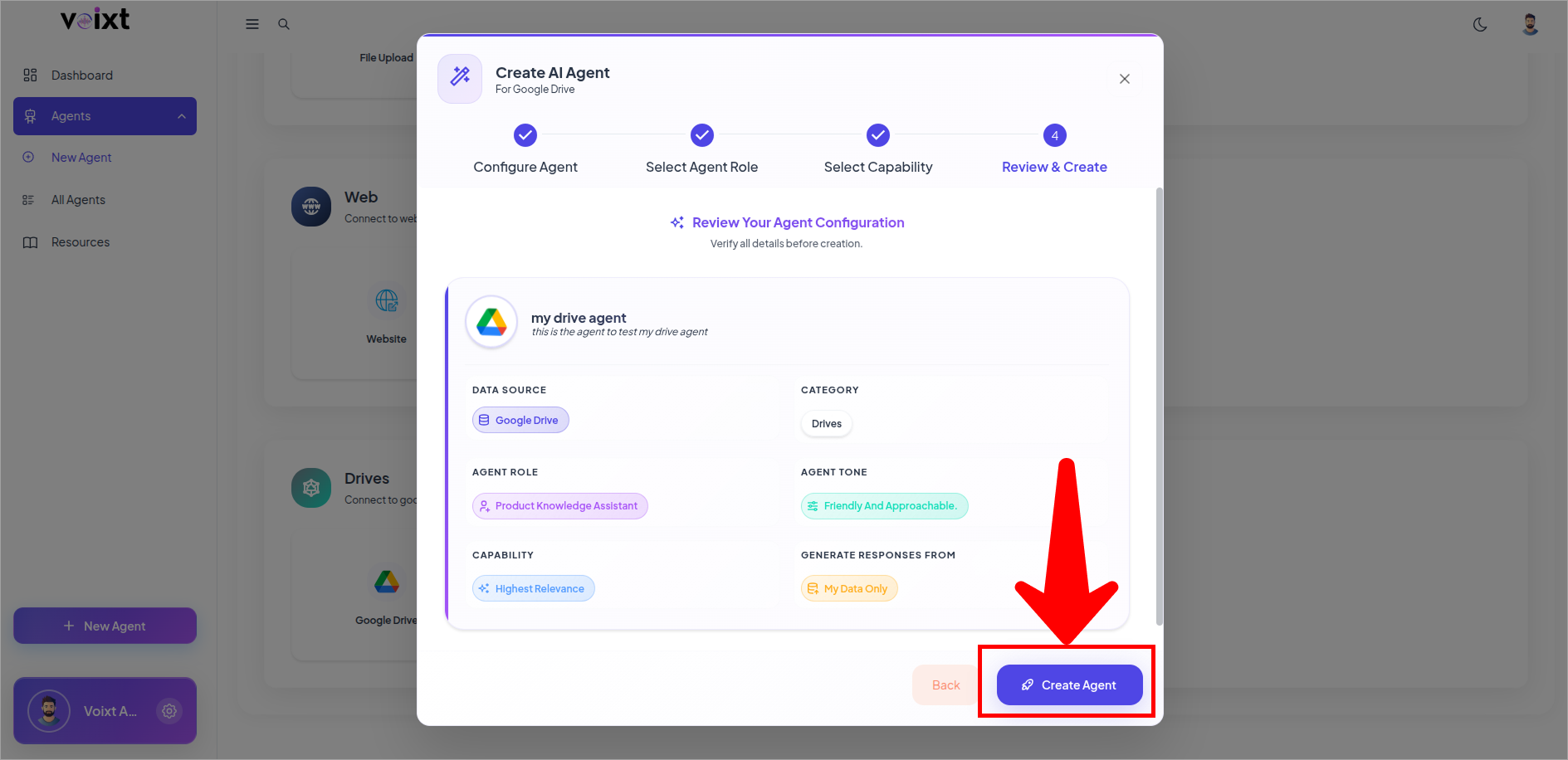
- Review the details and click on Create Agent.
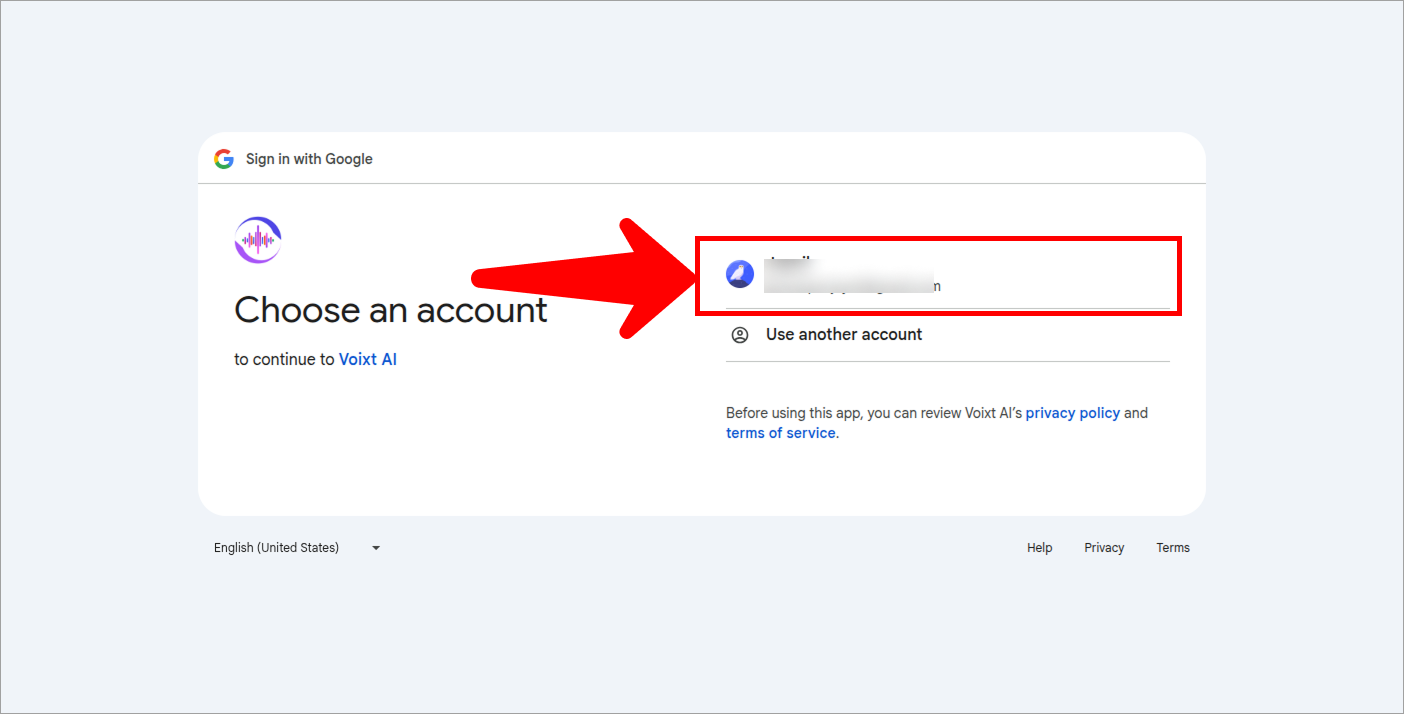
- Click google Account to Continue connecting with Google Drive.
- Select the files you want for the agent.
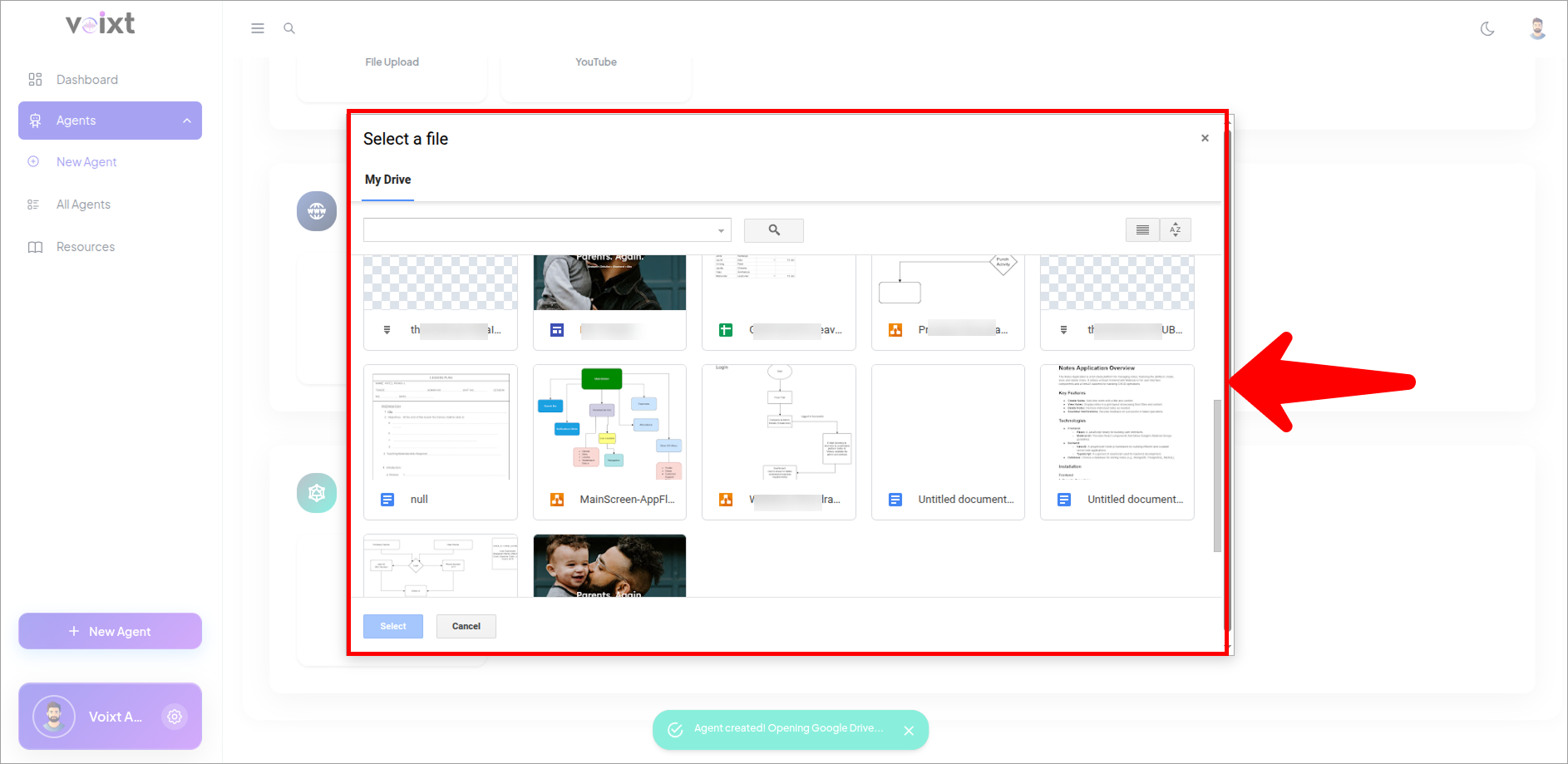
- Check the Drive documents ou selected.
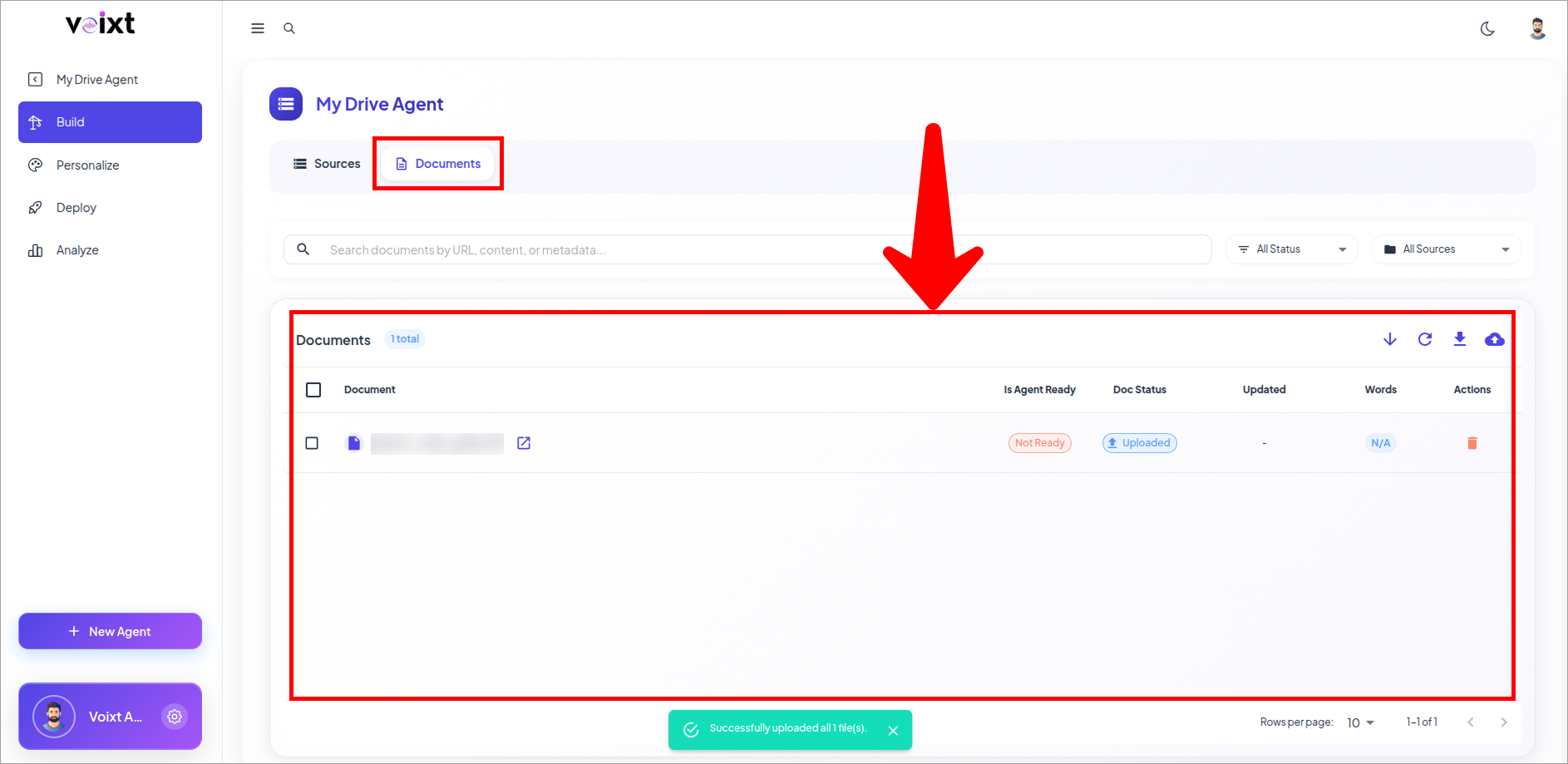
note
Each page takes time based on the words on the website, and after completing this process only then you can ask your agent.
- Click on Refresh iconbutton to continue the doc status.
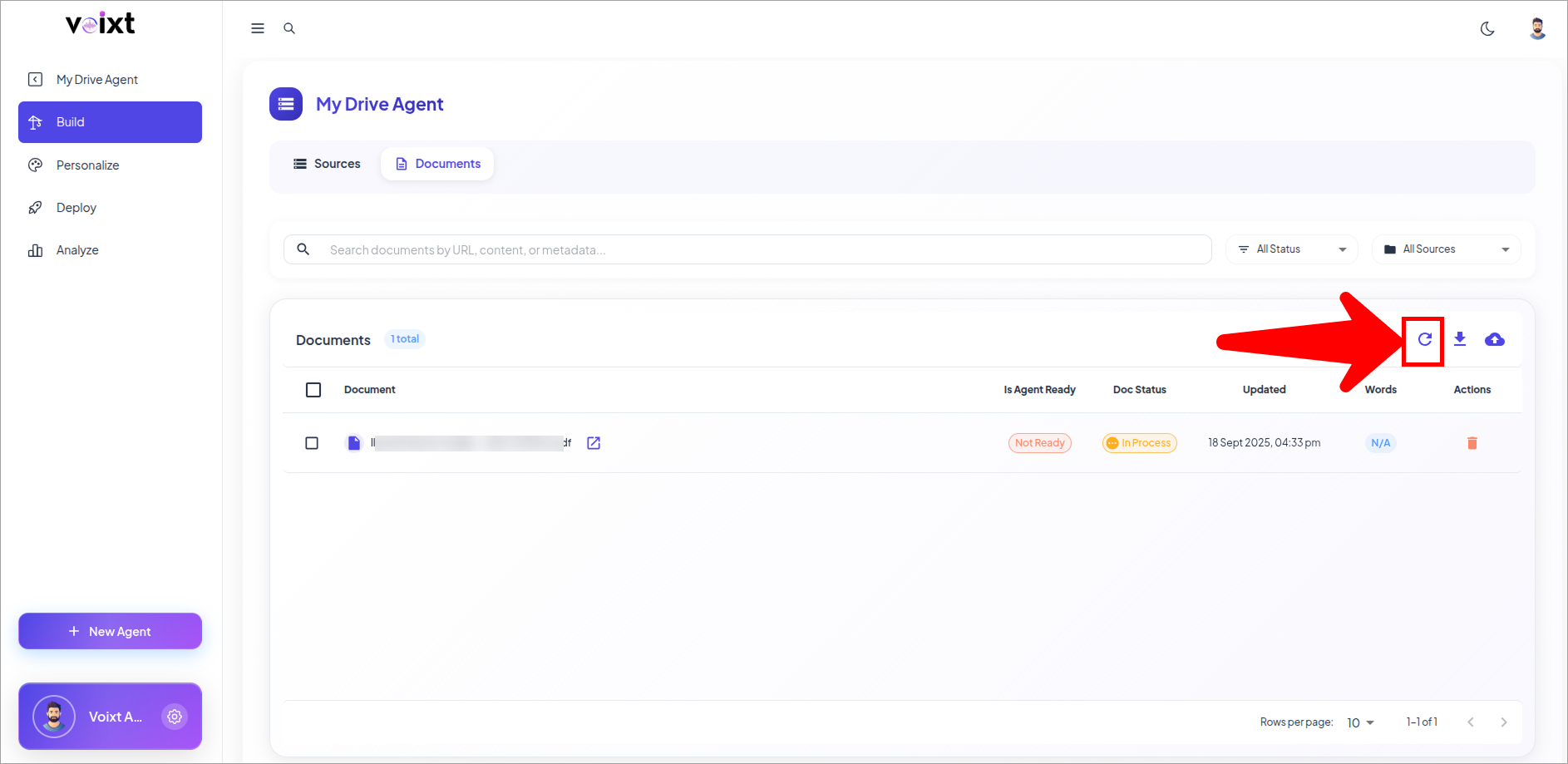
- You can always update, delete or add source and validate your source.