Test Deployment
This step-by-step guide explains how to deploy your AI agent on your website or share it using a public link.
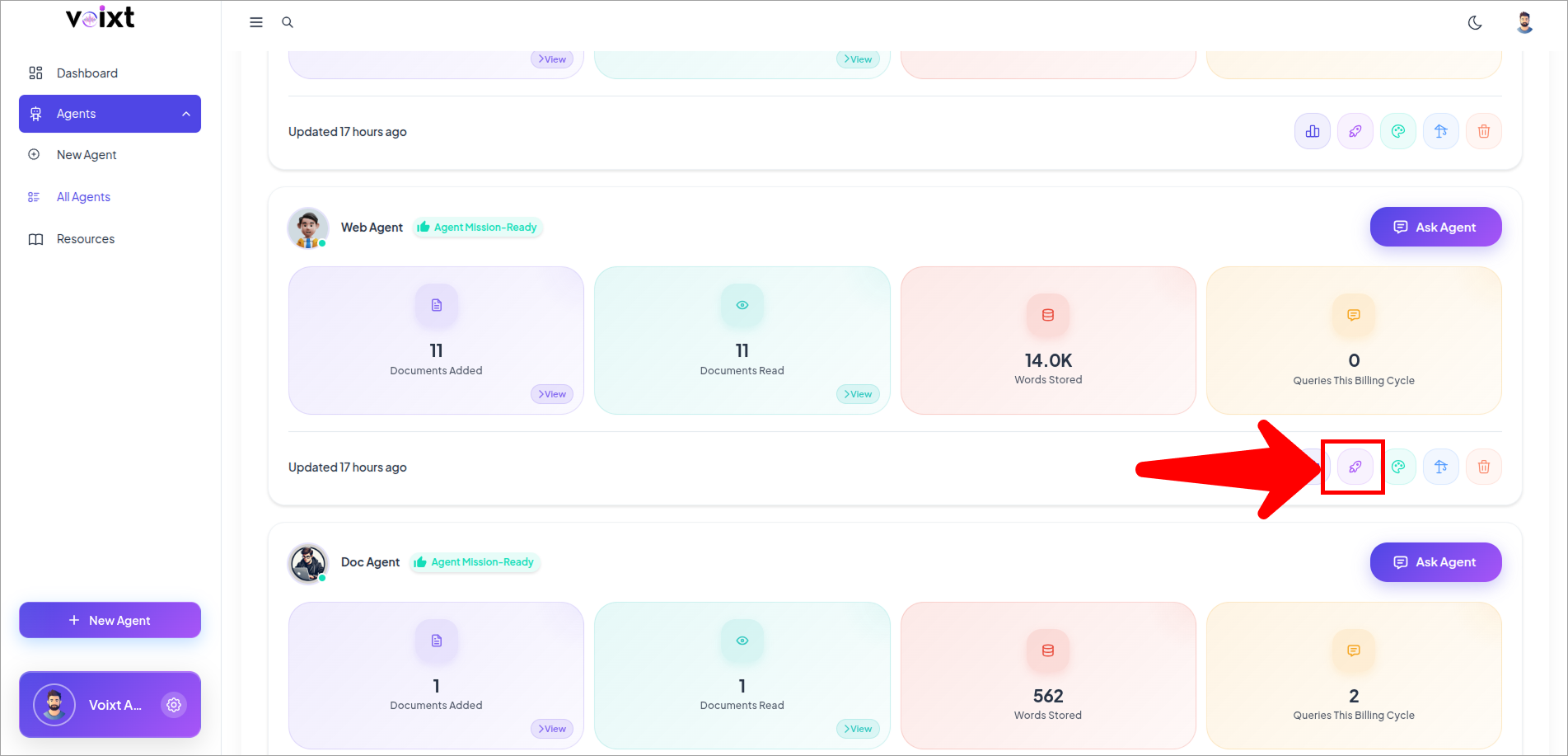
- Click Deploy icon button.
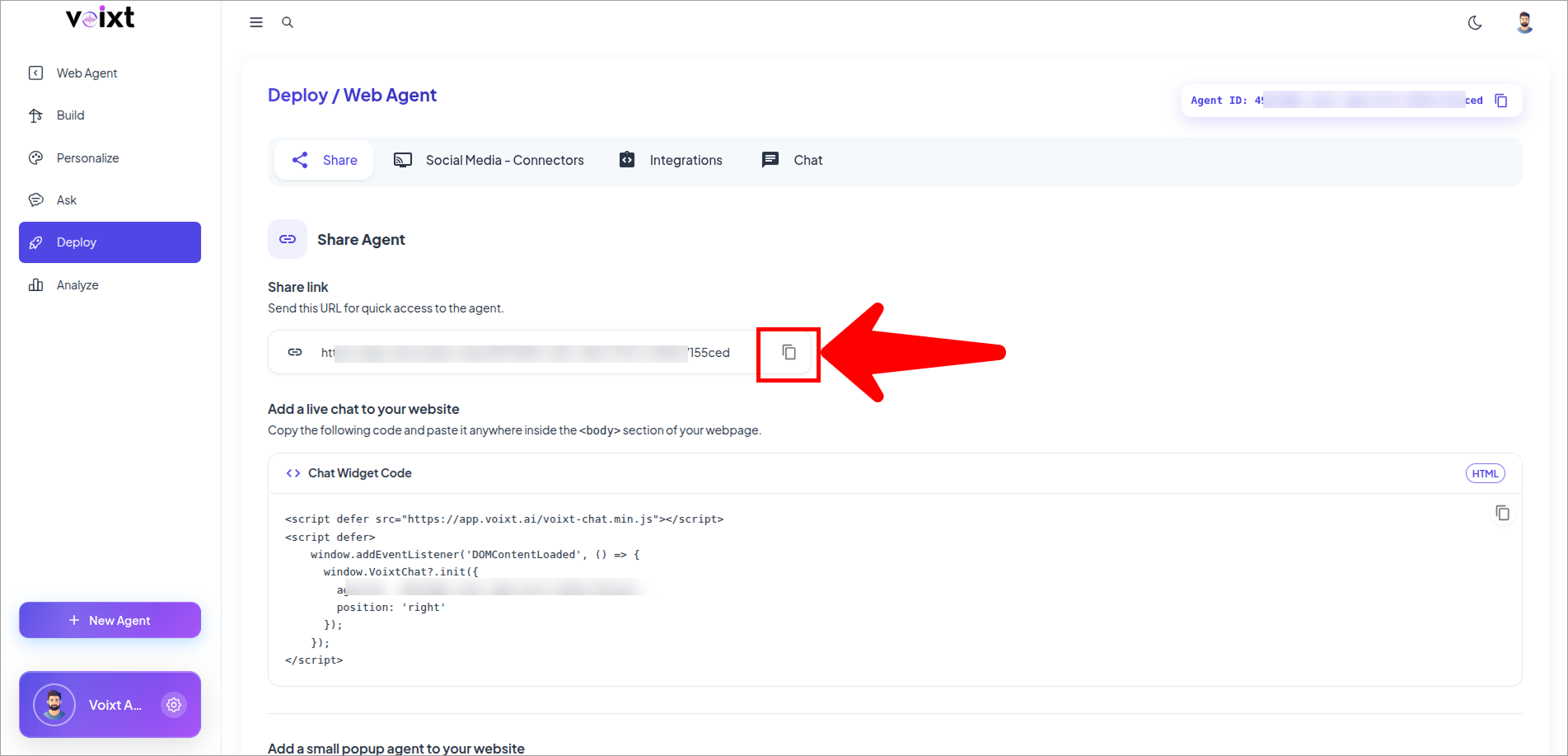
- Click the copy icon button to copy the URL to access your Agent publically.
tip
You can always your Agent status from Private or Public from the Conversation Sharing