Manage Conversation Sharing
This guide explains how to manage conversation sharing settings for your AI Agent.
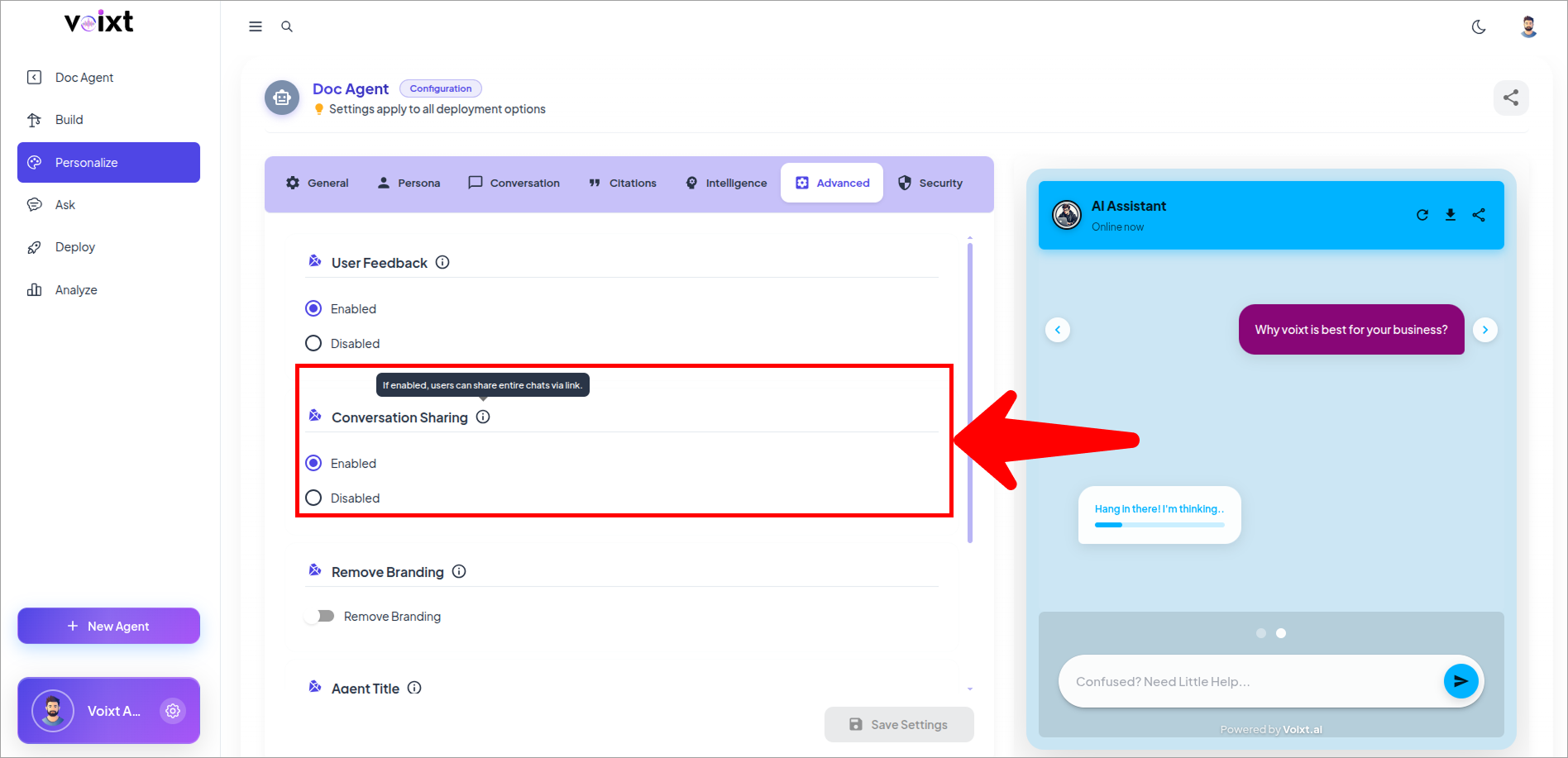
Conversation Sharing : If enabled, users can share entire chats via link.
- In the Agent's Personalization, from advanced tab, Check out the conversation sharing option
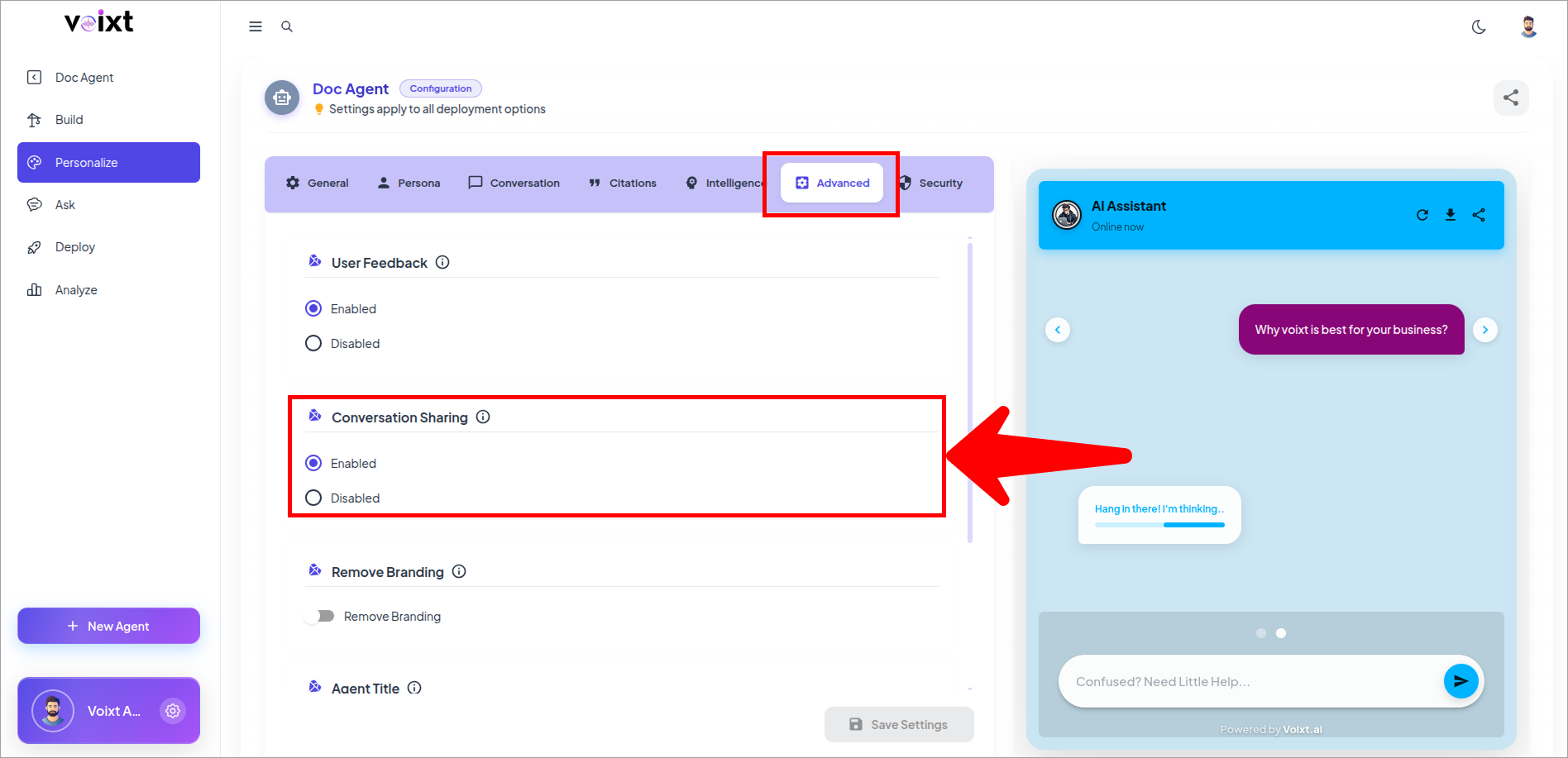
- Change it to Enable or Disable as you want to.
- By default conversation sharing is enabled that means you can share your conversations of voixt
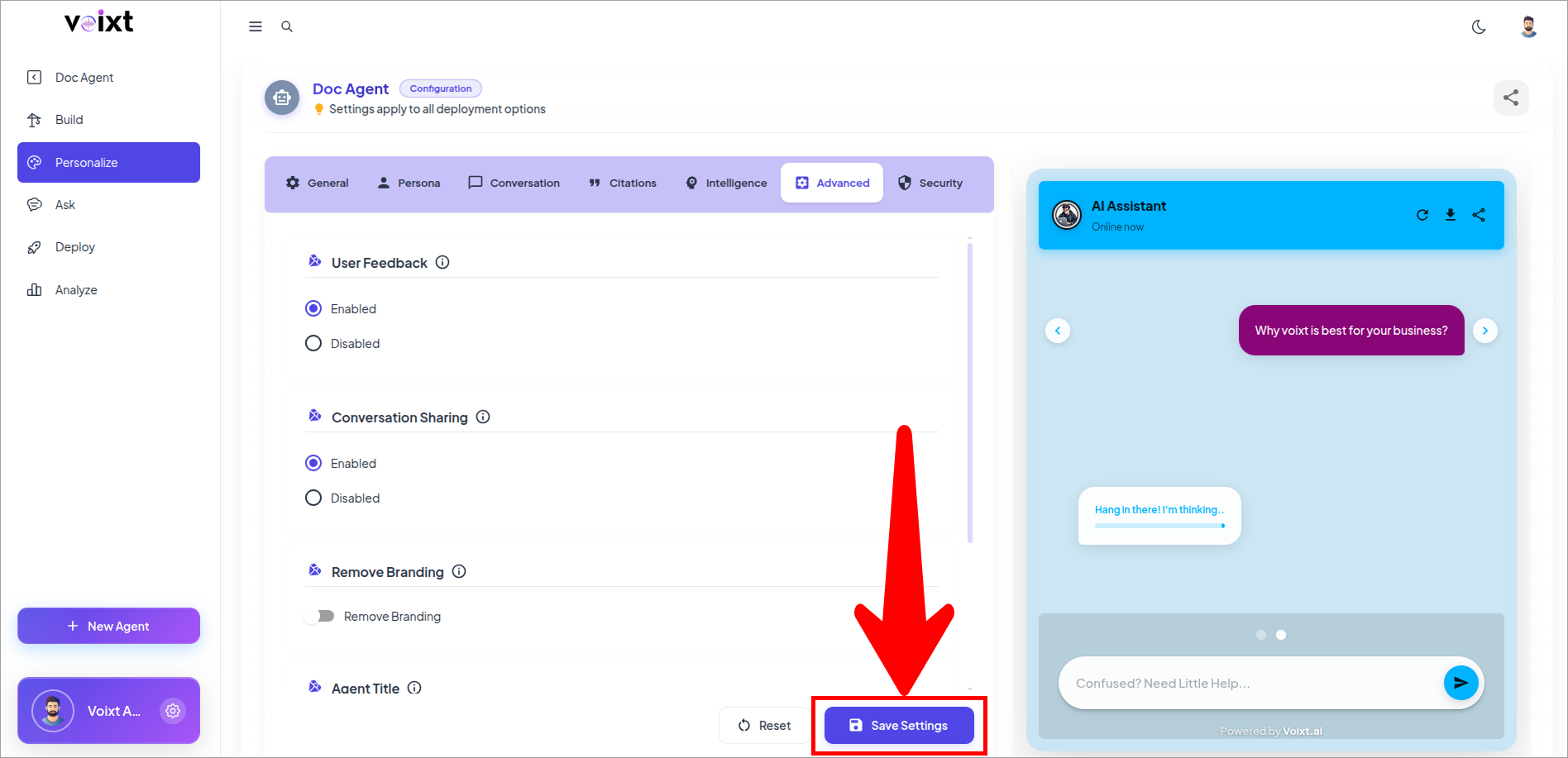
- Click on save changes button to save the changes.