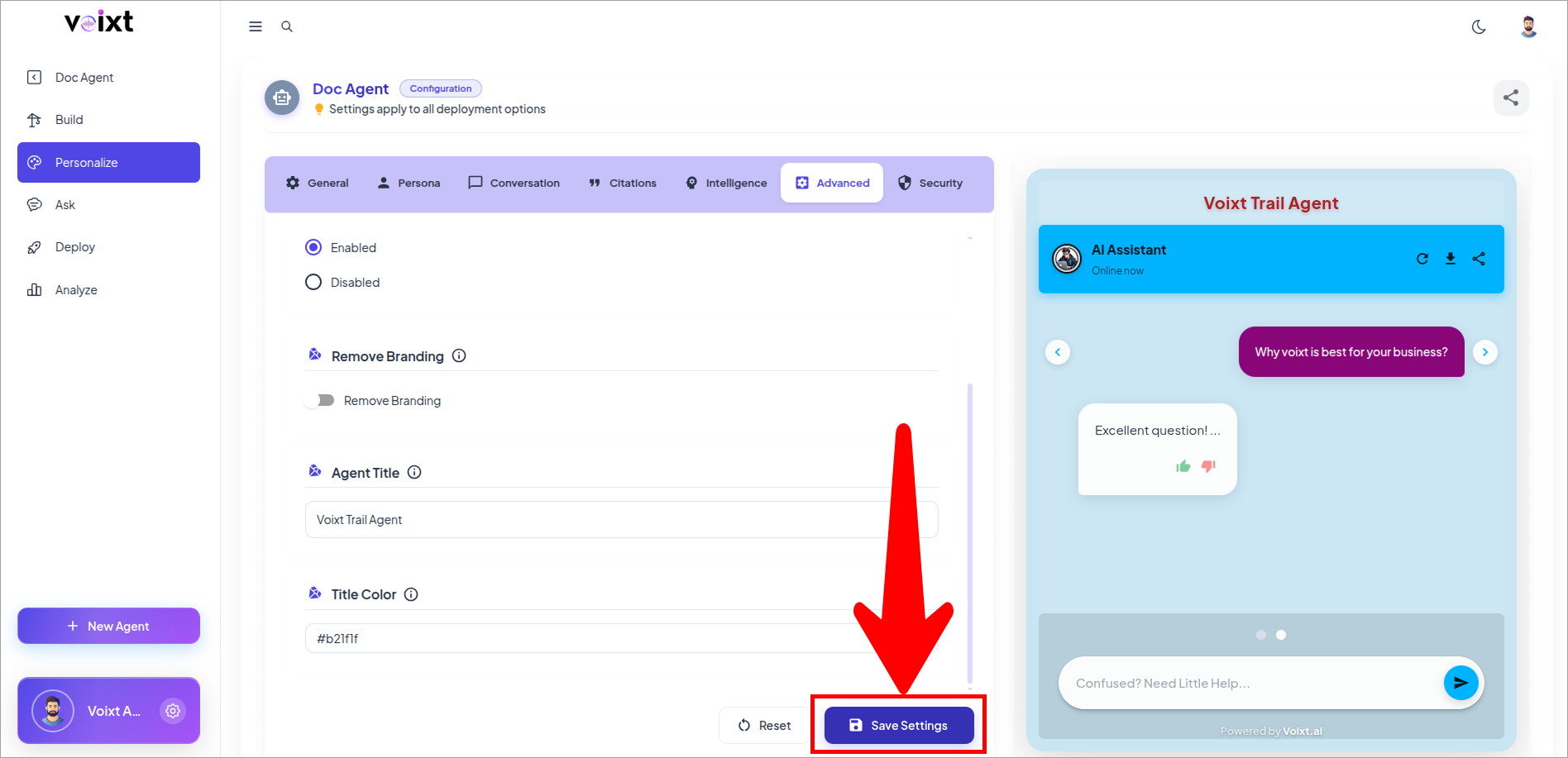
Custom Title Color
This guide explains how to give your title specific color and title which shows above chat window
Agent Title
Leave blank to omit a title above the chat window
To configure the Agent title follow the steps:
In the Agent's Personalization, from Advanced tab, Check out the Agent Title option
- Write the title name you want to give to your Agent
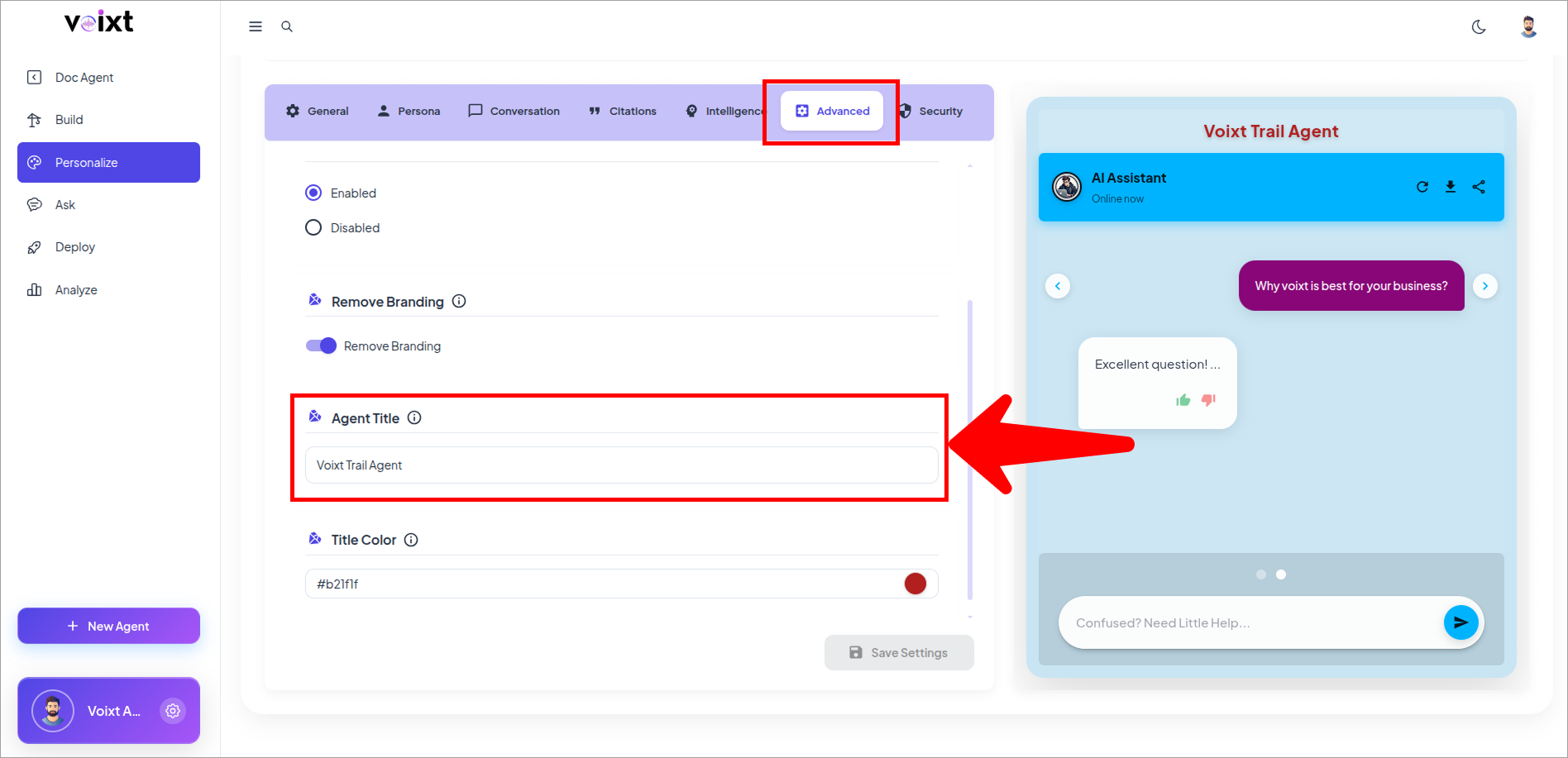
In preview, check the Agent title.
- By default Agent title is not configured.
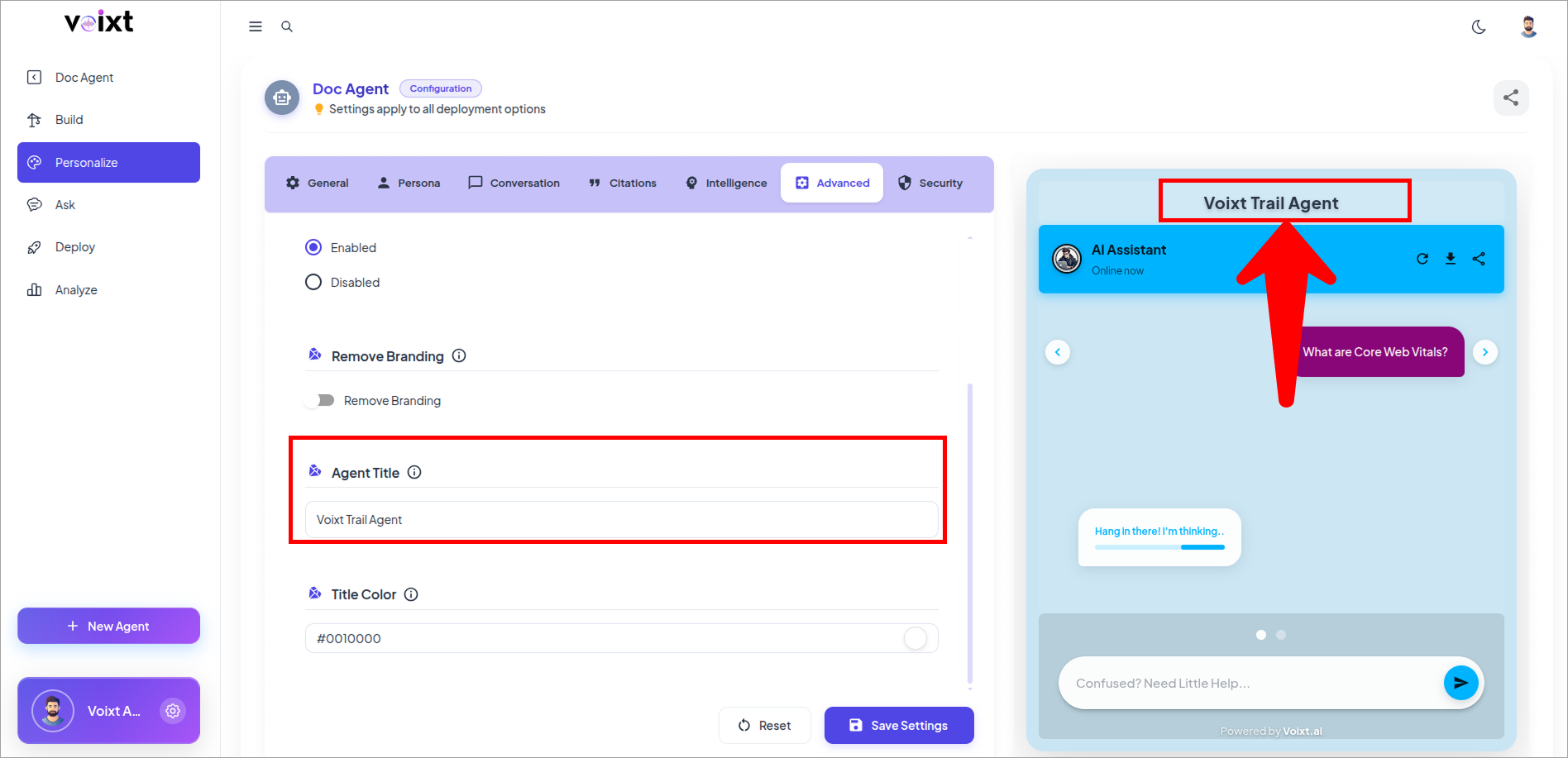
Title Color
This features give you option to give the agent title to your brand color
Follow the process, step by step to Give Color to the Agent title.
Check the Title Color option, just below to the Agent Title
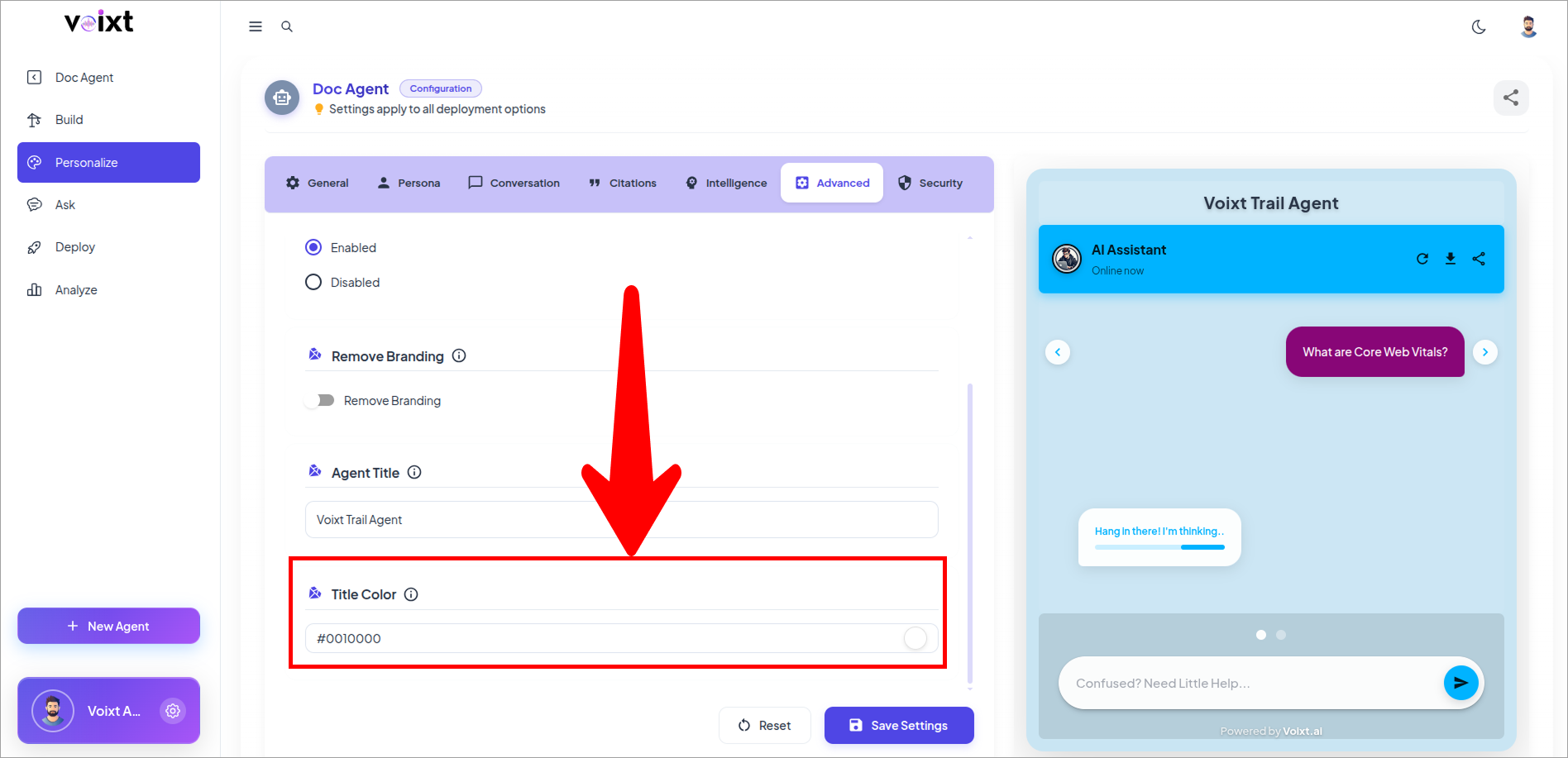
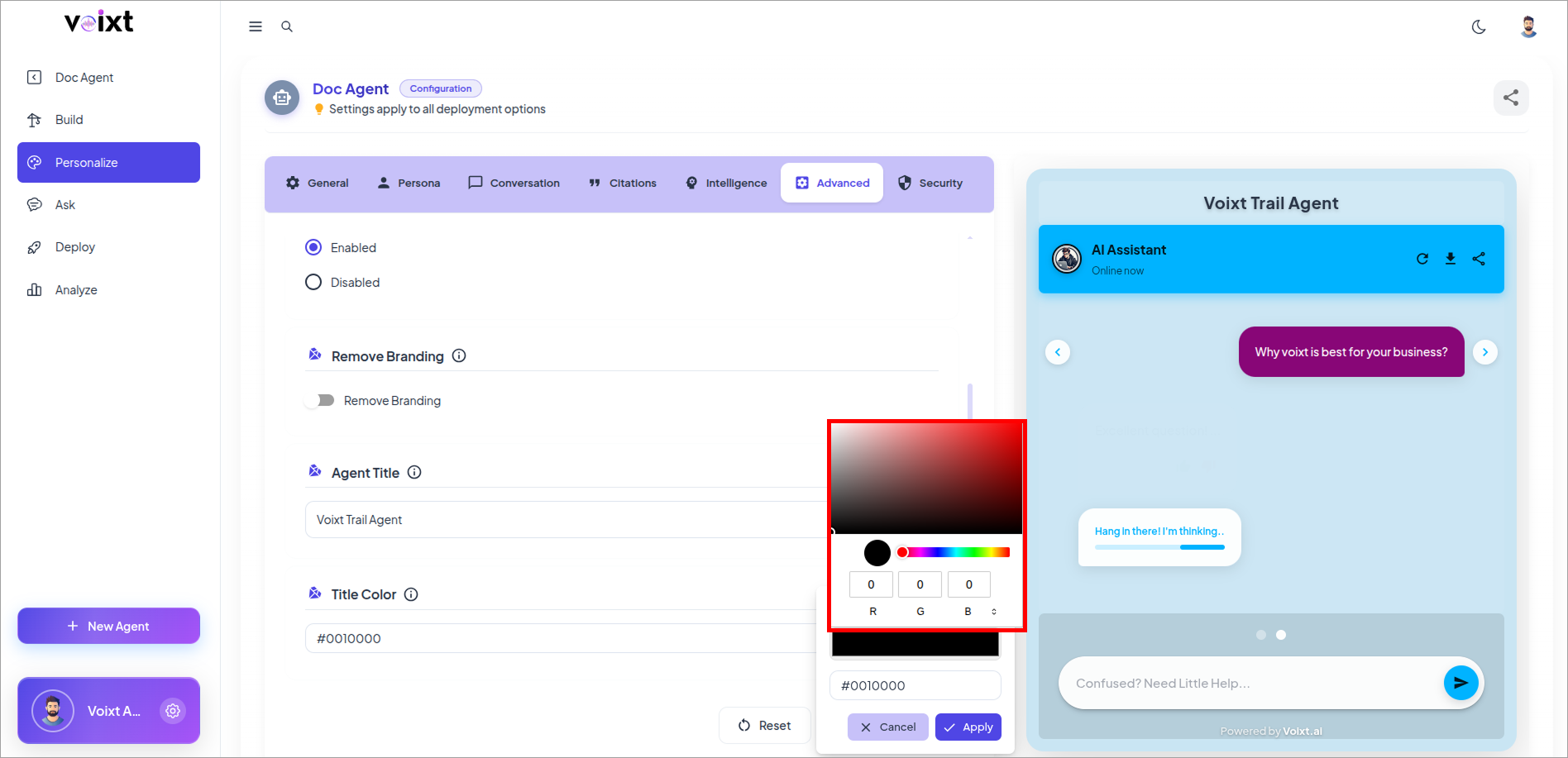
Click the Color box it opens the RGB color box to update it.
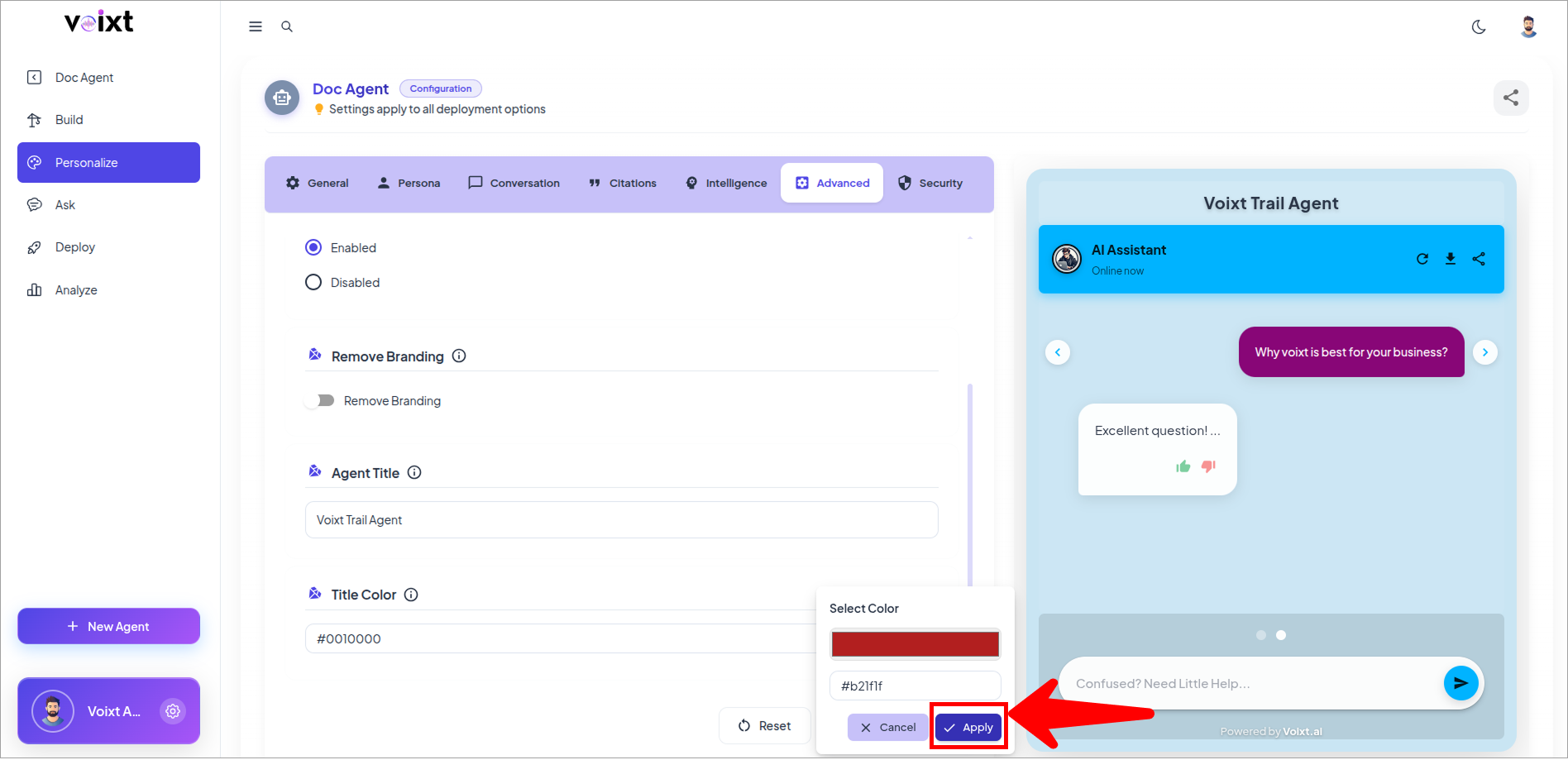
Click on Apply Changes to update the changes you made.
In preview, check the title Color.
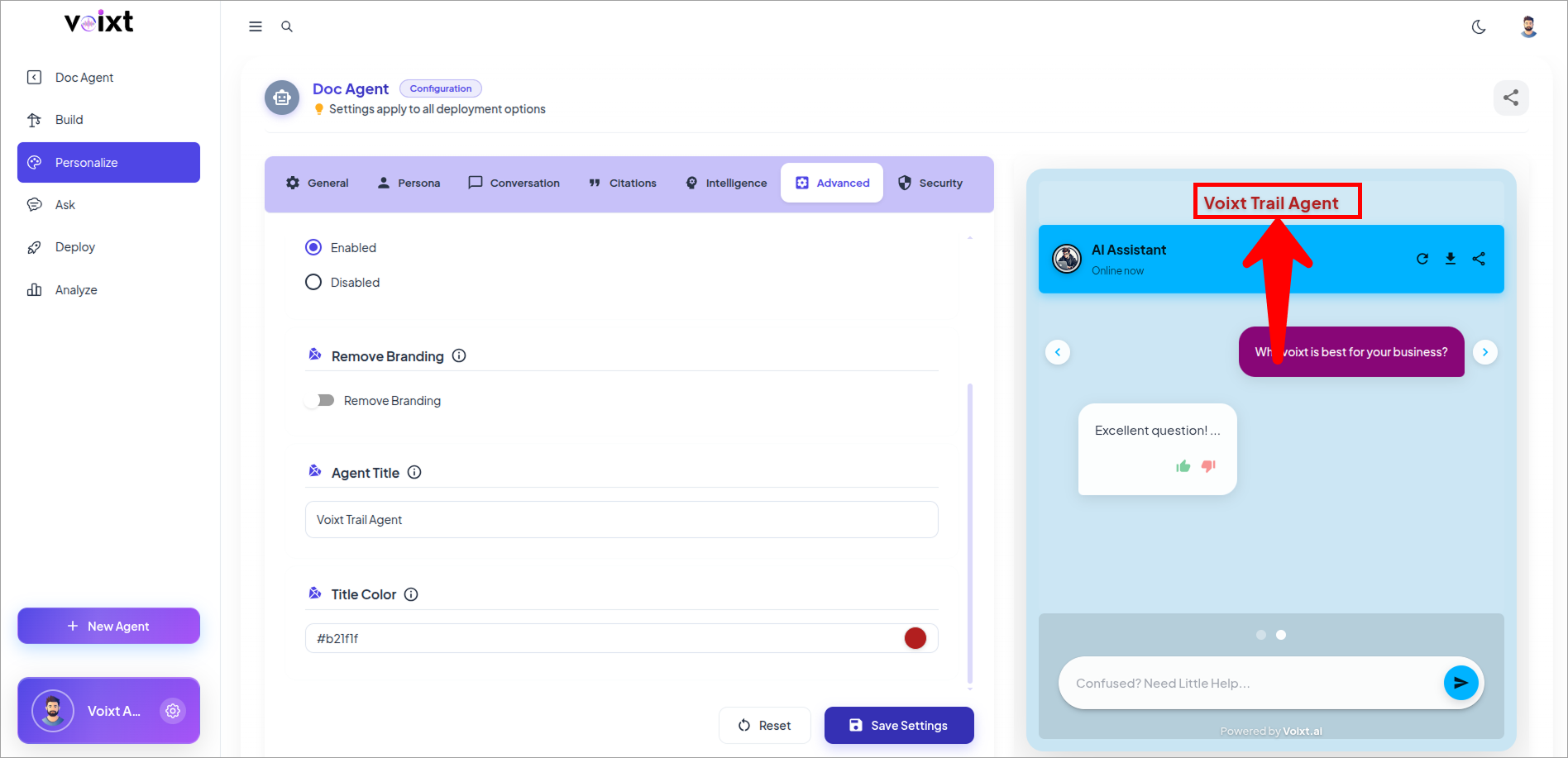
Click on save changes button to save the changes.