Create Voixt Account
To create new account in voixt follow these below steps.
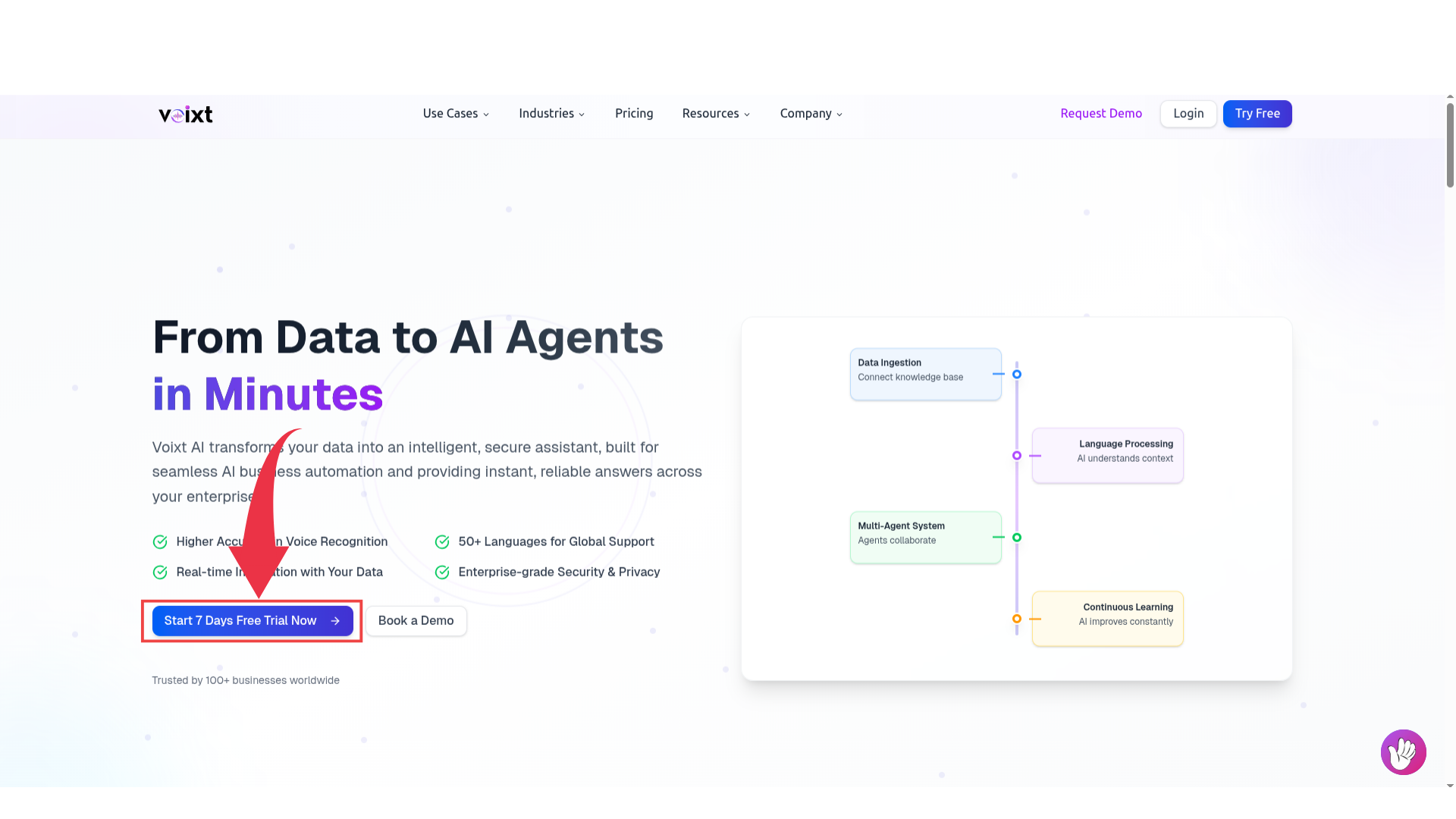
Step 1: Search for voixt.ai, and click on start free trail.
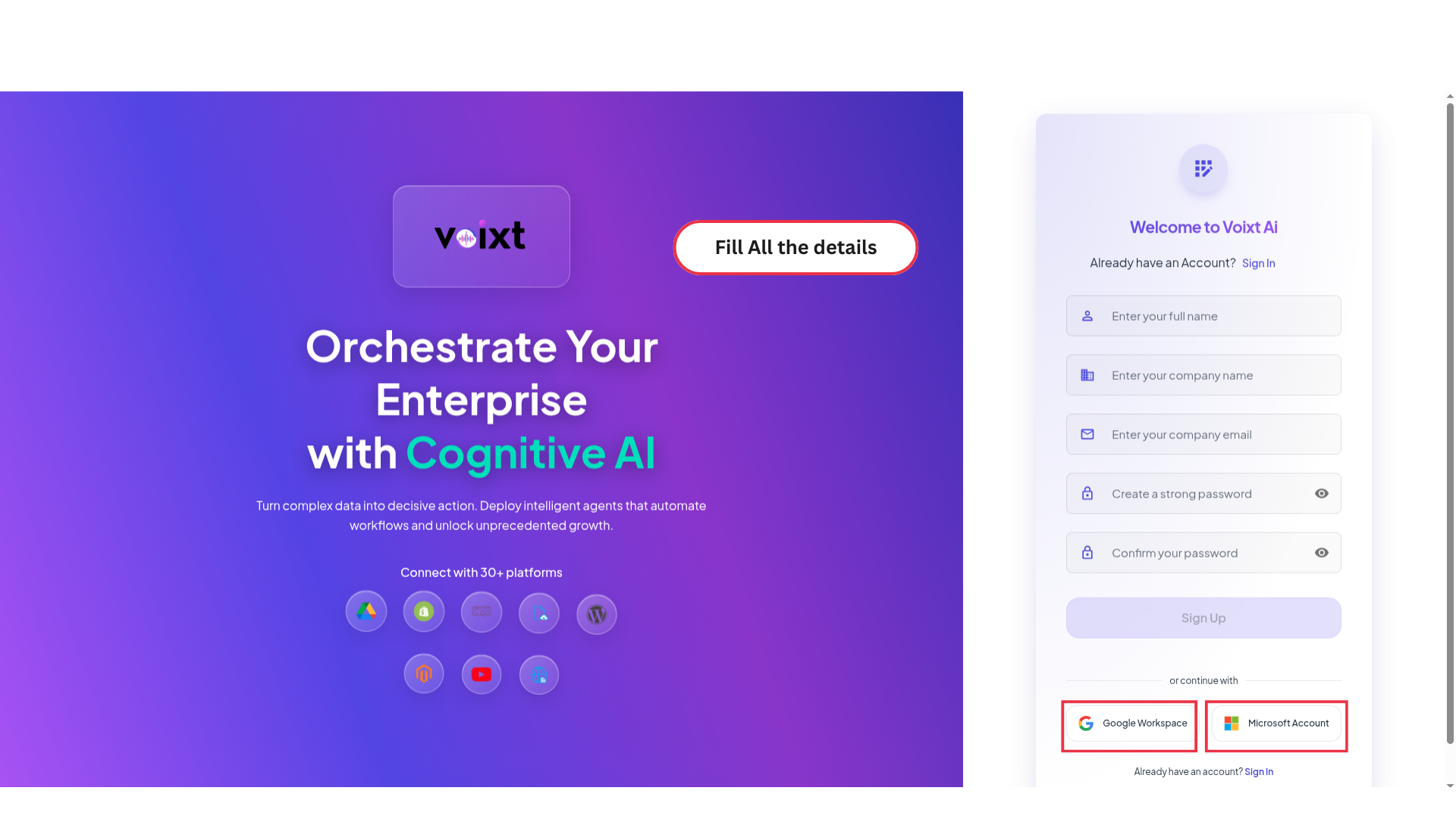
Step 2: Fill all the details your name, company name, company email address and create password for voixt.

warning
Don't share you password with anyone else and keep it strong.
Or you can sign in directly using your company mail directly by clicking to Google workspace or Microsoft. After the verification you’ll directly redirected to the Voixt App
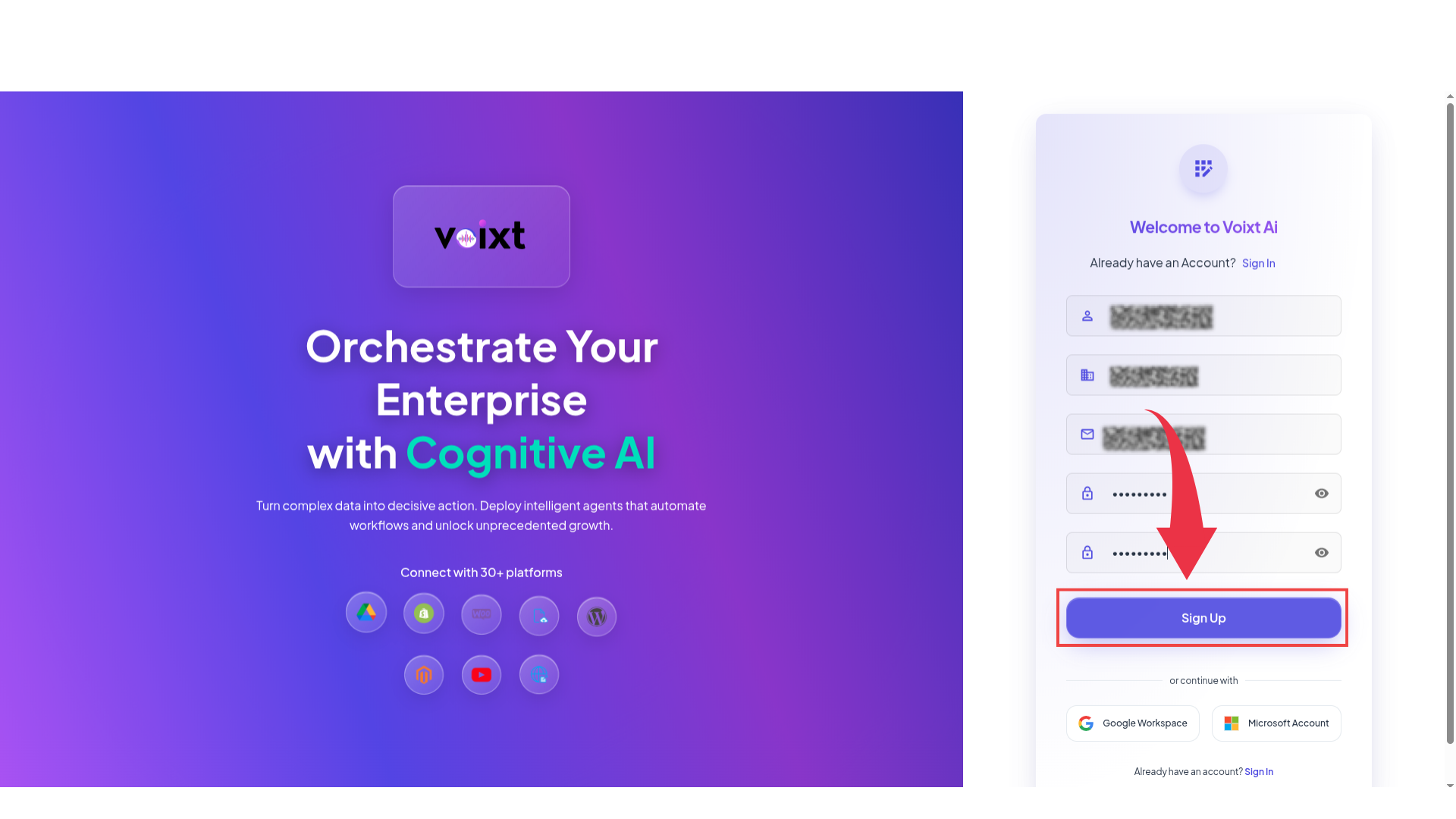
Step 3: Click on Sign up.
Step 4: You Get mail to verify your account Check your mail to verify email address.

After successfully verification you’ll be redirected to voixt login page, fill the details your company email and password.
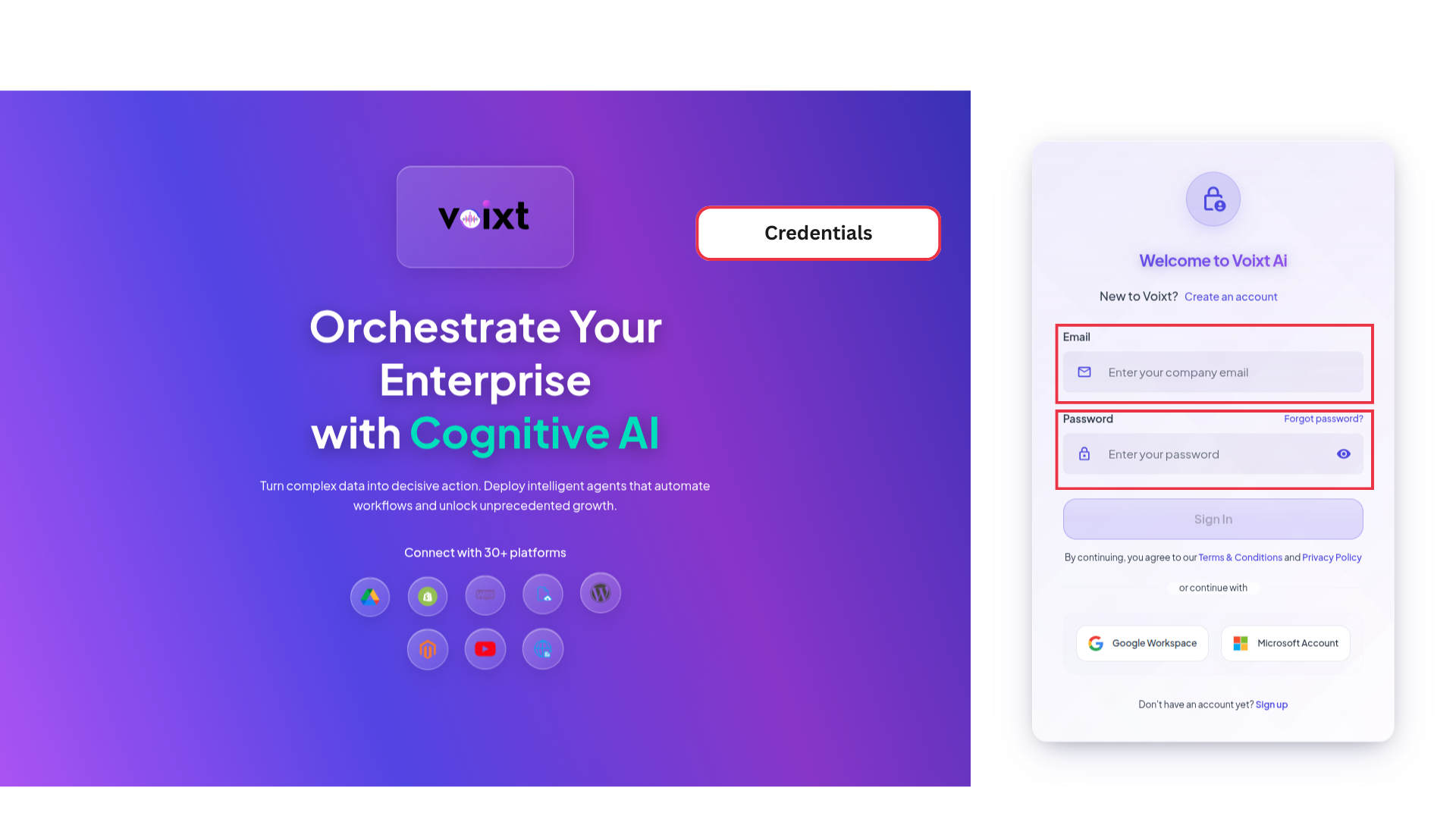
Step 5: Click on sign in to go to your voixt account.

After completing all steps successfully you can finally access voixt app.