Agent Analysis
Agent Analytics guide you towards each agent's analytics and understand about the analytical features of agents.
From your Voixt Dashboard
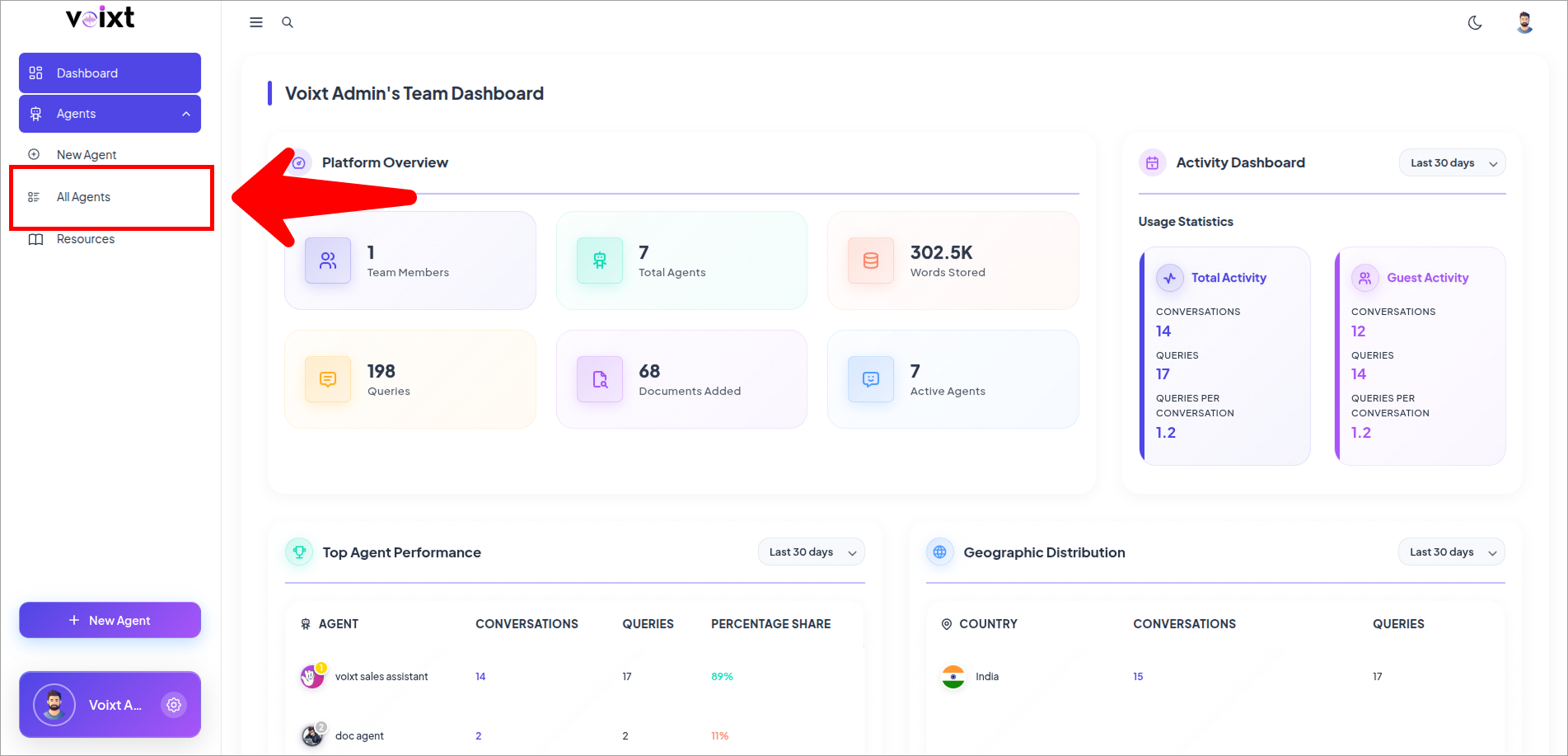
- Click on All Agents
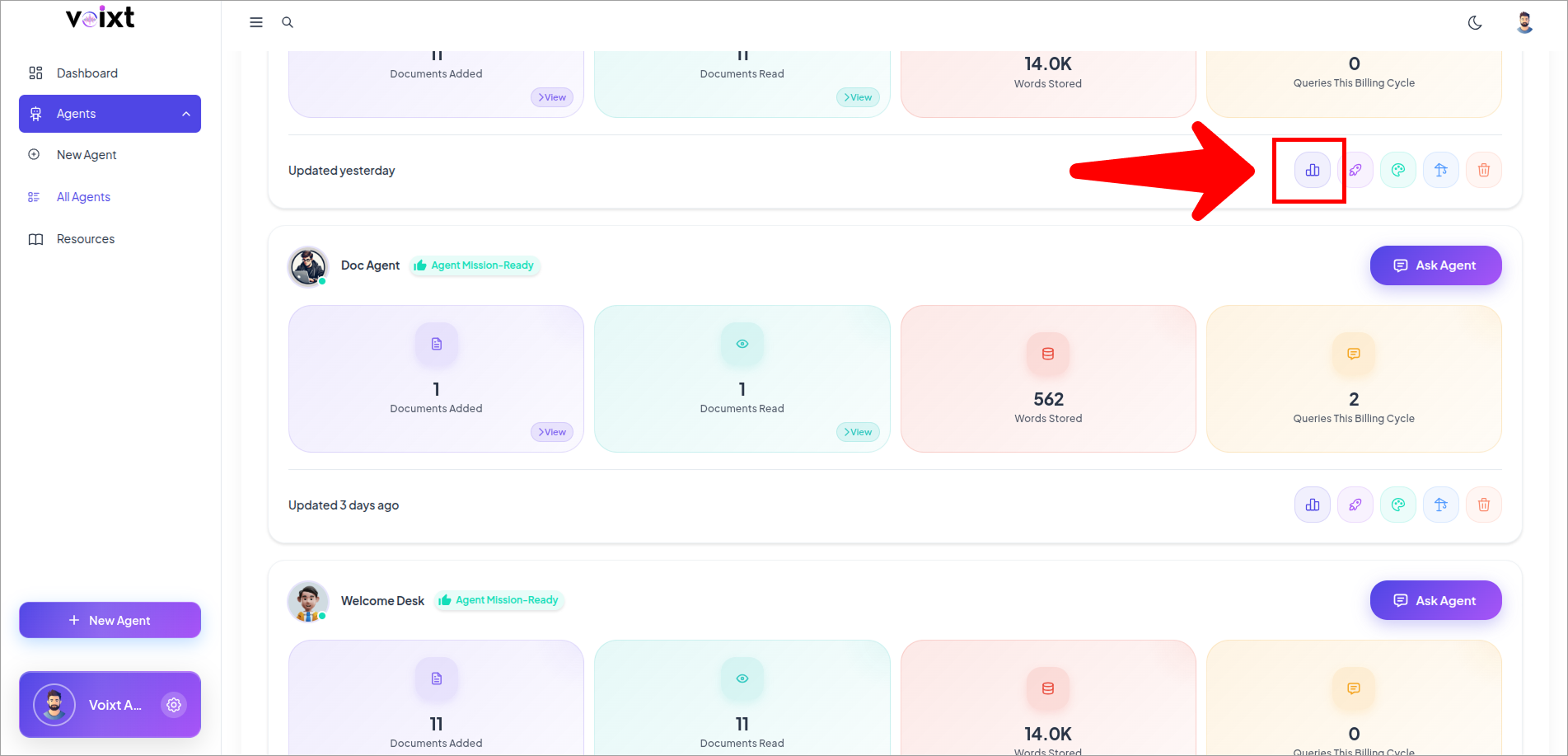
- Click on Analyze icon button
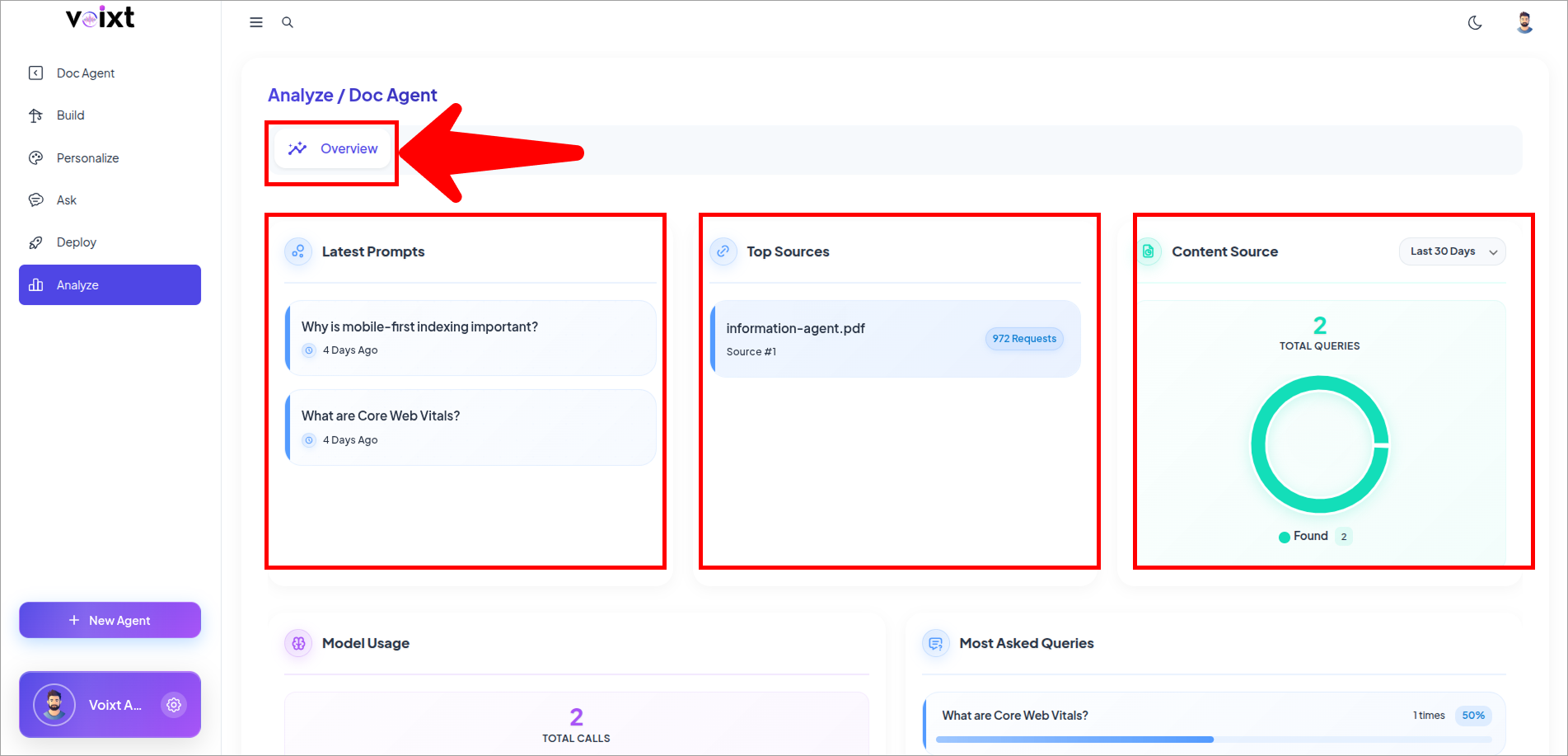
You'll be redirected to the Analytics page of Voixt on overview tab.
-
Latest Prompt
-
Top Sources
-
Content Sources
-
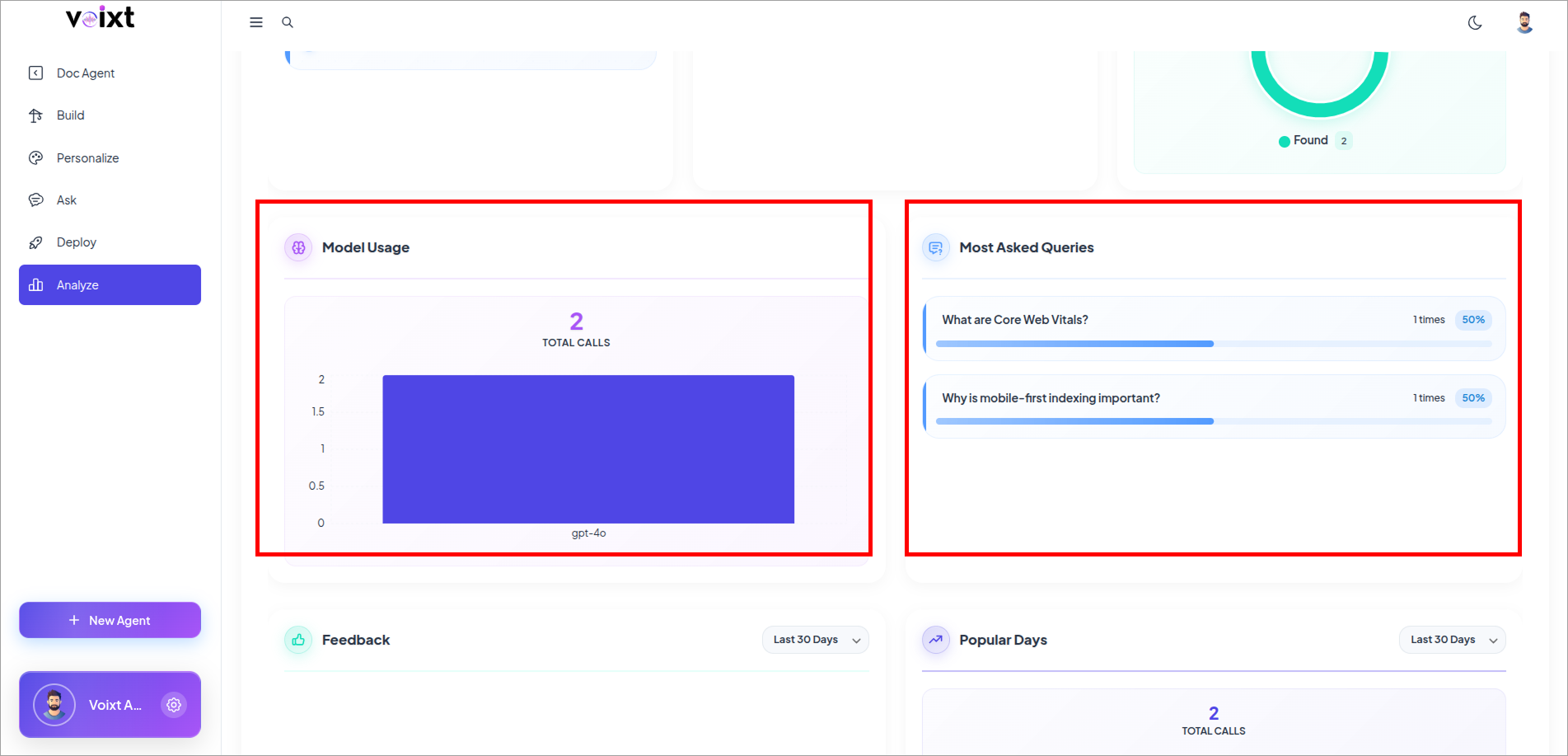
Model Usage
-
Most Asked Queries
-
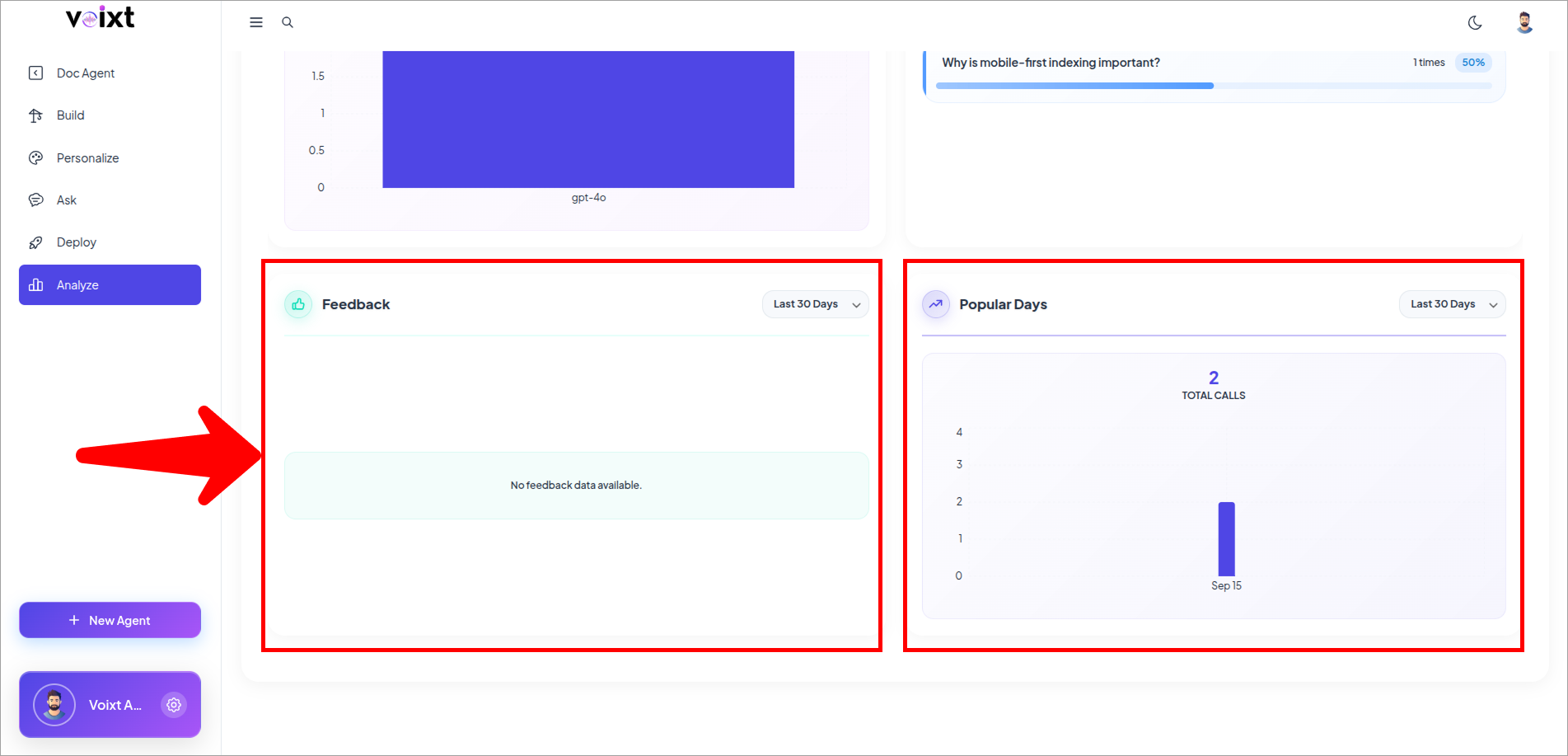
Feedback
- Positive Feedback – Number of successful and well-received queries.
- Negative Feedback – Number of unsuccessful or poorly received queries.
-
Popular Days
- Identify the days when user activity and engagement are at their highest.
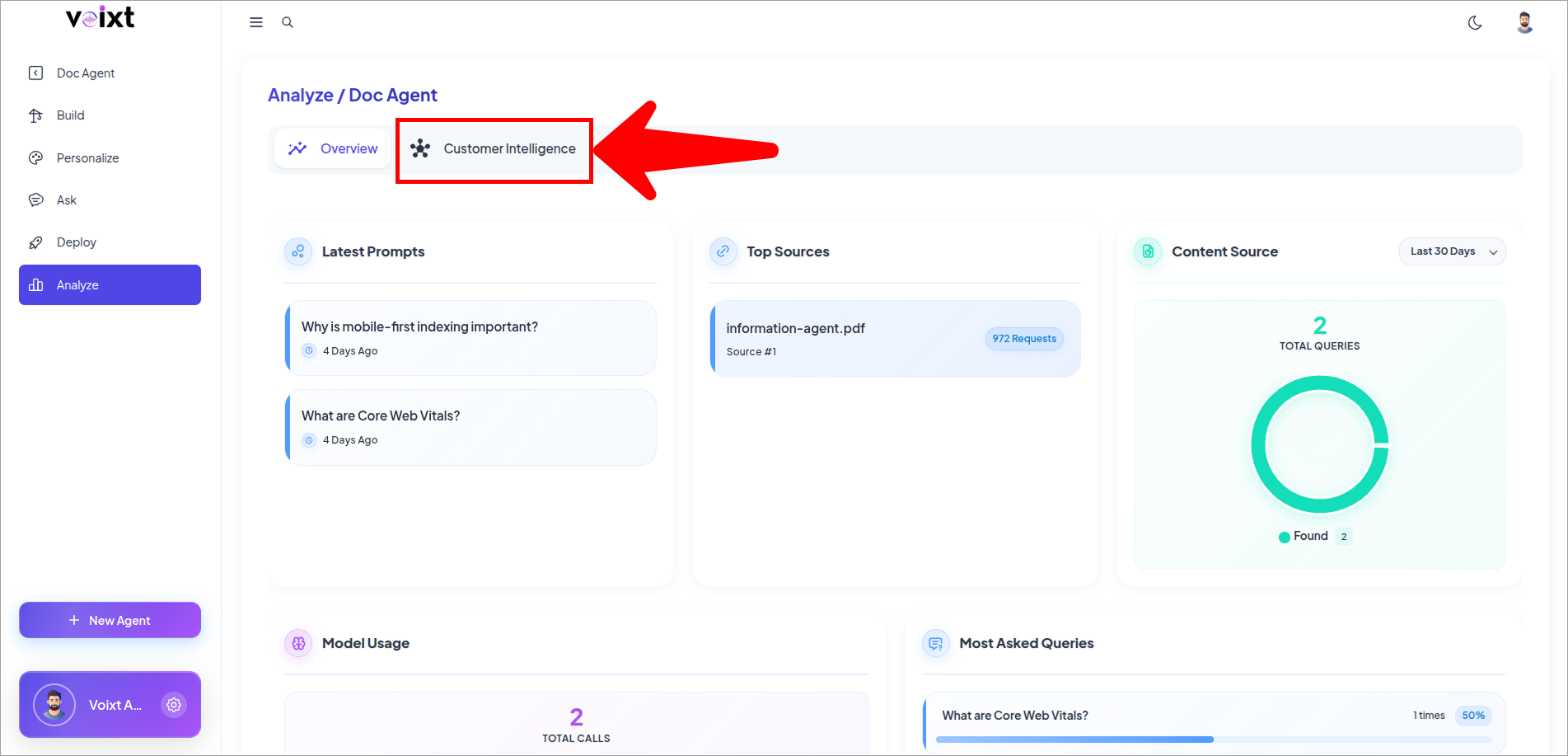
- Customer Intelligence
-
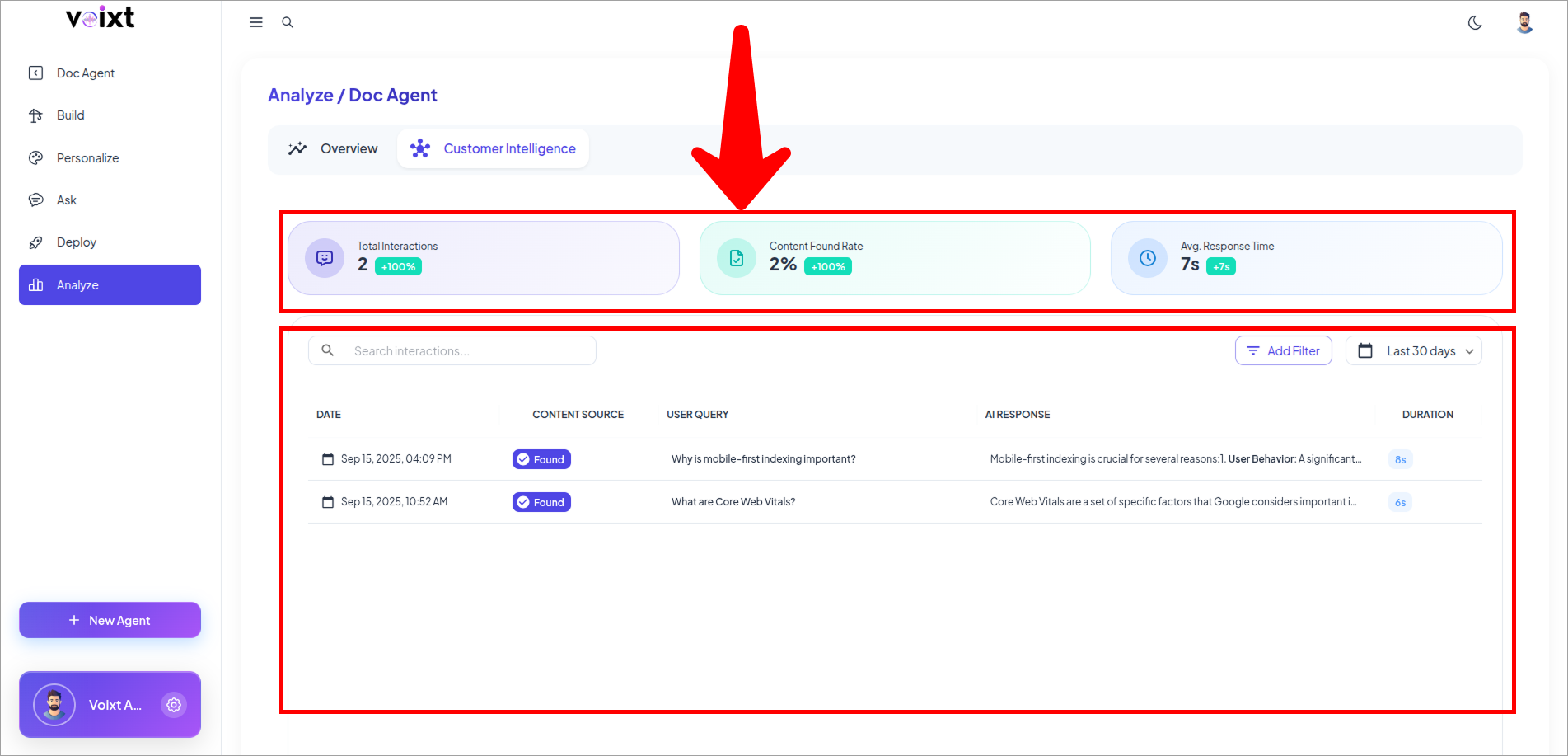
Total Interactions
-
Content Found Rate
-
Average Response Time
-
Query Analytics table
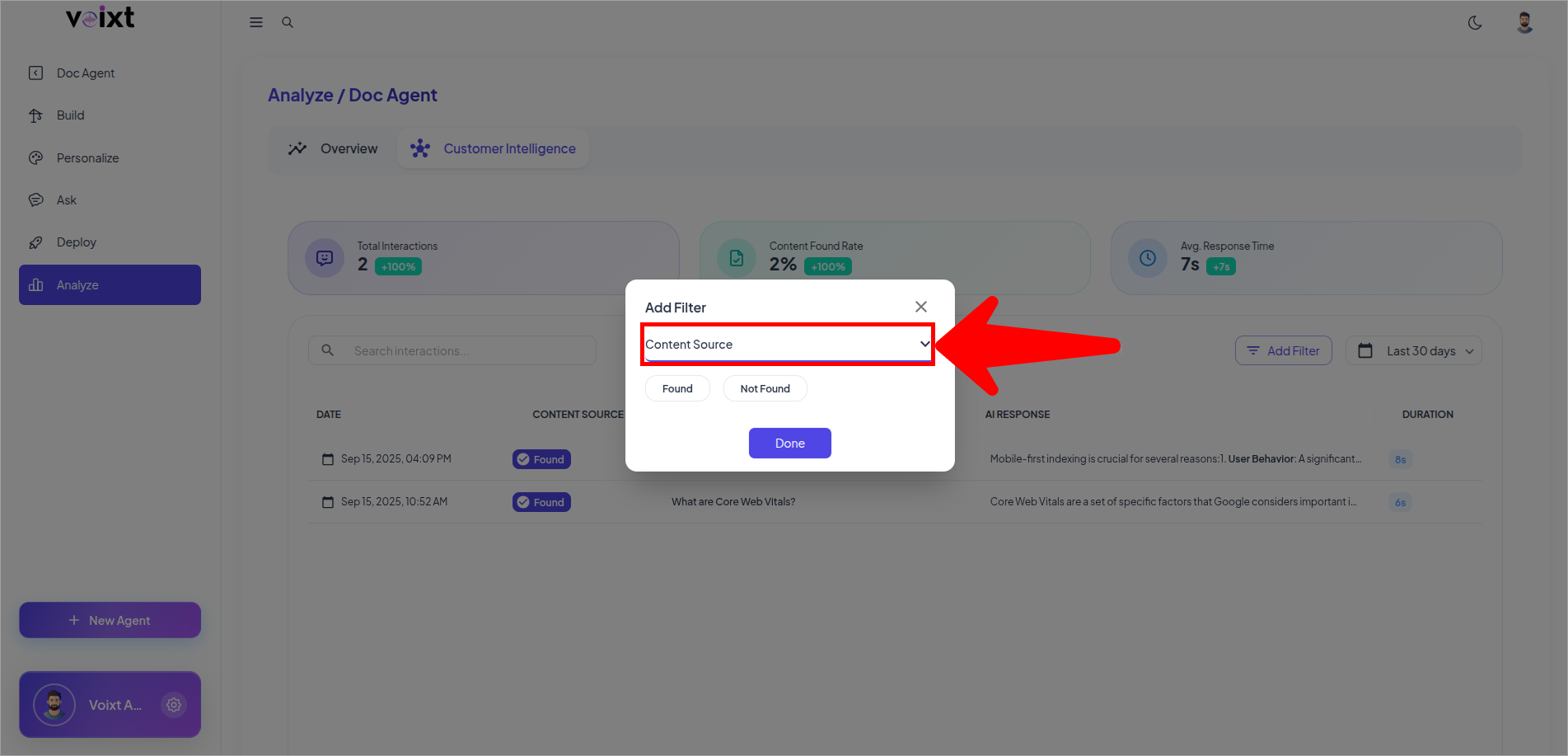
- Filter Content Source