Voixt Statistical Dashboard
When you login to Voixt, you'll be redirected to Voixt Dashboard.
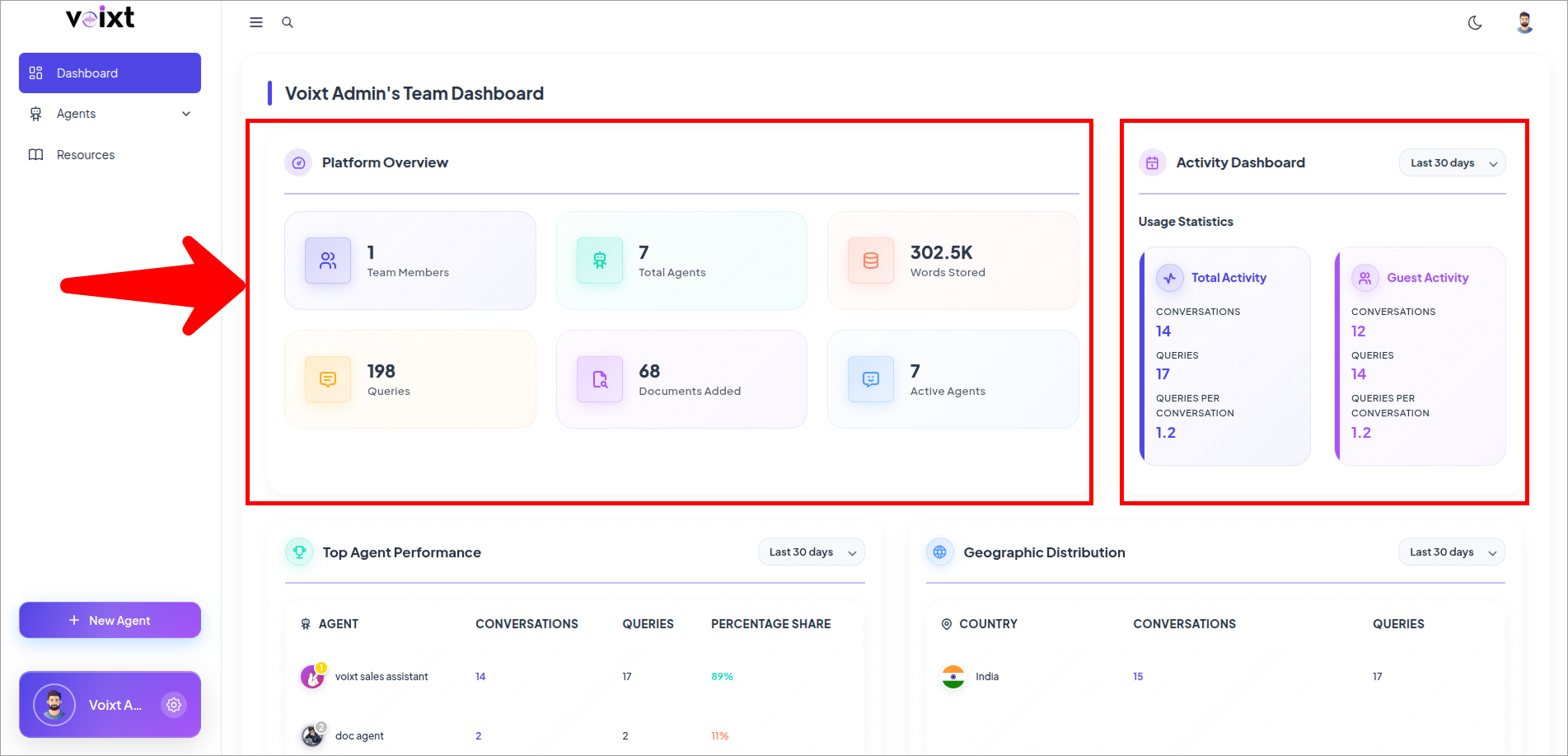
Platform Overview
- Team Members-Total number of members in your account.
- Total Agents – Total number of AI agents created.
- Words Stored – Tracks the cumulative words stored in the system.
- Queries– Total number of queries submitted by team members and guests.
- Documents Added – Total number of documents uploaded.
- Words Processed – Total number of words processed within the system.
Activity Dashboard
- Total Activity provides an overview of all activity metrics within the system:
- Conversations – Total number of conversations initiated.
- Queries – Number of queries submitted across all conversations.
- Queries per Conversation – Average number of queries per conversation.
- Guest Activity provides insights into interactions by users who are not members of your team, including conversation and query engagement metrics.
- Conversations – Number of conversations started by guests.
- Queries – Number of queries submitted by guests.
- Queries per Conversation – Average number of queries per conversation initiated by guests.
-
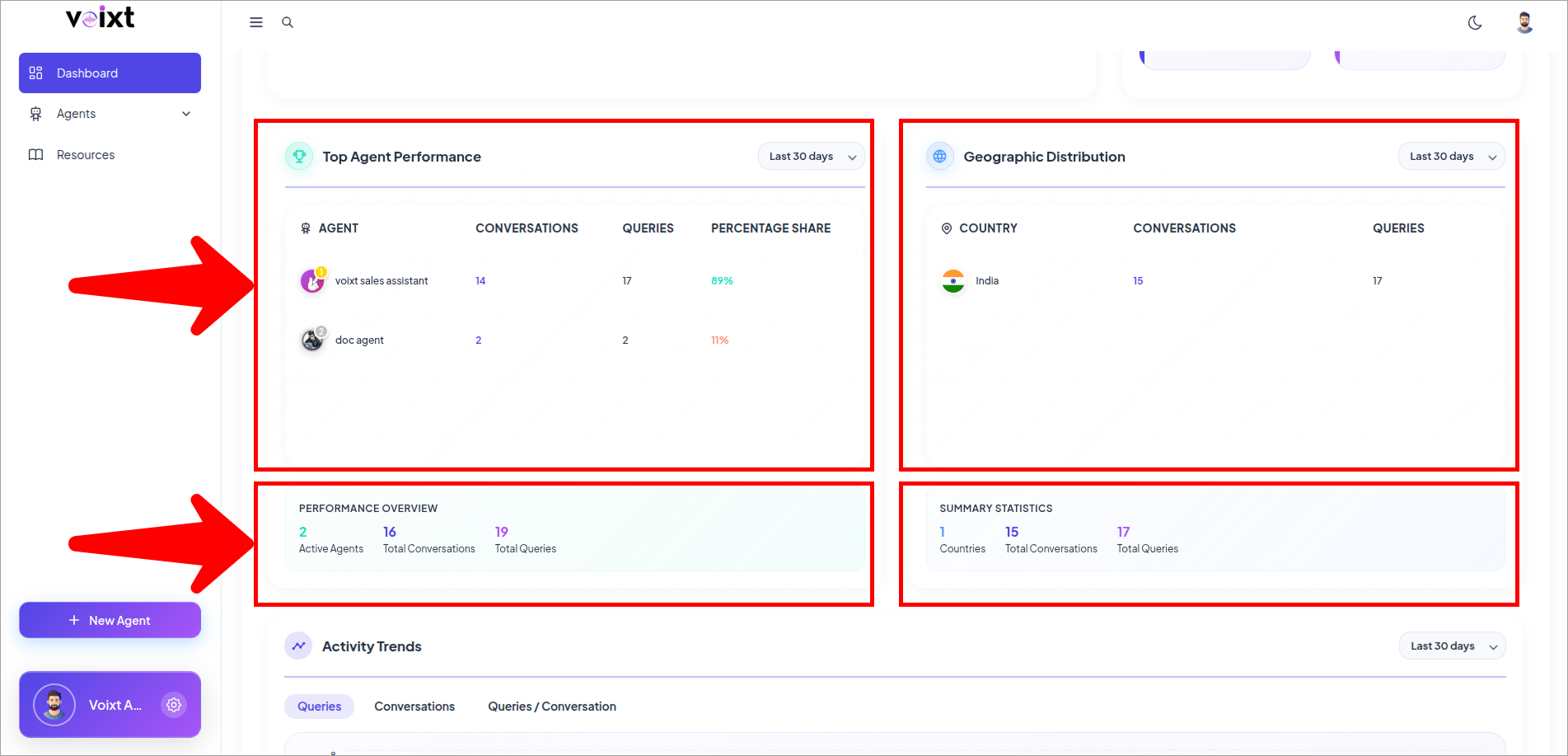
Top Agent Performance
- Agent with most queries, conversations, queries, percentage share.
-
Geographic Distribution
- Track user activity based on location. You can filter the data by selecting a timeframe: Today, Yesterday, Last 7 days, Last 30 days, Current Month, Current Year, or Custom Range.
-
Performance Overview
- Active Agents, Total Conversations, Total Queries.
-
Summary Statistics
- Provides Statistical Summanry by Countries, Total COnversations, Total Queries.
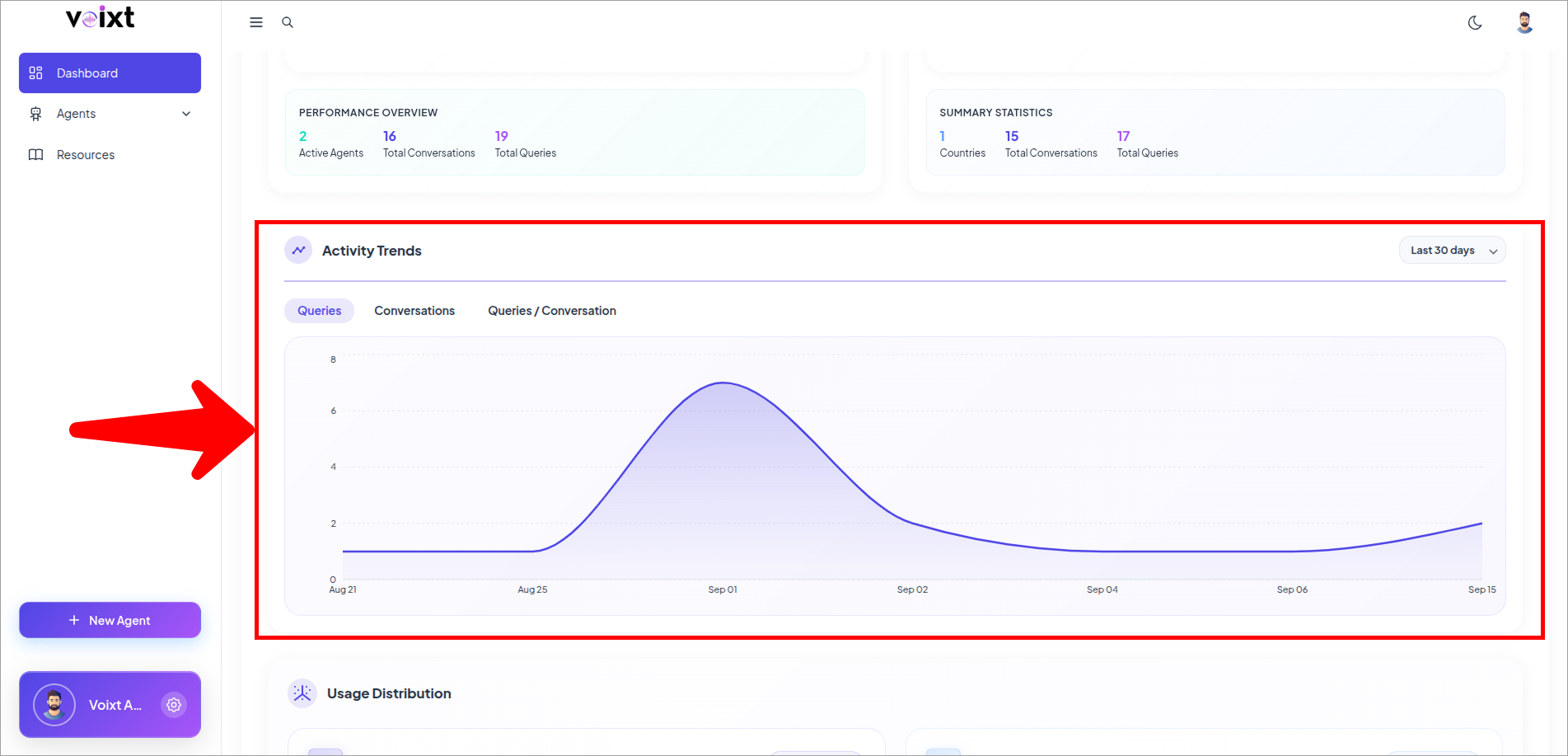
- Activity Trends
Query Analytics
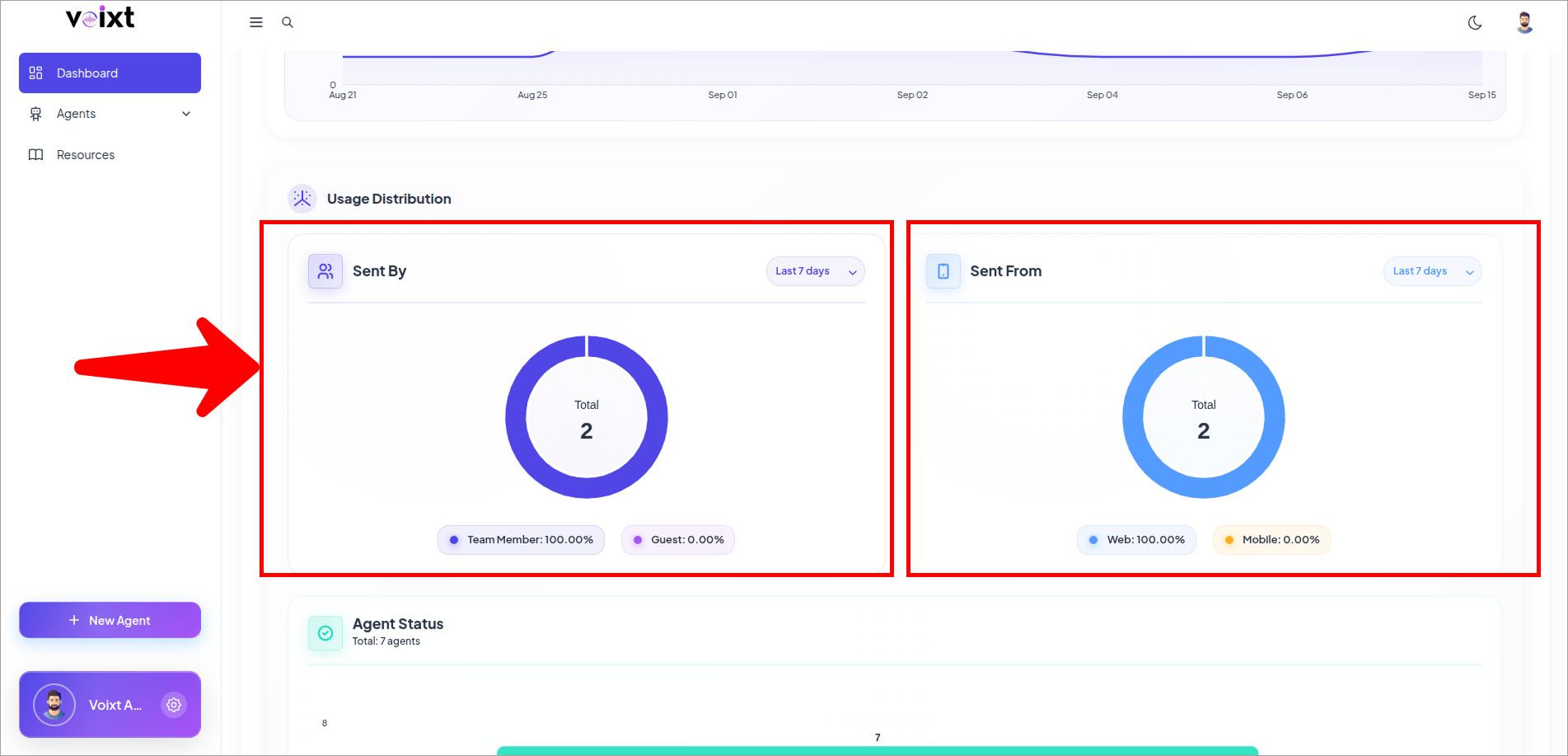
Query Analytics provides insights into the analytics of queries sent by users. You can filter the data by selecting a timeframe: Today, Yesterday, Last 7 days, Last 30 days, Current Month, Current Year, or Custom Range.
- Sent By : Differentiates whether the query was sent by a team member or a guest.
- Sent From : Identifies the deployment type which was the source of the query.
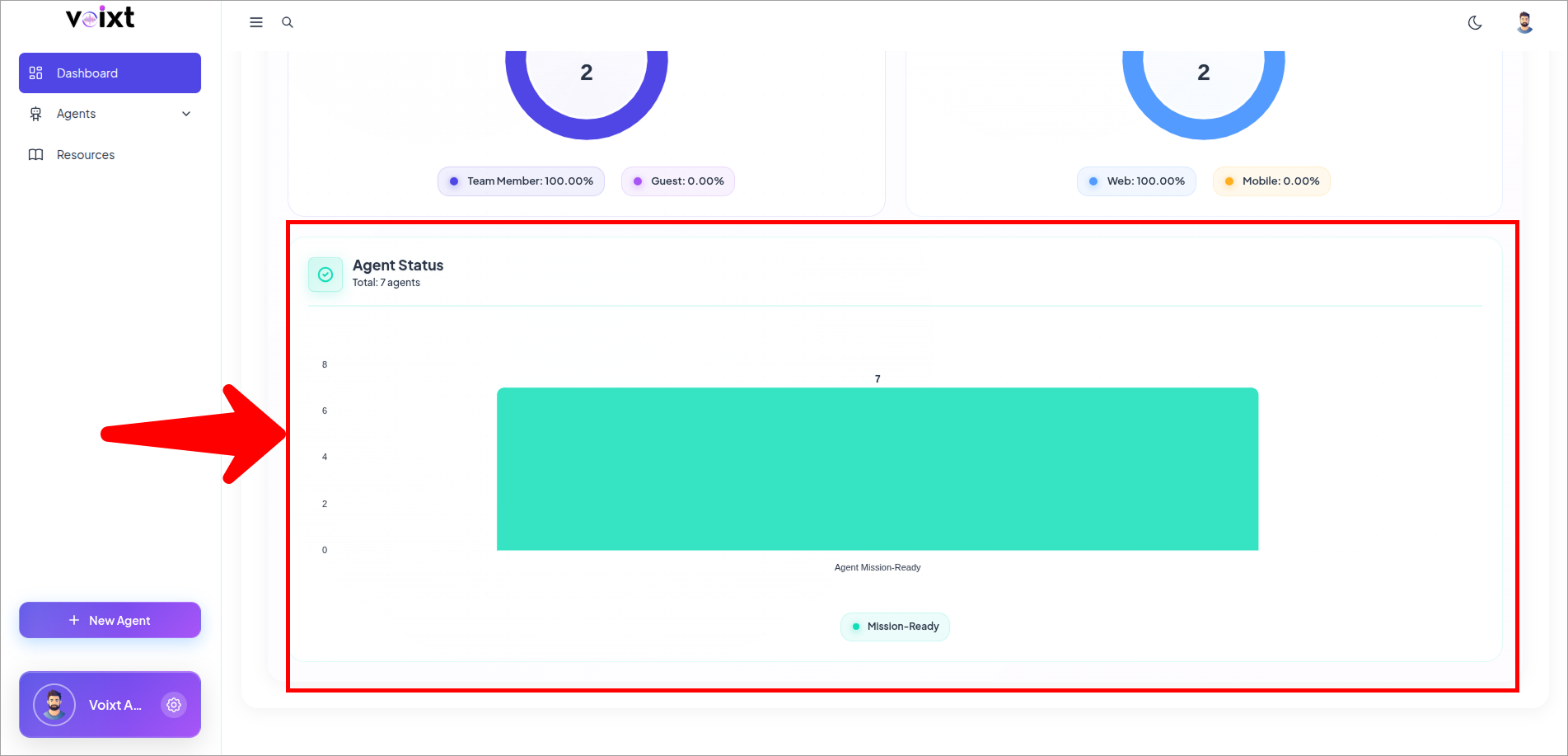
- Agent Status : Displays whether the query was successful or unsuccessful.