Filter Your data with Voixt
This guide of Filter your data with voixt guide you how you can filter and verify all your documents and data across all sources.
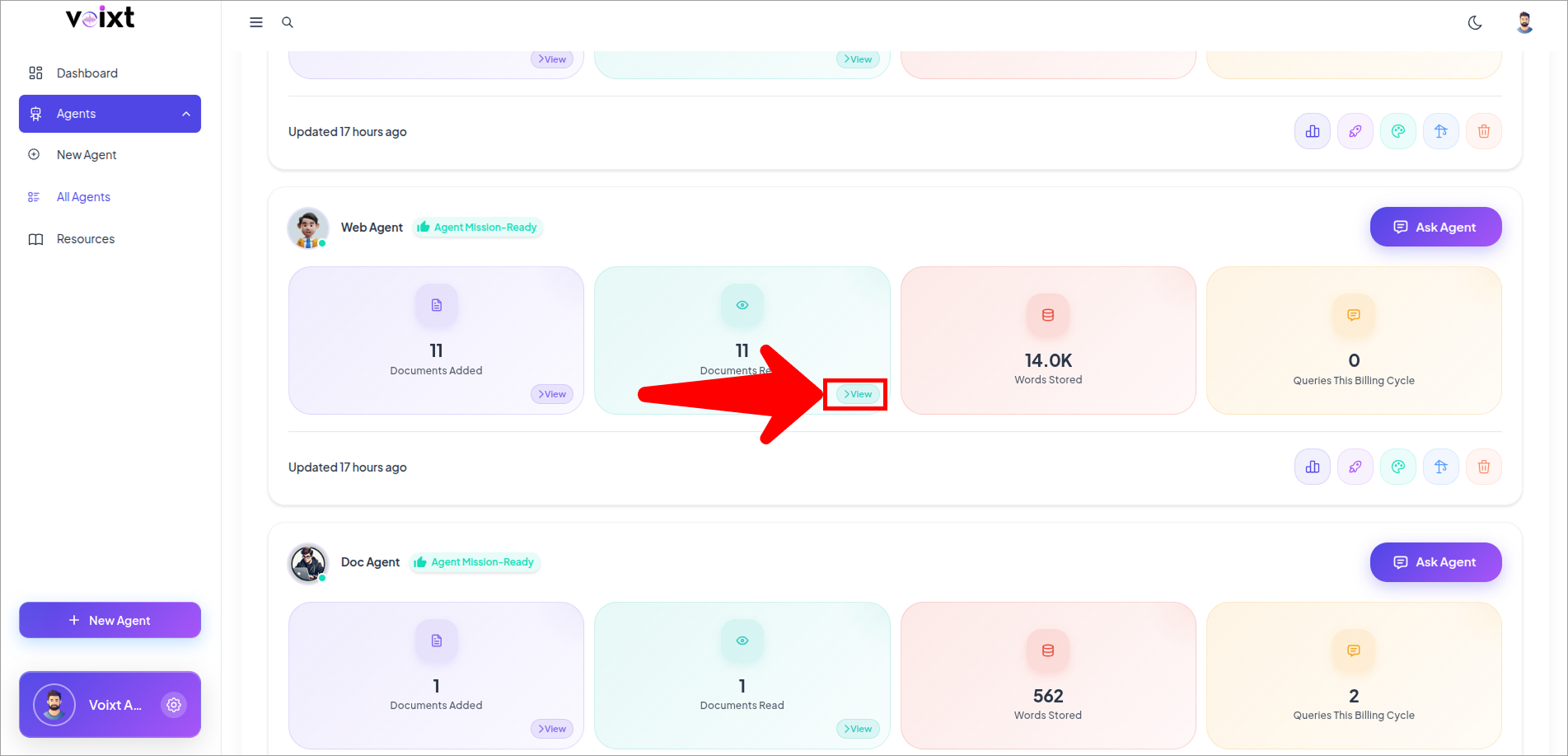
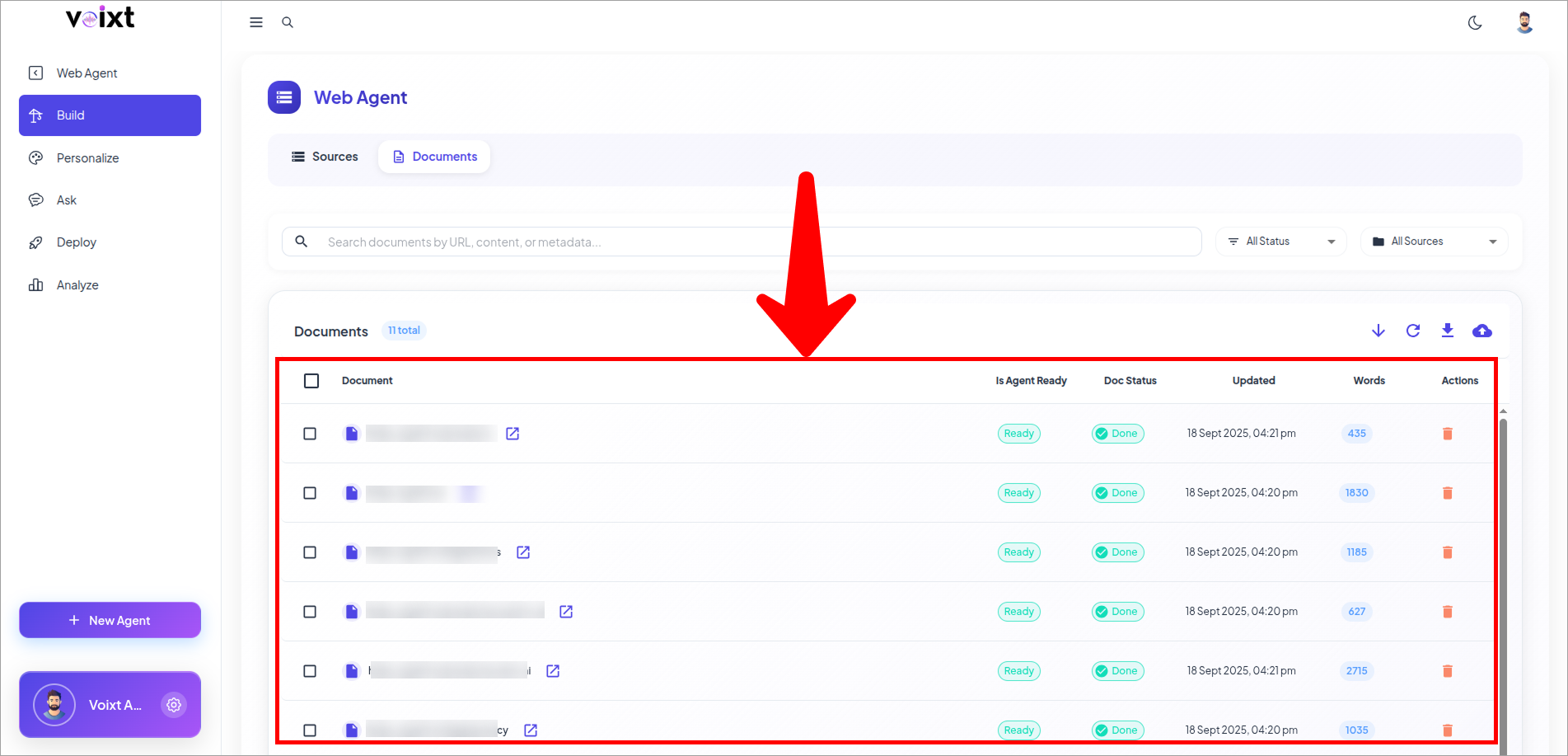
Go to your Agent and click on View Document Read Or Click on build icon button.
Filter Your Data by Search
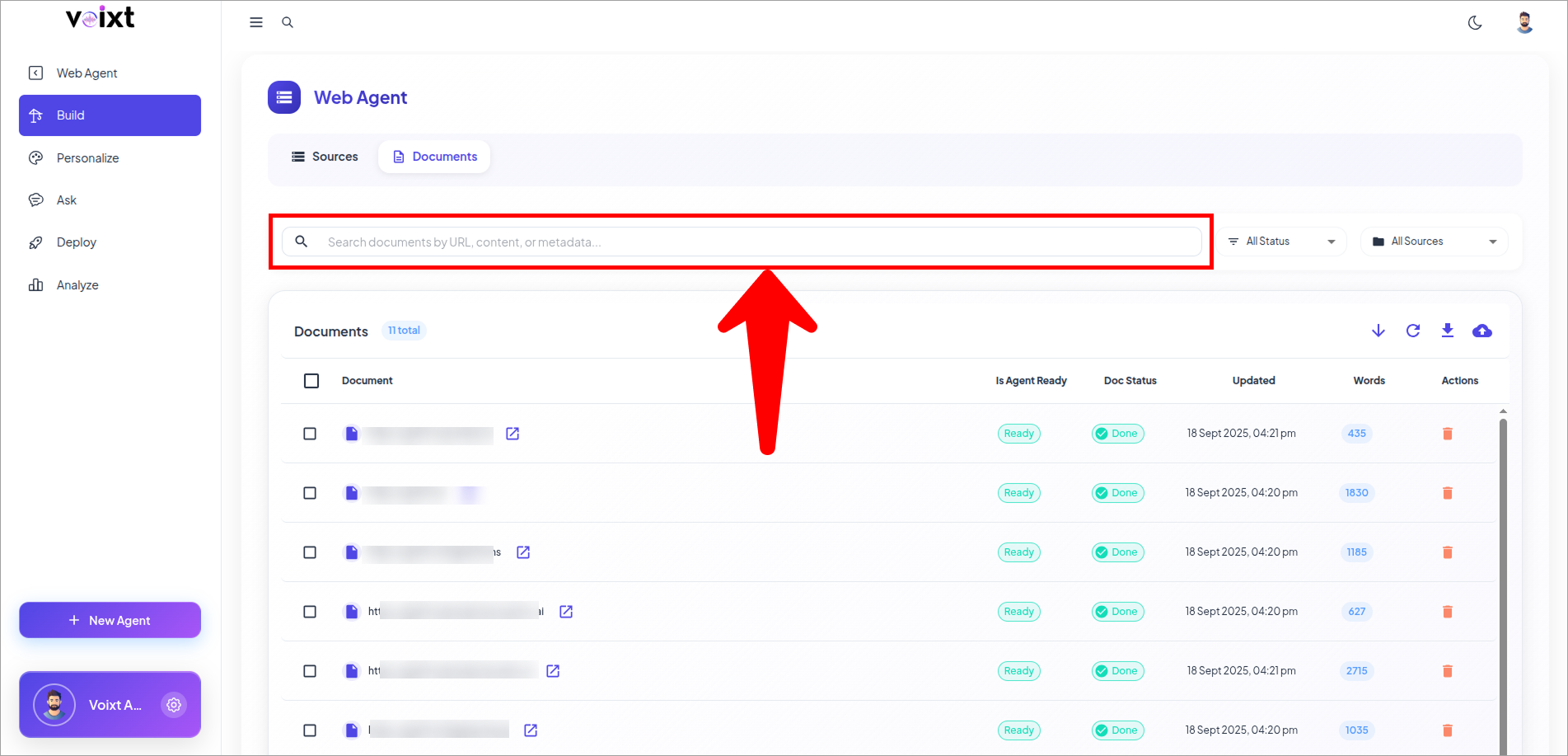
In the Search bar enter the name of your document, Metadata, URL to find that specific Document.
Filter by Status
From the documents tab, Click on All status button,
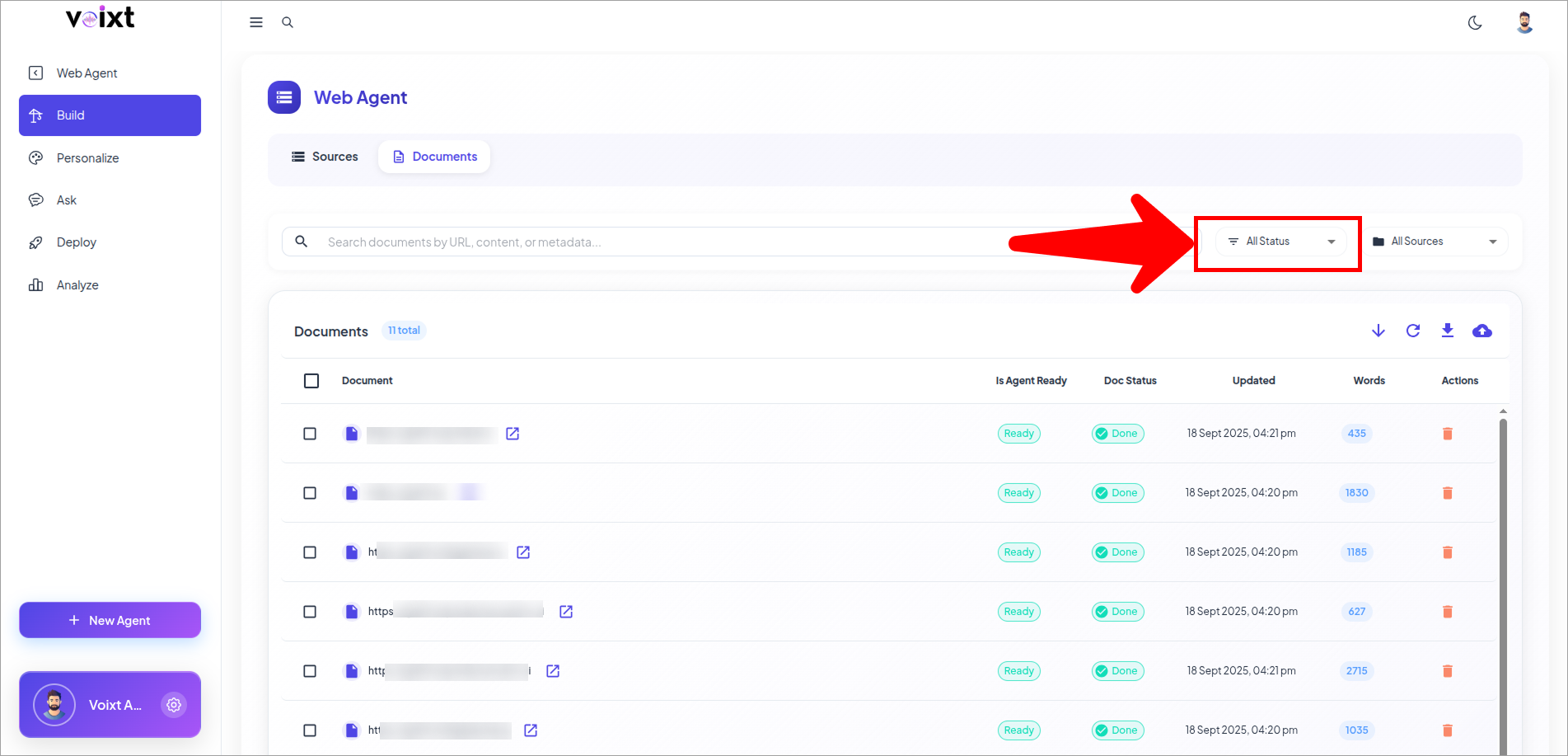
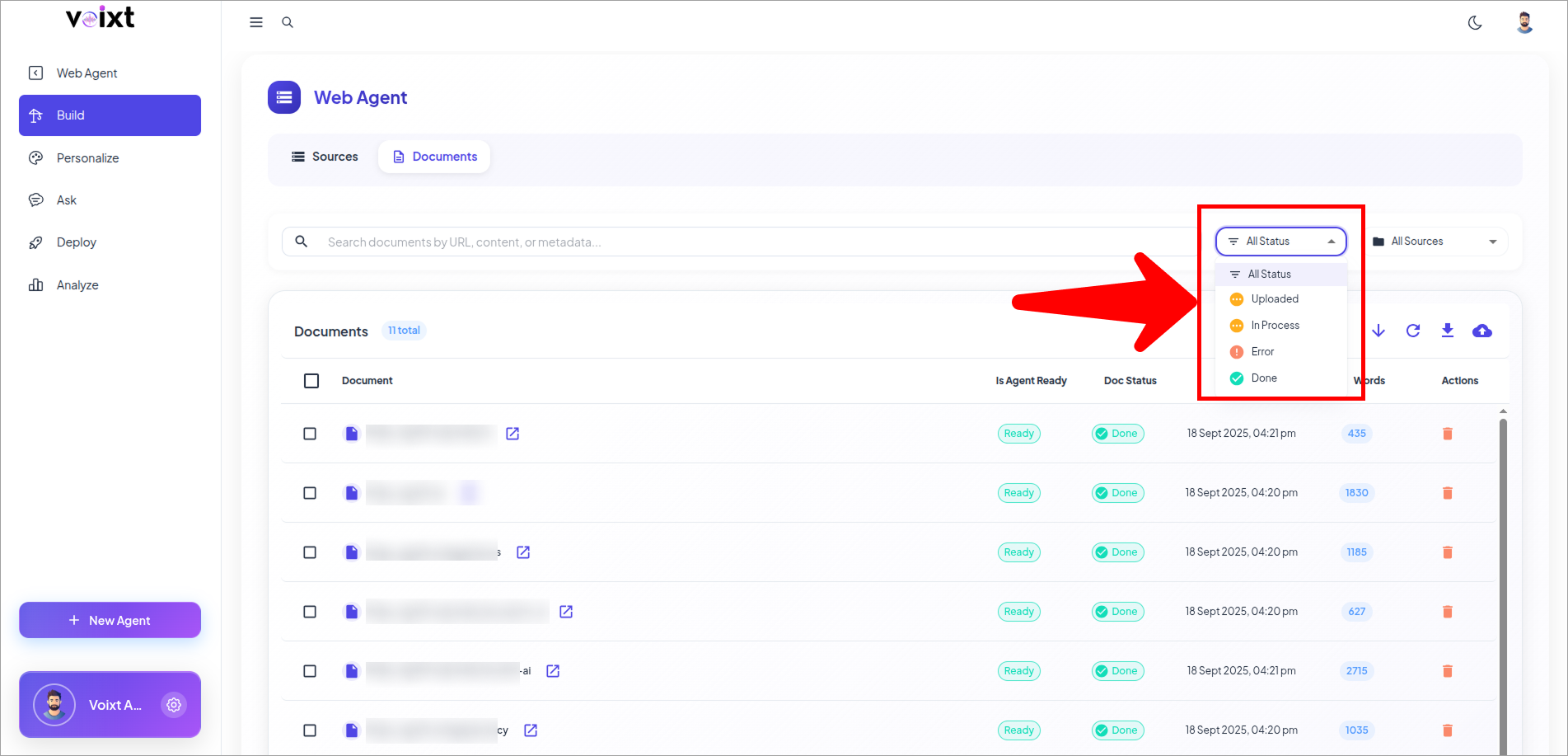
Filter by all the Status:
- All Status : Show all the documents
- Uploaded : Show all Uploaded documents
- In Progress : Show All in progress documents
- Error : Show All documents whose status is Error
- Done: Show the documents which are ready for the chat
Filter by Sources
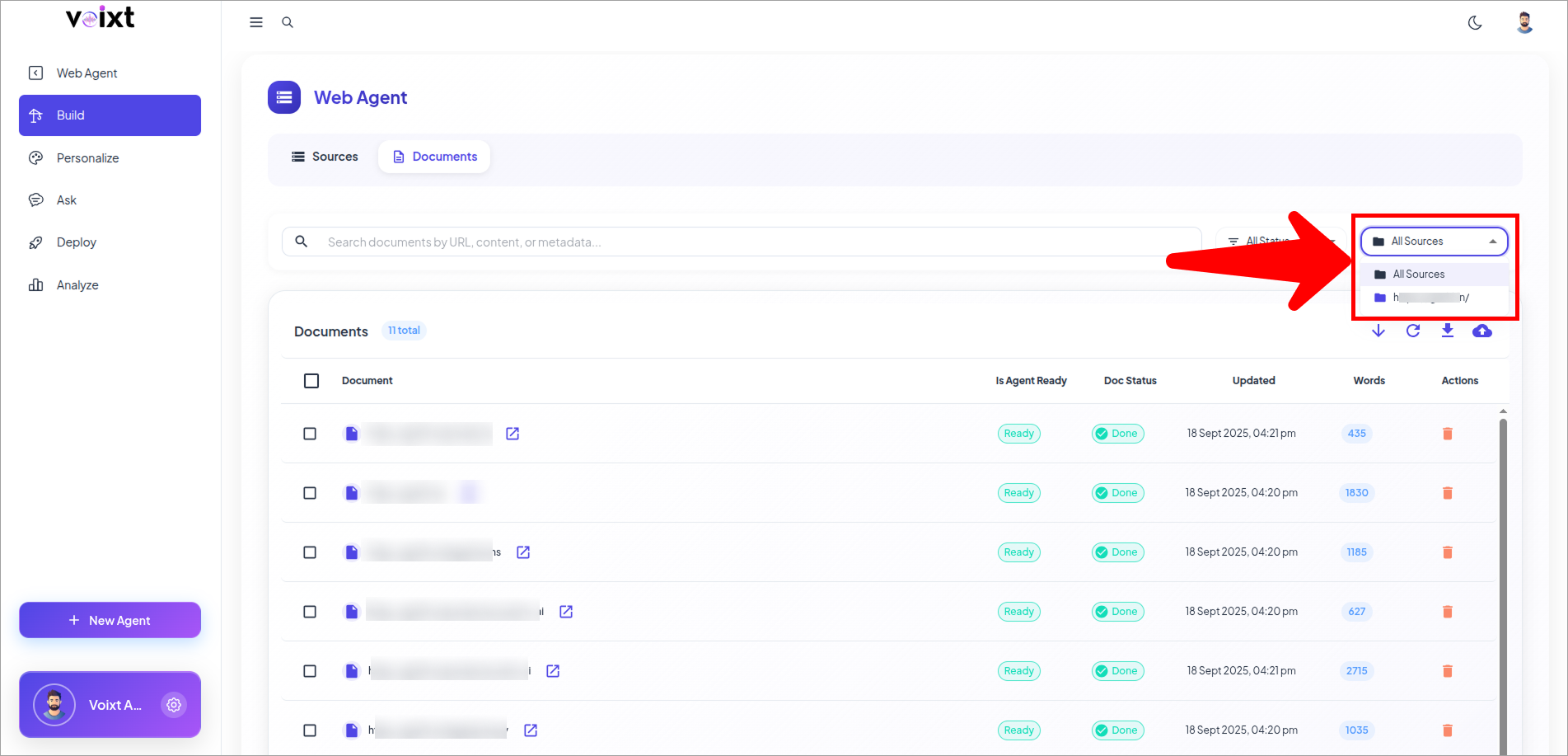
From the documents tab, Click on All Sources button,
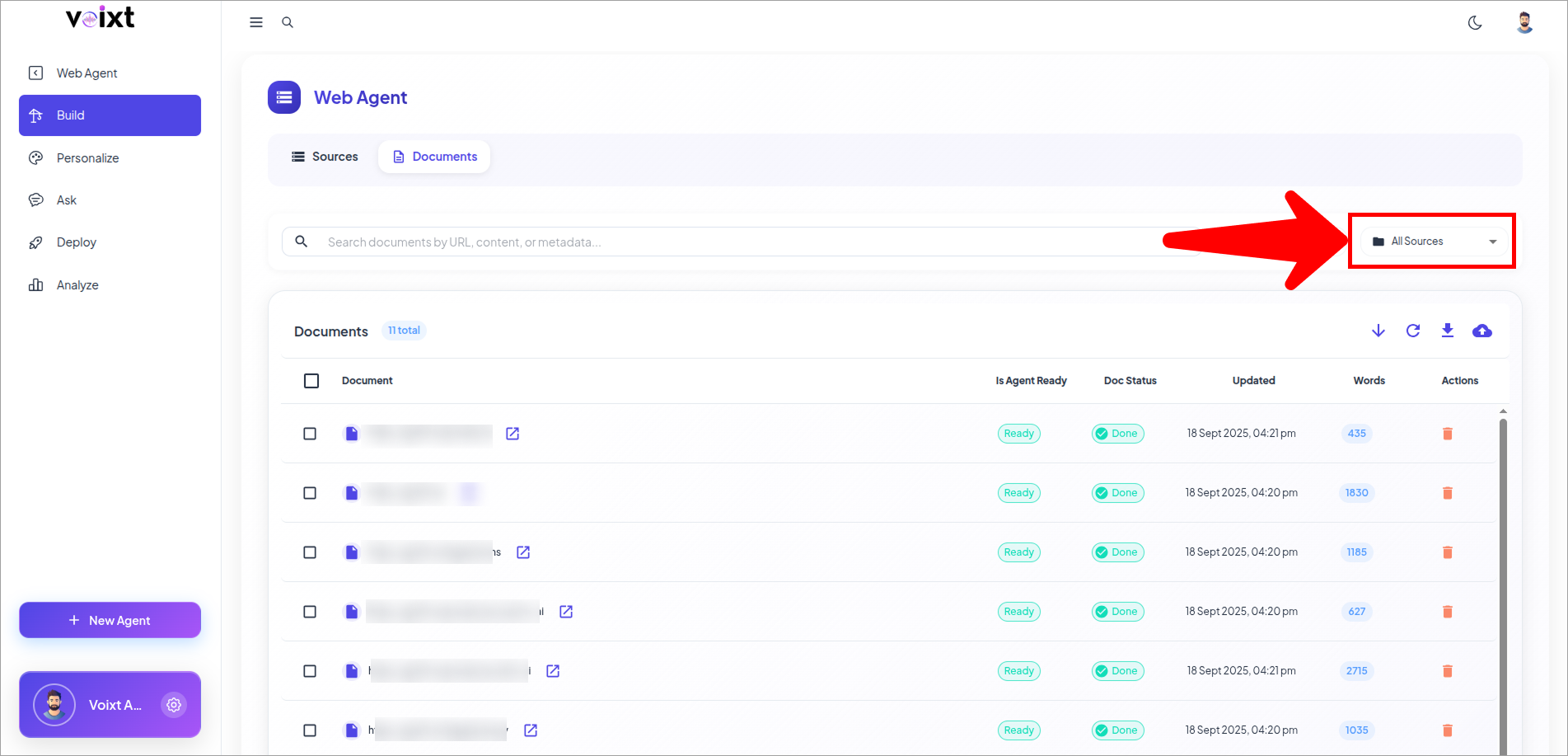
This shows All the Sources you are connected with or uploadede from.
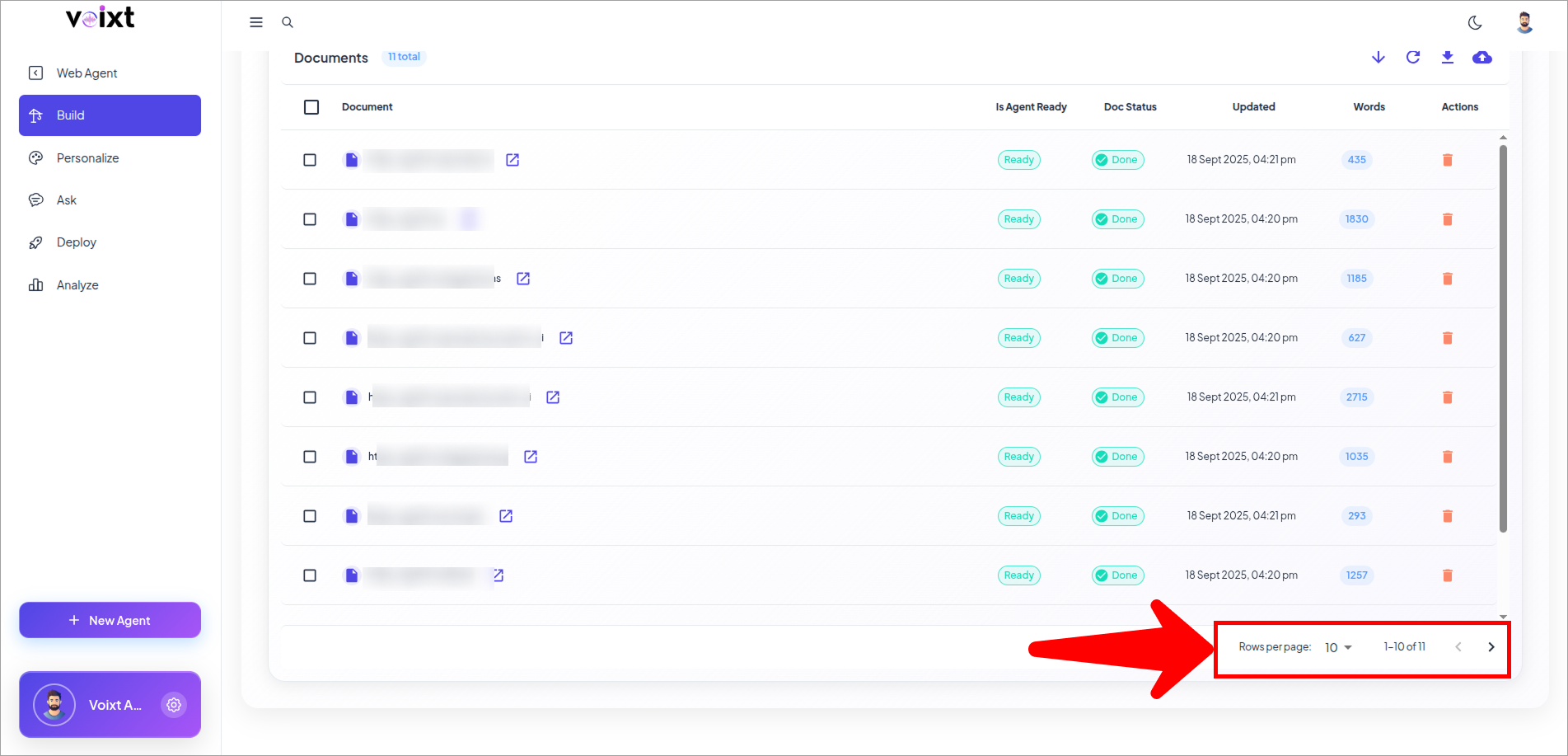
You can also control the documents or rows per page, and go previous, next page to view the documents.