Create a simple starter question
This guide shows you how to add and manage starter questions for your AI agent, including turning on context‑rich prompts when Context Awareness is enabled.
What are starter questions?
Starter questions are example prompts shown next to your agent’s avatar to guide visitors. Clicking one submits it immediately and starts the conversation.
How to enable and manage starter questions
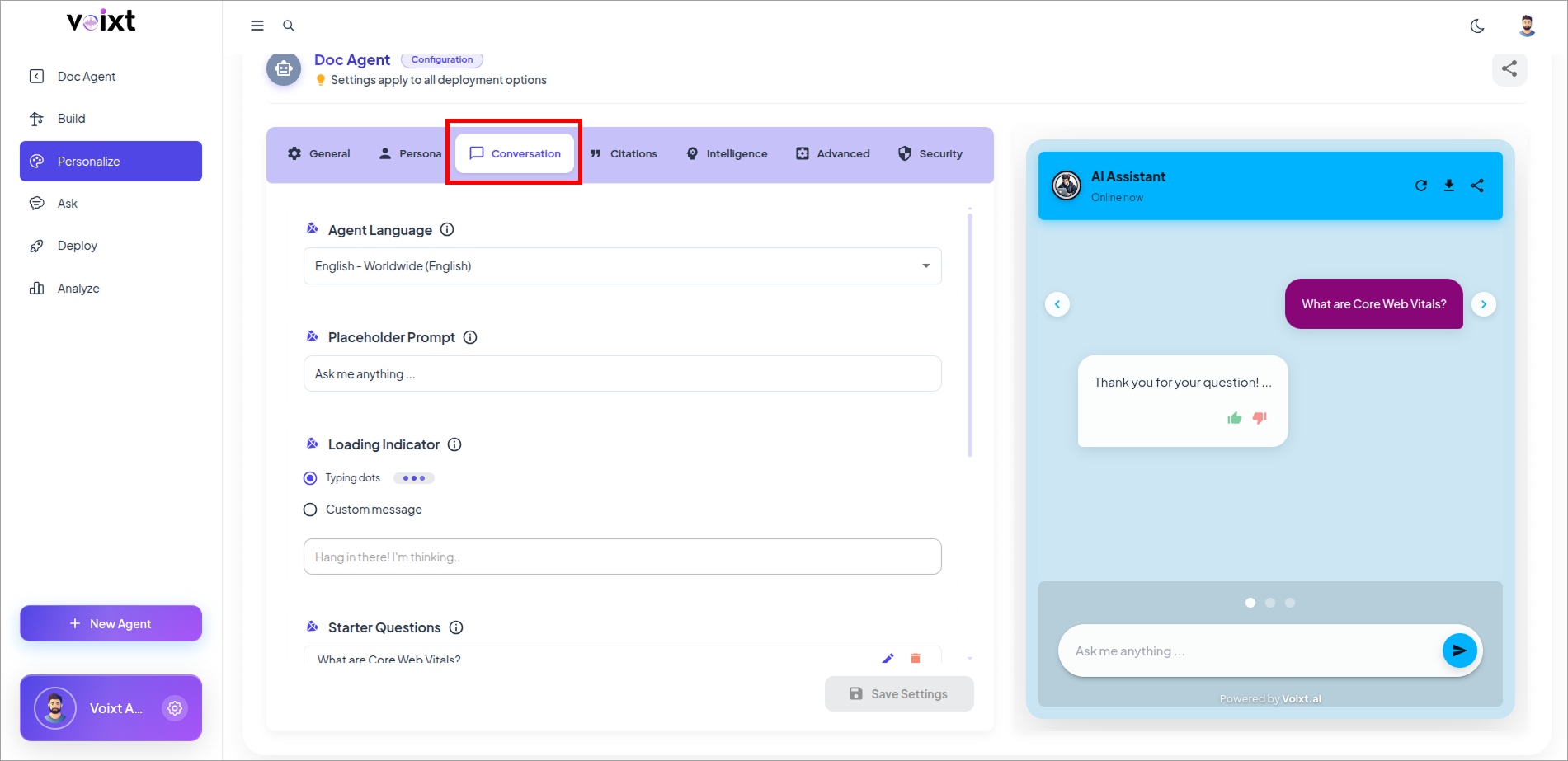
- In the Agent's Personalization, Go to conversations tab.
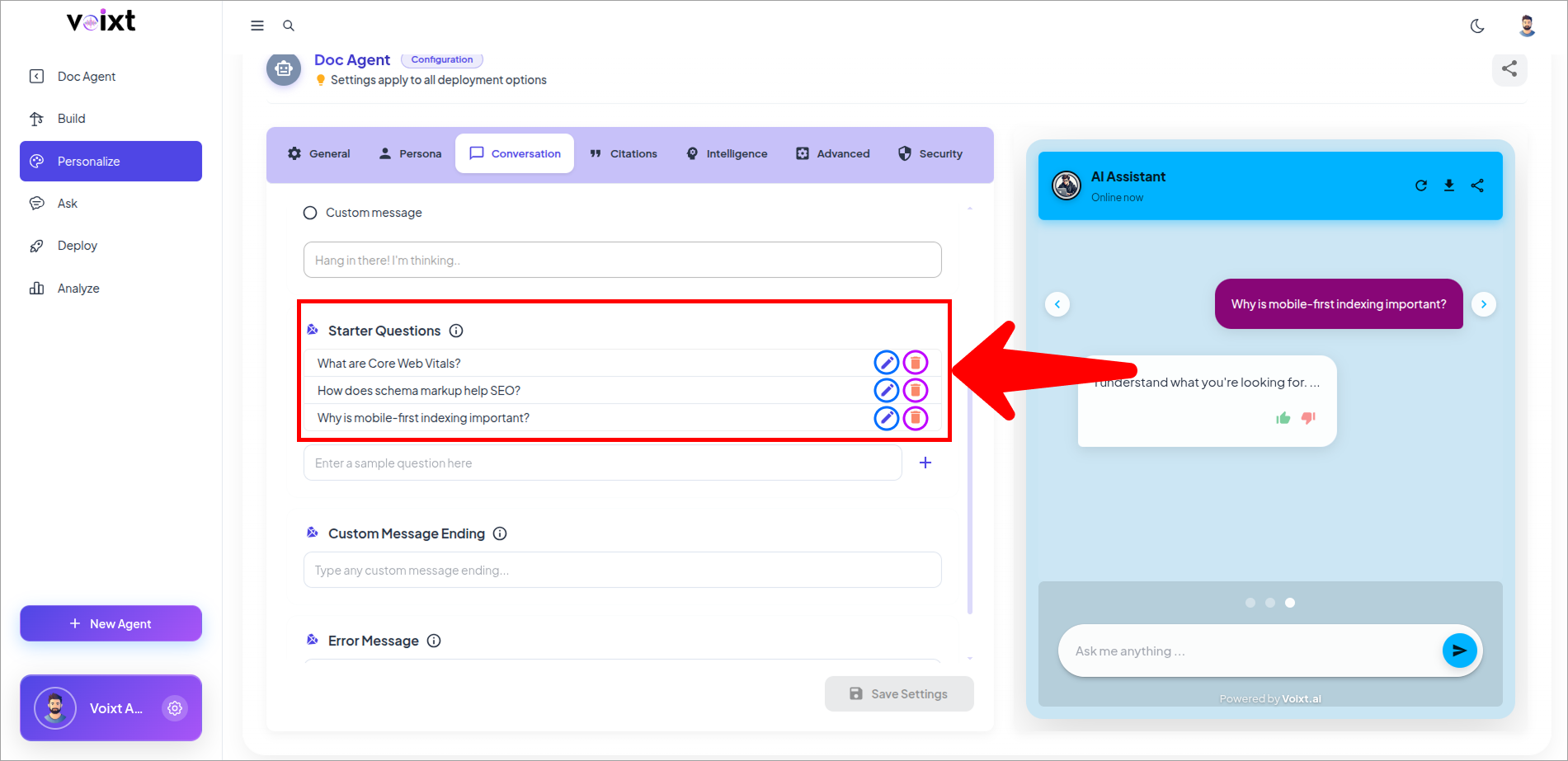
- Scroll down to Starter question to edit or delete the question pre-defined.
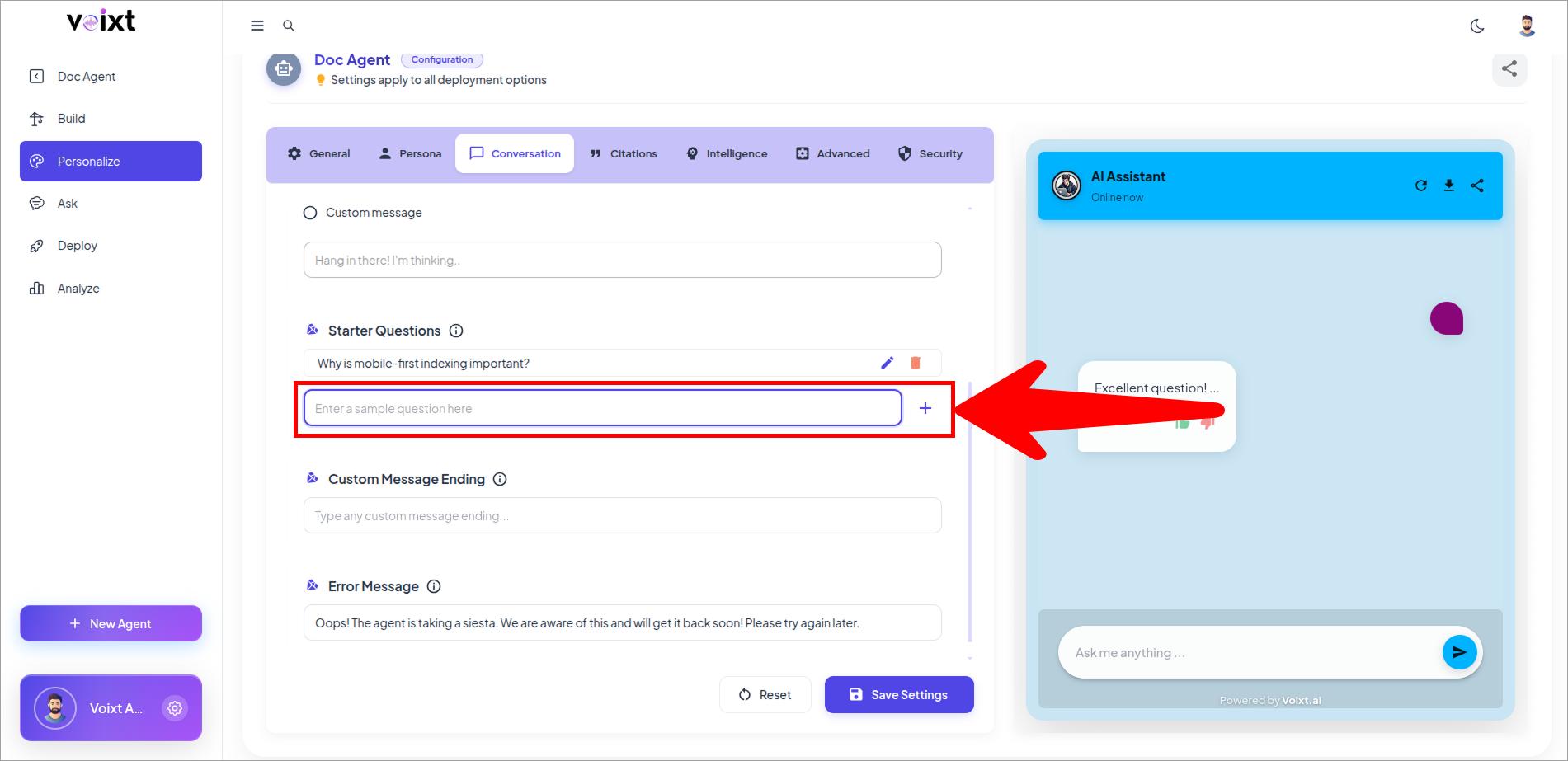
- Click on blank question and write the question as per you want and press enter to update.
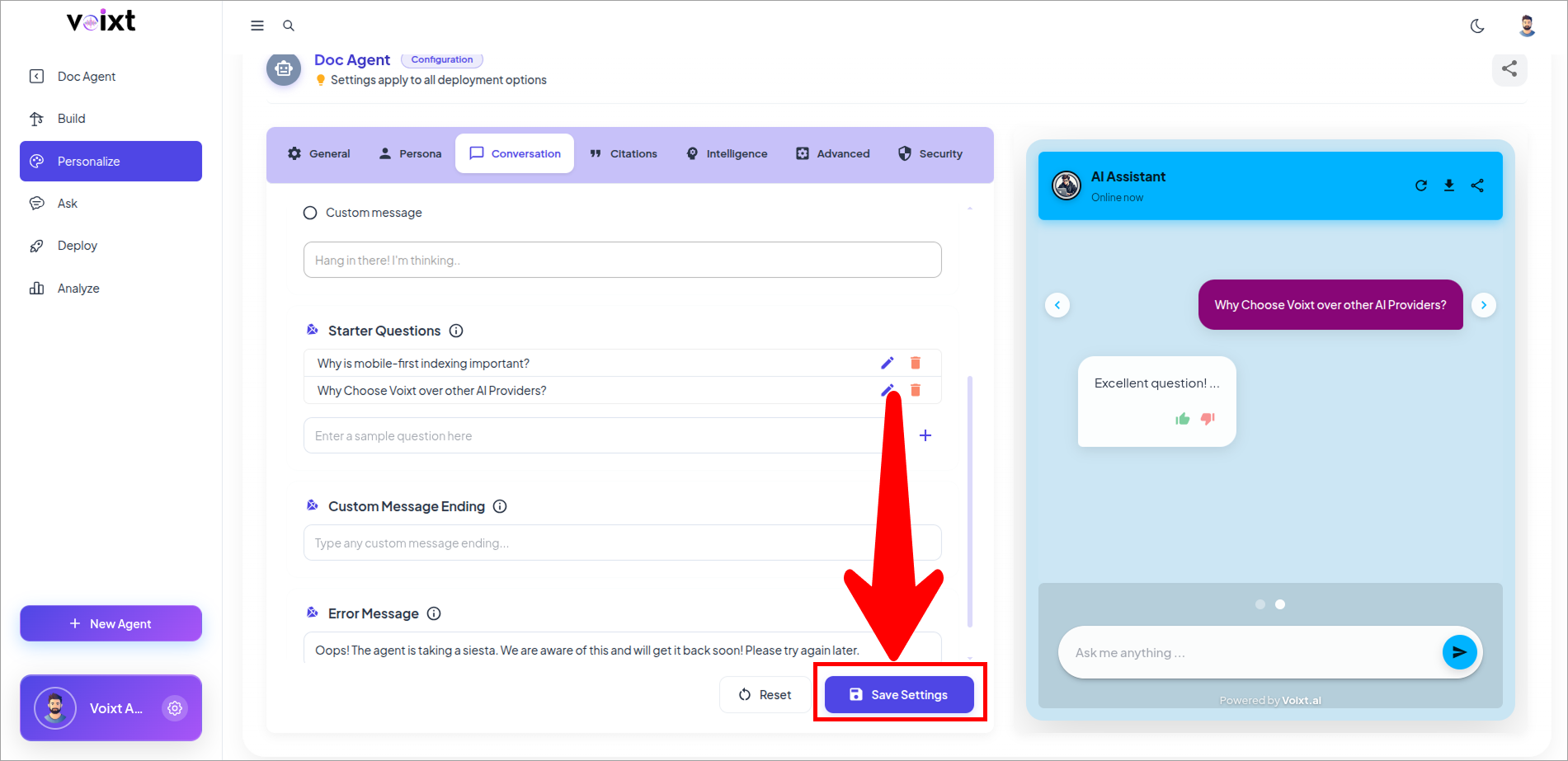
- Click on save changes button to save the changes.